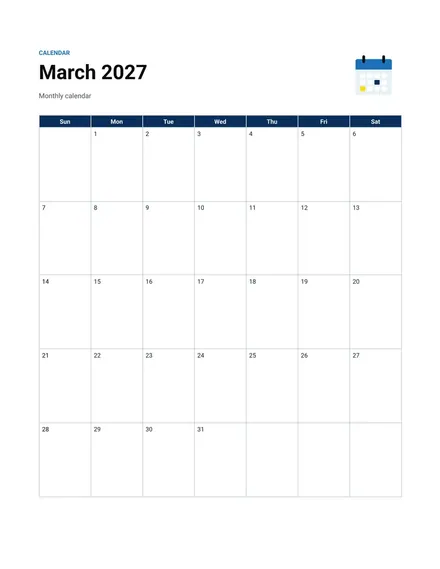
Monthly Calendar
Docs + Word2 pages
Free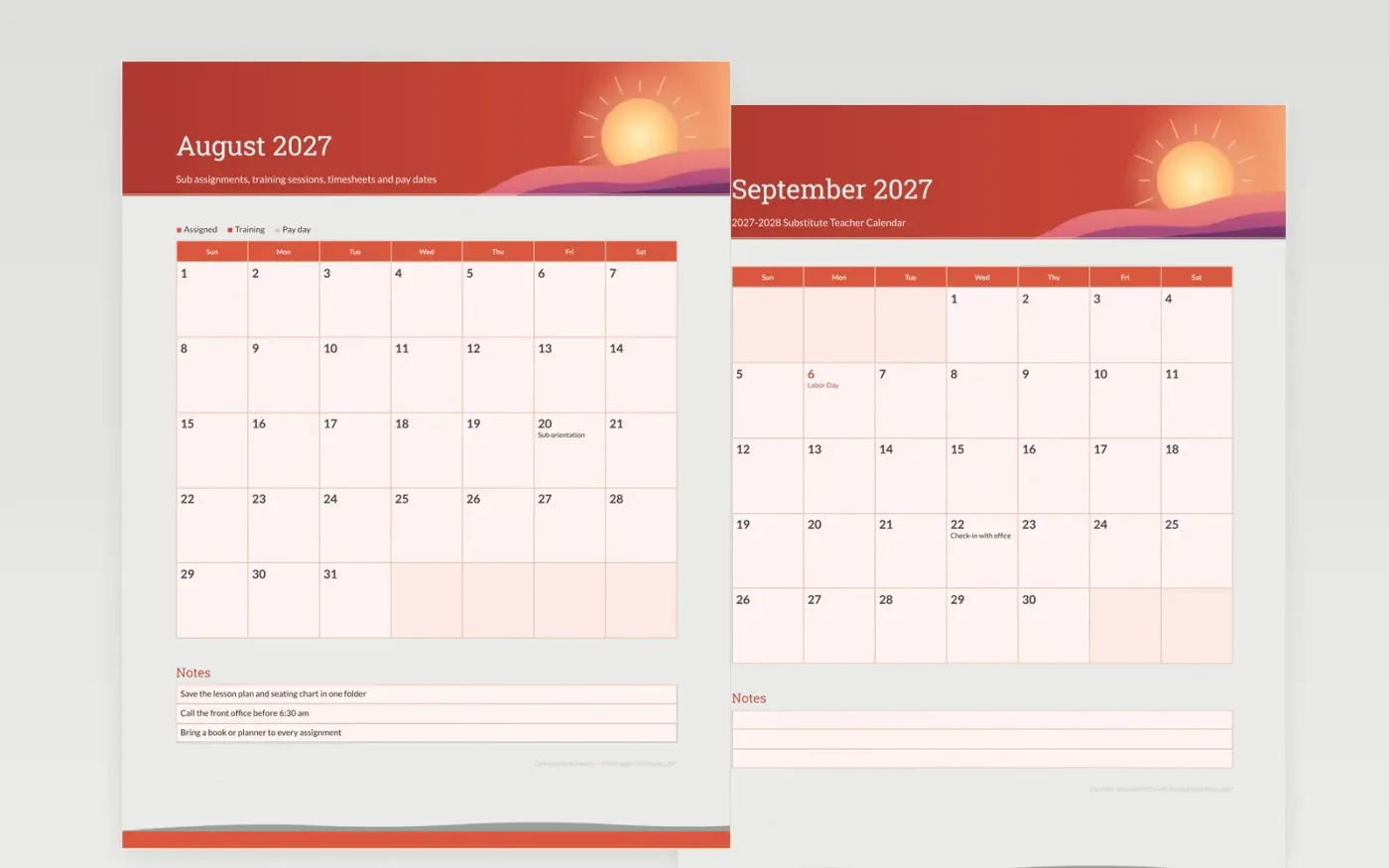
A substitute who is booked on short notice needs the paperwork dates as much as the classroom plan. This sample sets the orientation, the training session and the timesheet deadline on real weekdays, and it shows the pay dates so a sub knows when money arrives. Closed days are marked, so a substitute is not booked on them by mistake.
Match the dates to your district's calendar, relabel the key with your training and pay categories, and write the calls and folders that make a day go smoothly in one folder. The front desk copy gives every sub one shared list for each school year.
Make a copy in Google Docs, or download the Word file.
Type over the sample text with your own details.
Delete the guide page when you are done.
Print it, or save it as a PDF.
Yes. Print extra copies so each sub keeps their own and notes their bookings in the day cells.
No. The dates are samples. Copy the payroll schedule from your district office before printing.
This layout suits daily bookings. For a long assignment, write the end date in the notes box.
Docs + Word2 pages
Free
Docs + Word2 pages
Free
Docs + Word2 pages
Free
Docs + Word1 page
Free
Docs + Word11 pages
Free
Docs + Word11 pages
Free
Docs + Word11 pages
Free
Docs + Word11 pages
Free
Docs + Word11 pages
Free
Docs + Word1 page
Free
Docs + Word11 pages
Free
Docs + Word11 pages
Free
Docs + Word1 page
Free
Docs + Word1 page
Free
Docs + Word11 pages
Free










