Monthly Calendar
Docs + Word2 pages
Free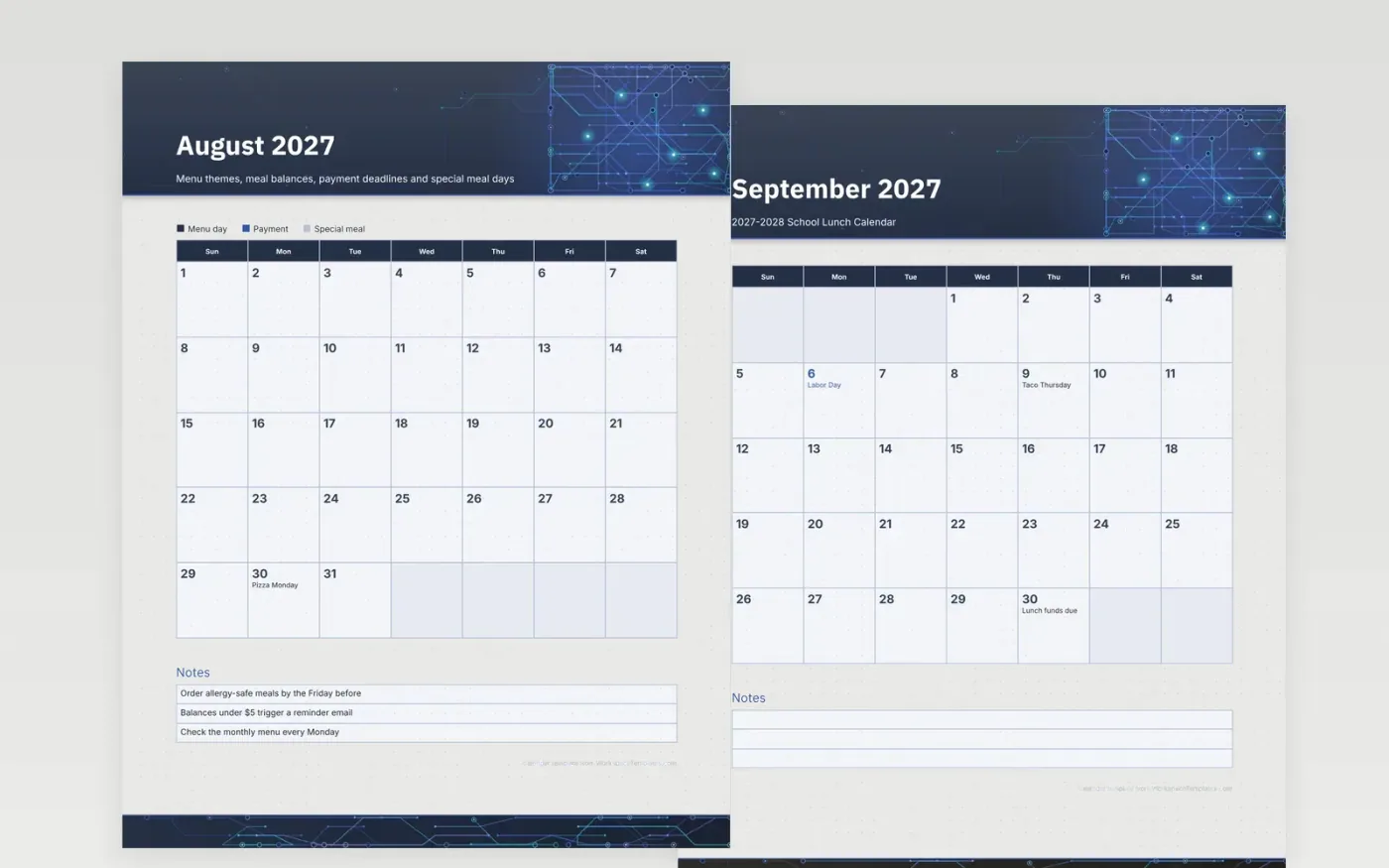
Families who pay for school lunch want two things from a calendar: what the cafeteria is serving and when the account needs topping up. This sample writes the themed days and the payment deadlines into the grid, so a parent can see that the Friday taco day falls two weeks after the funds are due. Federal holidays are shaded to show the days the kitchen is closed.
Replace the themes with your district's menu cycle and keep the key short. Write the allergy and balance rules your food service team wants families to remember in the notes box, and post a printed month on the refrigerator beside the online account every month.
Make a copy in Google Docs, or download the Word file.
Type over the sample text with your own details.
Delete the guide page when you are done.
Print it, or save it as a PDF.
The themes are examples. Copy your own monthly menu onto the matching days first.
Record the lead time and the form your kitchen requires, such as a signed diet form, in the notes box.
Yes. Change the entries for the summer months and keep the same key for meals and payments.
Docs + Word2 pages
Free
Docs + Word2 pages
Free
Docs + Word2 pages
Free
Docs + Word1 page
Free
Docs + Word11 pages
Free
Docs + Word11 pages
Free
Docs + Word11 pages
Free
Docs + Word11 pages
Free
Docs + Word11 pages
Free
Docs + Word1 page
Free
Docs + Word11 pages
Free
Docs + Word11 pages
Free
Docs + Word1 page
Free
Docs + Word1 page
Free
Docs + Word11 pages
Free










