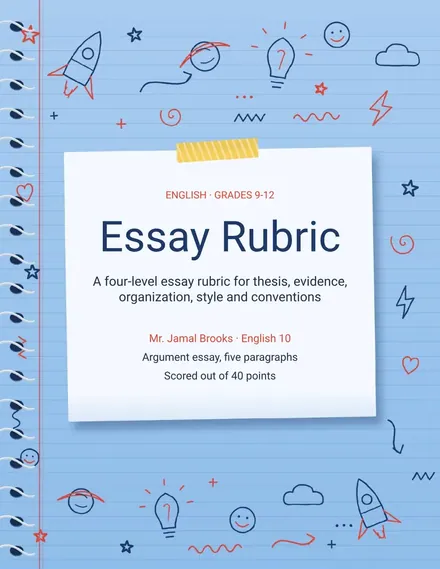
Essay Rubric
Docs + Word3 pages
Free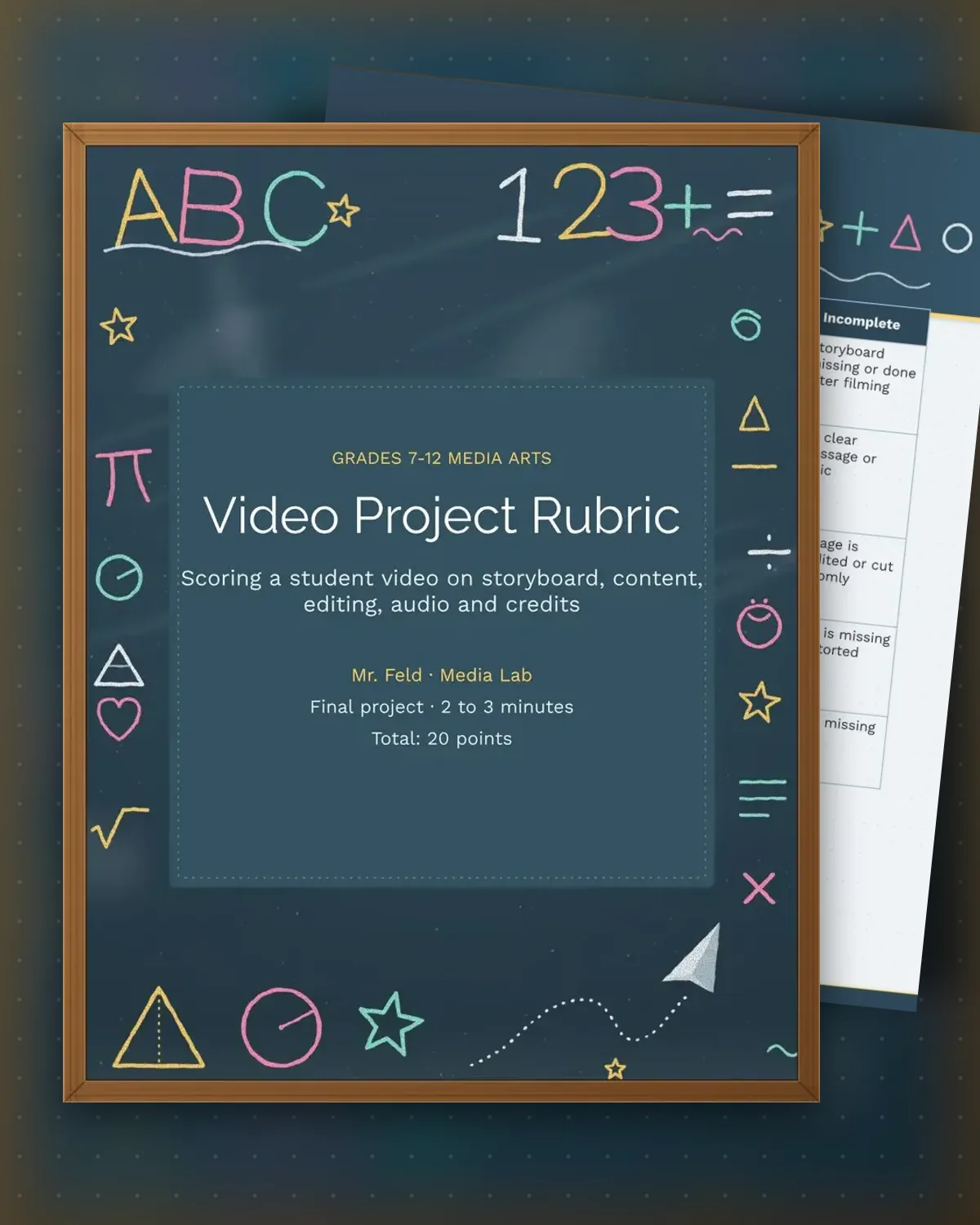
Video projects look finished when the picture is good, but the planning and the sound often decide the grade. This rubric starts with the storyboard, because a plan that was not made before filming usually shows in the edit, and then scores content, editing, audio and credits against the same four levels.
The sample scores a two-to-three-minute student documentary about a school bike rack, worth twenty points. The second page holds a shot check, where the teacher marks whether each planned shot appears in the final cut, and a score table with one comment for each part. Keep the shot check short for longer films.
Make a copy in Google Docs, or download the Word file.
Type over the sample text with your own details.
Delete the guide page when you are done.
Print it, or save it as a PDF.
Yes. The storyboard and content rows apply to any format. Adjust the length column in the shot check to match a news story or a short film.
The storyboard row scores what was planned. A missing storyboard earns the lowest level, so the teacher can see the gap early.
The teacher or a peer reviewer. Mark each shot yes or no in the checked column while watching the export.
Docs + Word3 pages
Free
Docs + Word3 pages
Free
Docs + Word3 pages
Free
Docs + Word3 pages
Free
Docs + Word3 pages
Free
Docs + Word3 pages
Free
Docs + Word3 pages
Free
Docs + Word3 pages
Free
Docs + Word3 pages
Free
Docs + Word3 pages
Free
Docs + Word3 pages
Free
Docs + Word3 pages
Free
Docs + Word3 pages
Free
Docs + Word3 pages
Free
Docs + Word3 pages
Free