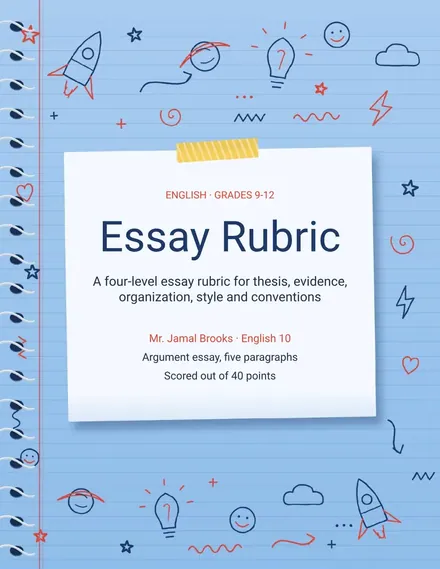
Essay Rubric
Docs + Word3 pages
Free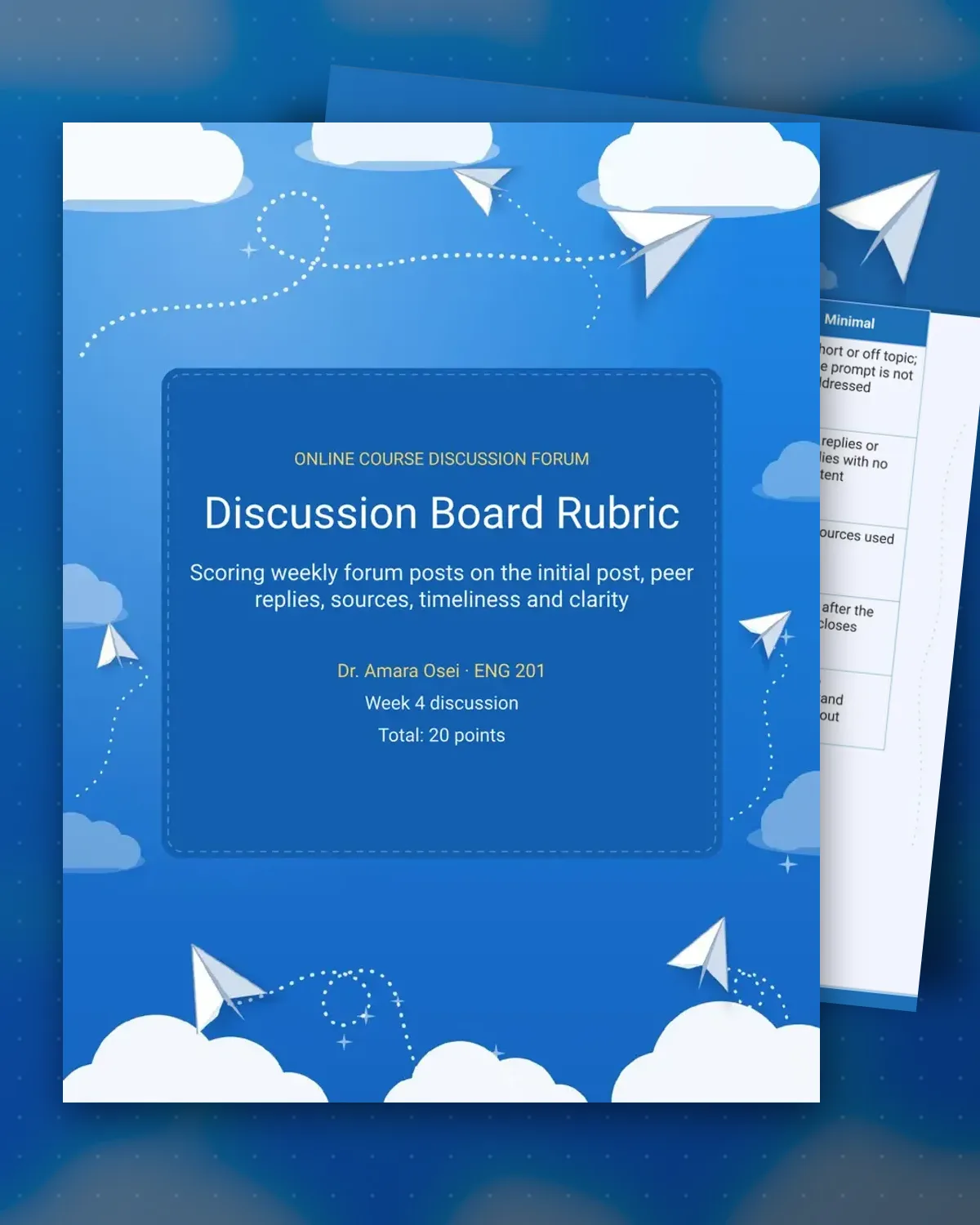
Online forums often collapse into one-line comments that never engage the reading. This rubric grades the initial post, the replies to classmates, the use of course sources, the due dates and the clarity of writing, so students know what each part of the weekly thread requires before the first post goes up.
The sample is a week four discussion in an English course, scored out of twenty points, with a grade record for three students. Each line lists the five scores in criteria order, a total and a comment. The instructor can copy the grade record for each week and track progress through the term.
Make a copy in Google Docs, or download the Word file.
Type over the sample text with your own details.
Delete the guide page when you are done.
Print it, or save it as a PDF.
Yes. Change the due date in the timeliness row to the times your class uses, and shorten the sources row for students who are new to citing.
The timeliness row lowers the score by level. Late work can still earn credit in the other four criteria, so a student is not penalized twice for one delay.
Yes. The criteria table copies into a course page or announcement and keeps its layout when pasted from Google Docs.
Docs + Word3 pages
Free
Docs + Word3 pages
Free
Docs + Word3 pages
Free
Docs + Word3 pages
Free
Docs + Word3 pages
Free
Docs + Word3 pages
Free
Docs + Word3 pages
Free
Docs + Word3 pages
Free
Docs + Word3 pages
Free
Docs + Word3 pages
Free
Docs + Word3 pages
Free
Docs + Word3 pages
Free
Docs + Word3 pages
Free
Docs + Word3 pages
Free
Docs + Word3 pages
Free