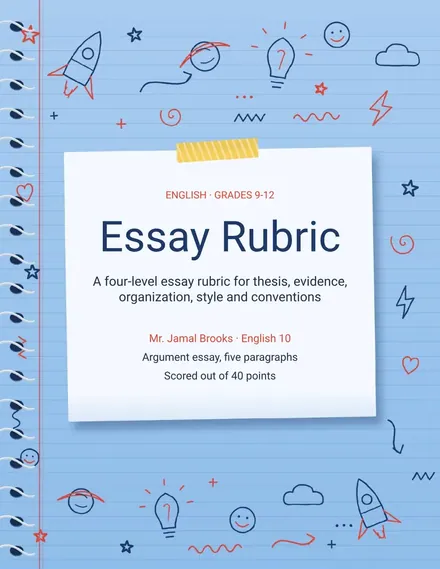
Essay Rubric
Docs + Word3 pages
Free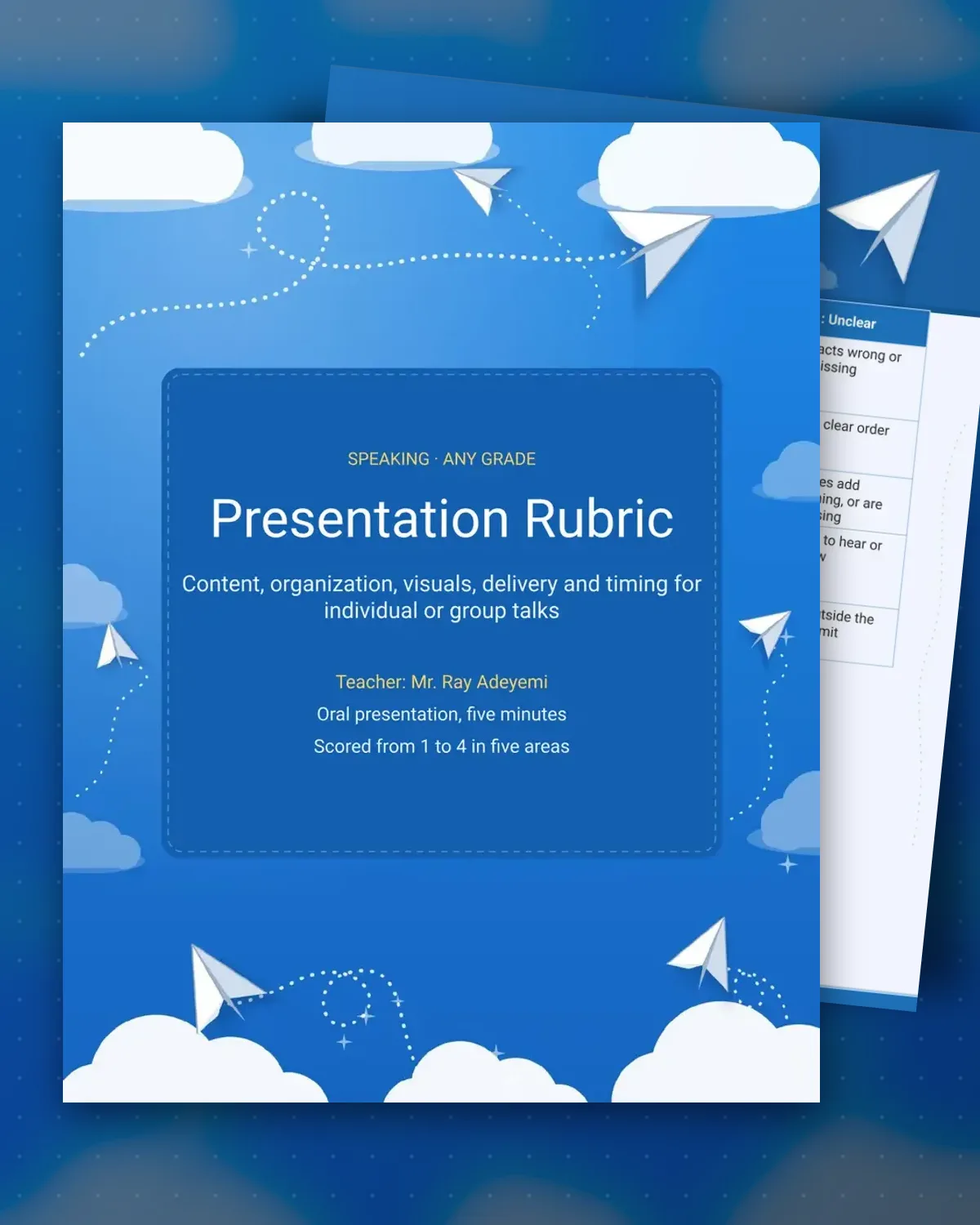
Presentations are hard to grade fairly when the criteria blur together, so this rubric separates five areas that a listener can judge separately. Content and organization are about the message, while visuals and delivery are about how it reaches the room. Timing is scored on its own, since a talk that runs long can lose the audience even when the facts are strong.
The score page leaves space for a one-to-four score and a note for each area, plus a total out of twenty. The sample is set for a five-minute talk, but the timing row can be changed for a longer or shorter speech. The same layout works for individual talks and group presentations.
Make a copy in Google Docs, or download the Word file.
Type over the sample text with your own details.
Delete the guide page when you are done.
Print it, or save it as a PDF.
Yes. Score the group on content, organization and visuals, then score delivery and timing for each speaker so every student is judged on their own part.
Yes. The timing row is written for a five-minute talk, so update the minutes to match the length of your assignment.
Yes. Page two adds a comment column beside each score, plus lines for the best moment and one next step.
Docs + Word3 pages
Free
Docs + Word3 pages
Free
Docs + Word3 pages
Free
Docs + Word3 pages
Free
Docs + Word3 pages
Free
Docs + Word3 pages
Free
Docs + Word3 pages
Free
Docs + Word3 pages
Free
Docs + Word3 pages
Free
Docs + Word3 pages
Free
Docs + Word3 pages
Free
Docs + Word3 pages
Free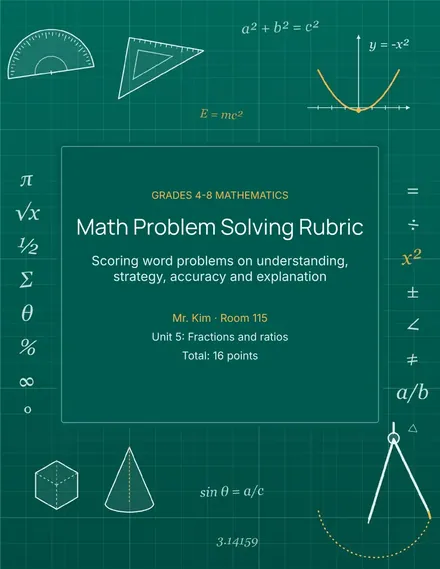
Docs + Word3 pages
Free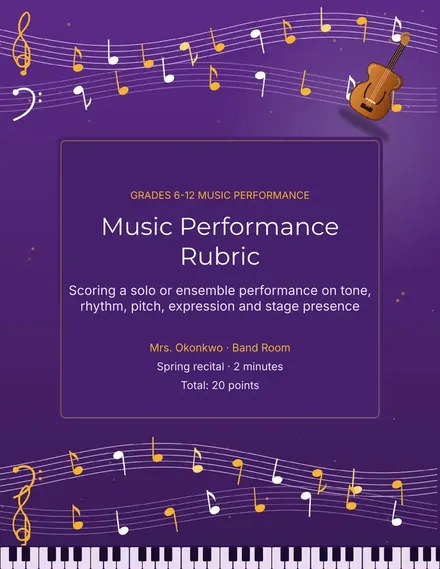
Docs + Word3 pages
Free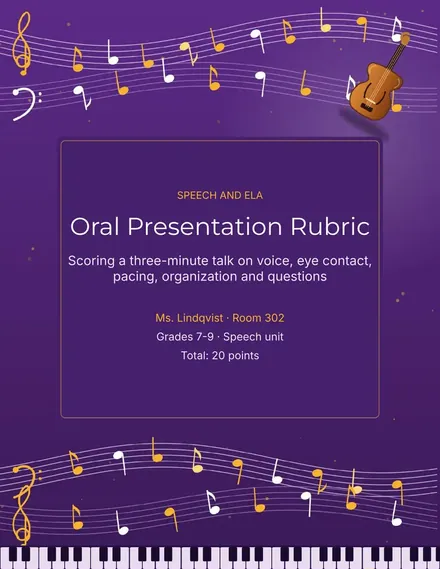
Docs + Word3 pages
Free