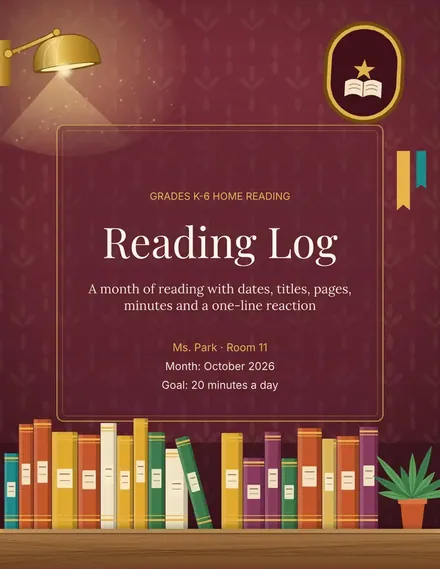
Reading Log
Docs + Word3 pages
Free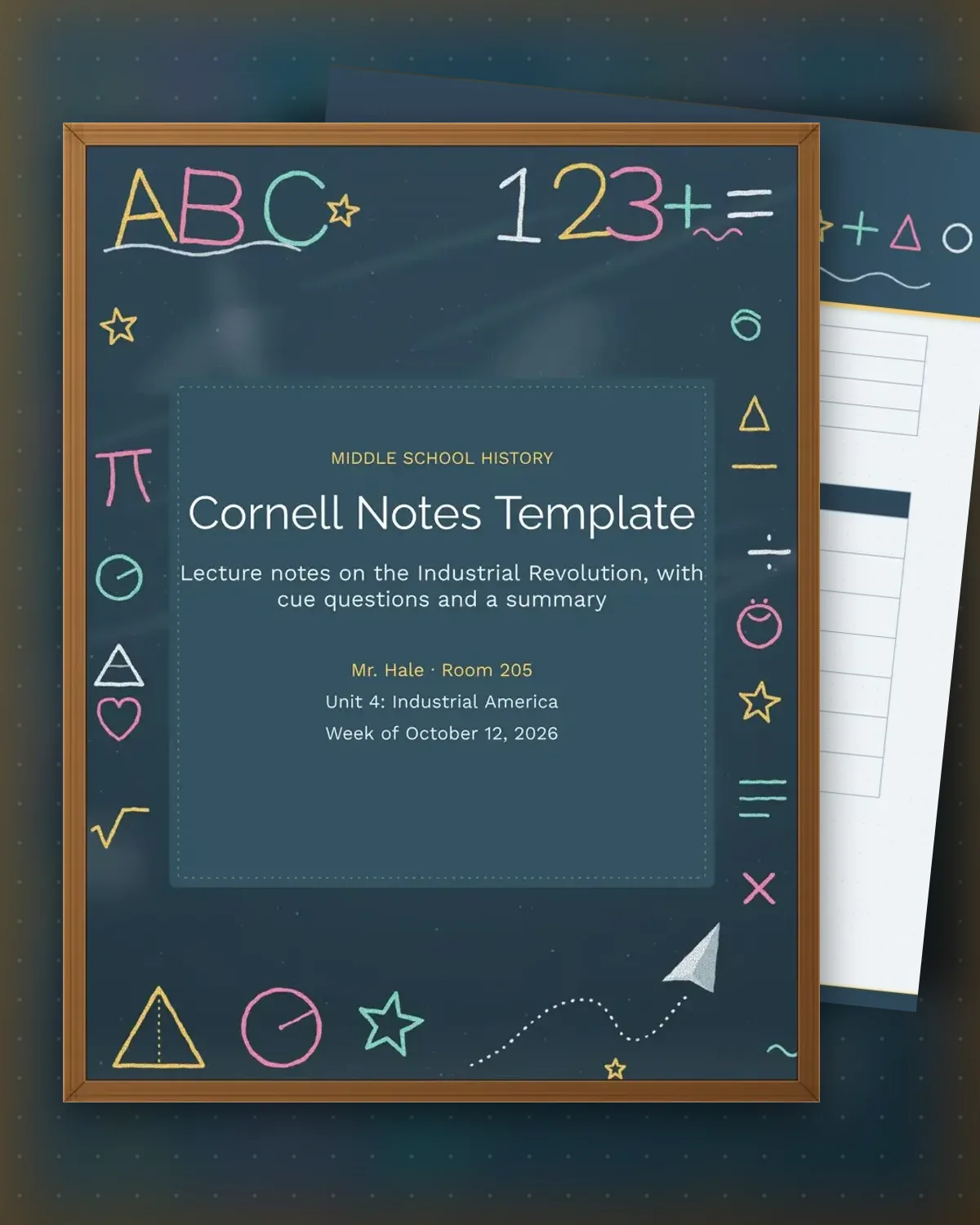
The Cornell method splits each page into three zones: a narrow cue column for questions, a wide notes area for what the lecture covered, and a summary box at the bottom. Students write notes during class, add cue questions afterward and then cover the notes to quiz themselves. The sample follows a middle school history lecture on the Industrial Revolution, but the same structure suits science chapters, book chapters or a college lecture.
Recall improves when notes are reviewed in a set order, and this template builds that order into the page. The quiz table gives students a short self-test right under the summary, so the review takes a few minutes rather than a full evening. Teachers can print the page, assign it for homework or use it as a study guide before a unit test. Add rows to the notes area for longer lectures.
Make a copy in Google Docs, or download the Word file.
Type over the sample text with your own details.
Delete the guide page when you are done.
Print it, or save it as a PDF.
It is a note format that splits each page into cues, notes and a summary, so students review and recall material rather than copy it once.
Use about six to ten rows in the notes area for a single lecture. Add a second page for longer sessions.
Yes. Students can type into the table cells in Google Docs or print the page and write by hand.
Docs + Word3 pages
Free
Docs + Word3 pages
Free
Docs + Word3 pages
Free
Docs + Word3 pages
Free
Docs + Word3 pages
Free
Docs + Word3 pages
Free
Docs + Word3 pages
Free
Docs + Word3 pages
Free
Docs + Word3 pages
Free
Docs + Word3 pages
Free
Docs + Word3 pages
Free
Docs + Word3 pages
Free
Docs + Word3 pages
Free
Docs + Word3 pages
Free
Docs + Word3 pages
Free