Capex Approval Deck
Slides + PowerPoint12 slides
Free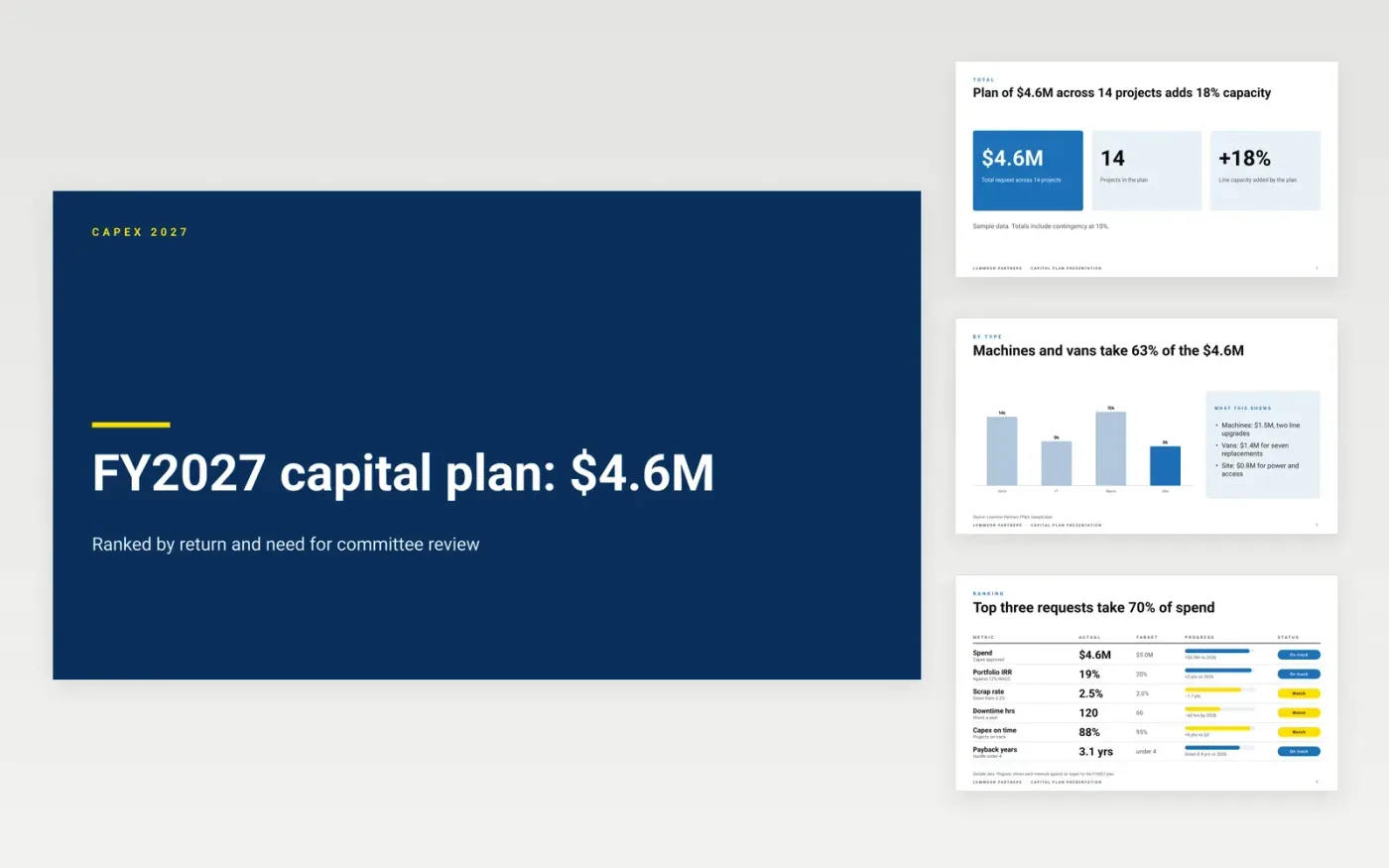
Committees decide capital requests by comparing payback, risk and the cost of waiting, so this deck sets each asset against the others. It runs to ten slides: the total plan, a ranking of requests, a chart by asset class, maintenance against growth, a phasing timeline and an approval slide with a guide. Each slide answers one question a committee member asks first.
The sample follows Lowmoor Partners, a fictional firm with a $4.6M plan across 14 projects. Its figures are sample data, including a payback of 3.1 years, a blended IRR of 19% and 120 hours of downtime a year. Replace them with your own requests, keep the do-nothing comparison, and recalculate the returns with your discount rate before the meeting.
Click Make a copy in Google Slides, then confirm on the Google page. The copy is saved to your own Google Drive.
Enter the asset, supplier, total cost and funding on the total plan slide.
Replace the need figures and the options with your own failure, downtime or capacity data.
Recalculate payback, NPV and IRR with your own discount rate and asset life.
Delete the guide slide and any unused approval rows, then share the deck or present it.
Yes. Make a copy in Google Slides and the deck is saved to your Drive at no charge, ready for your own asset requests.
No. Lowmoor Partners, its staff, projects and figures are fictional sample data. Replace every number with your own before the committee sees the deck.
Include the do-nothing option, the failure or downtime cost of waiting, the payback, NPV and IRR, and the approval levels your delegation of authority requires.
Slides + PowerPoint12 slides
Free
Slides + PowerPoint11 slides
Free
Docs + Word8 pages
Free










