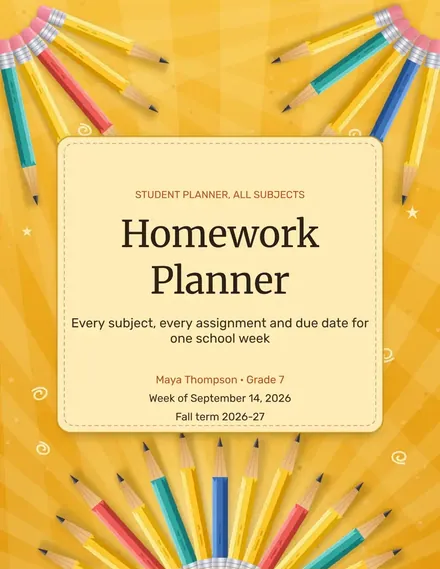
Homework Planner
Docs + Word3 pages
Free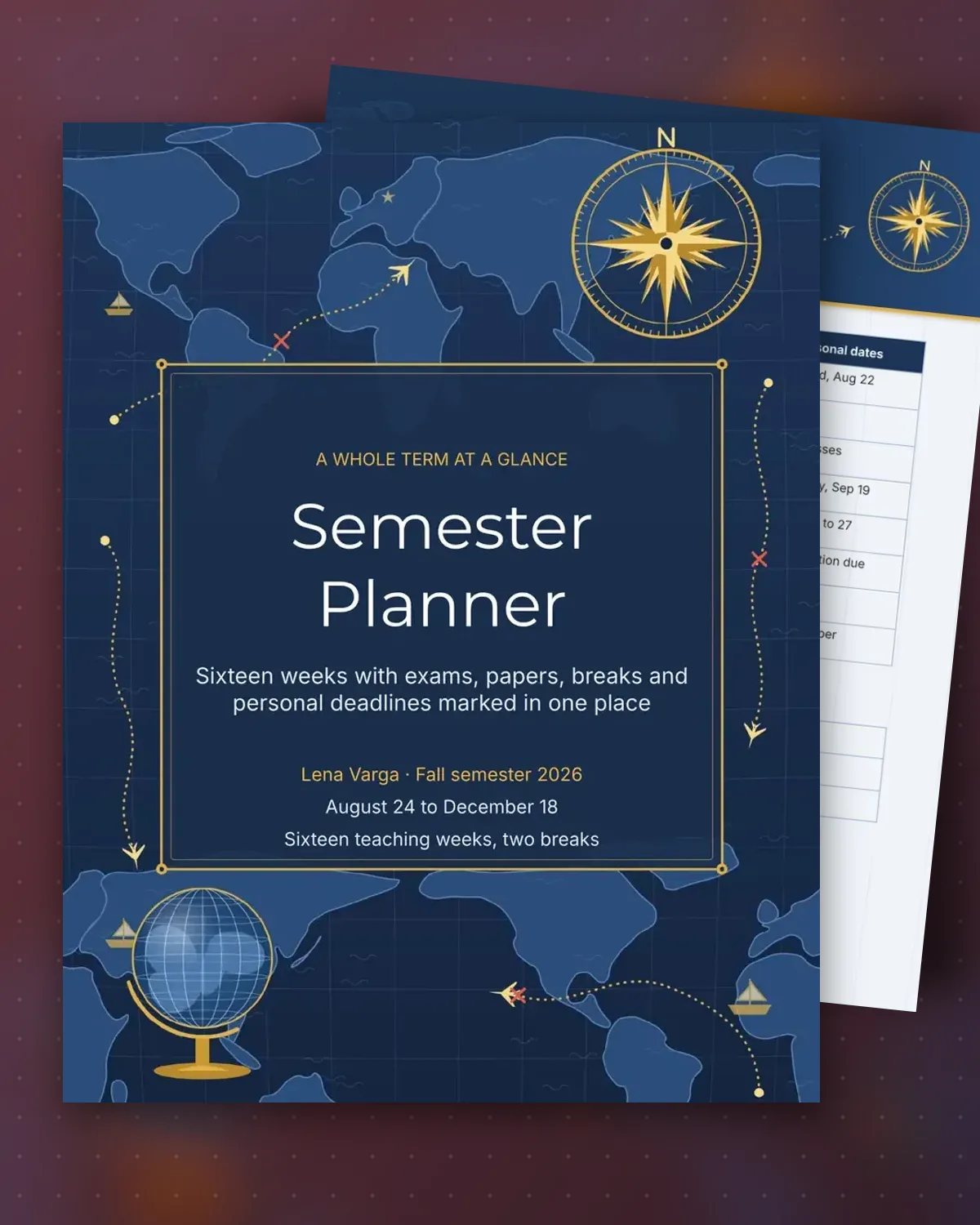
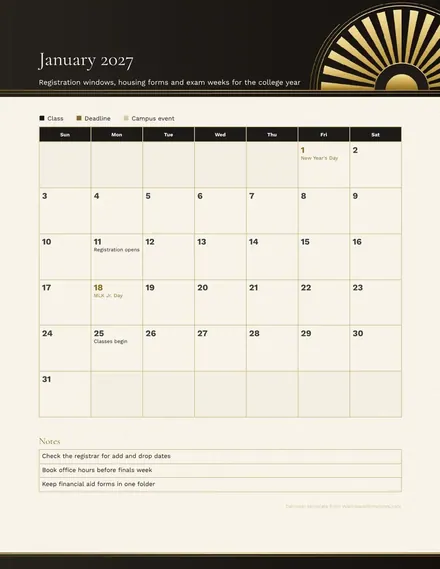
A semester passes quickly when the big deadlines show up without warning. This planner sets out the term week by week, with the first eight weeks on one page and the second half on another, so a paper due in week nine is visible during week one. Each row pairs the academic work with a personal date, such as a family visit or a job application, so the two do not collide.
The key dates box lists the withdrawal deadline, final exam days and scholarship paperwork in one place, and the personal goals list covers sleep, money and reading for the term. Students can check the planner on the first day of every month to see what is coming next and adjust study time before a midterm or final gets crowded.
Make a copy in Google Docs, or download the Word file.
Type over the sample text with your own details.
Delete the guide page when you are done.
Print it, or save it as a PDF.
Yes. Change the week dates and rows to match a shorter term, and keep the same two-page layout.
Add each exam or paper to the week it falls in, and list breaks and holidays in the personal column so nothing is missed.
Either works. Printing one copy for the wall and saving the file for edits is a common approach.
Docs + Word3 pages
Free
Docs + Word3 pages
Free
Docs + Word3 pages
Free
Docs + Word3 pages
Free
Docs + Word3 pages
Free
Docs + Word3 pages
Free
Docs + Word3 pages
Free
Docs + Word3 pages
Free
Docs + Word3 pages
Free
Docs + Word3 pages
Free
Docs + Word3 pages
Free
Docs + Word3 pages
Free
Docs + Word3 pages
Free
Docs + Word3 pages
Free
Docs + Word3 pages
Free