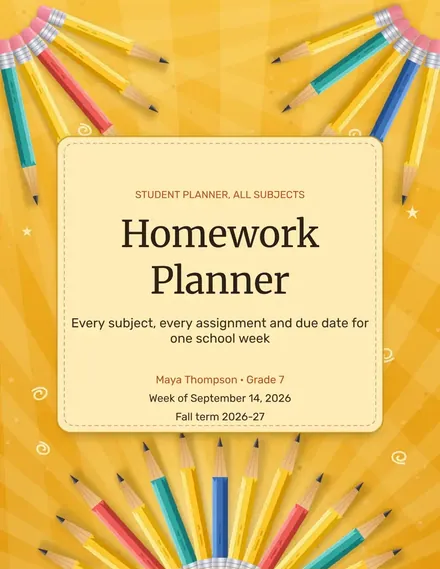
Homework Planner
Docs + Word3 pages
Free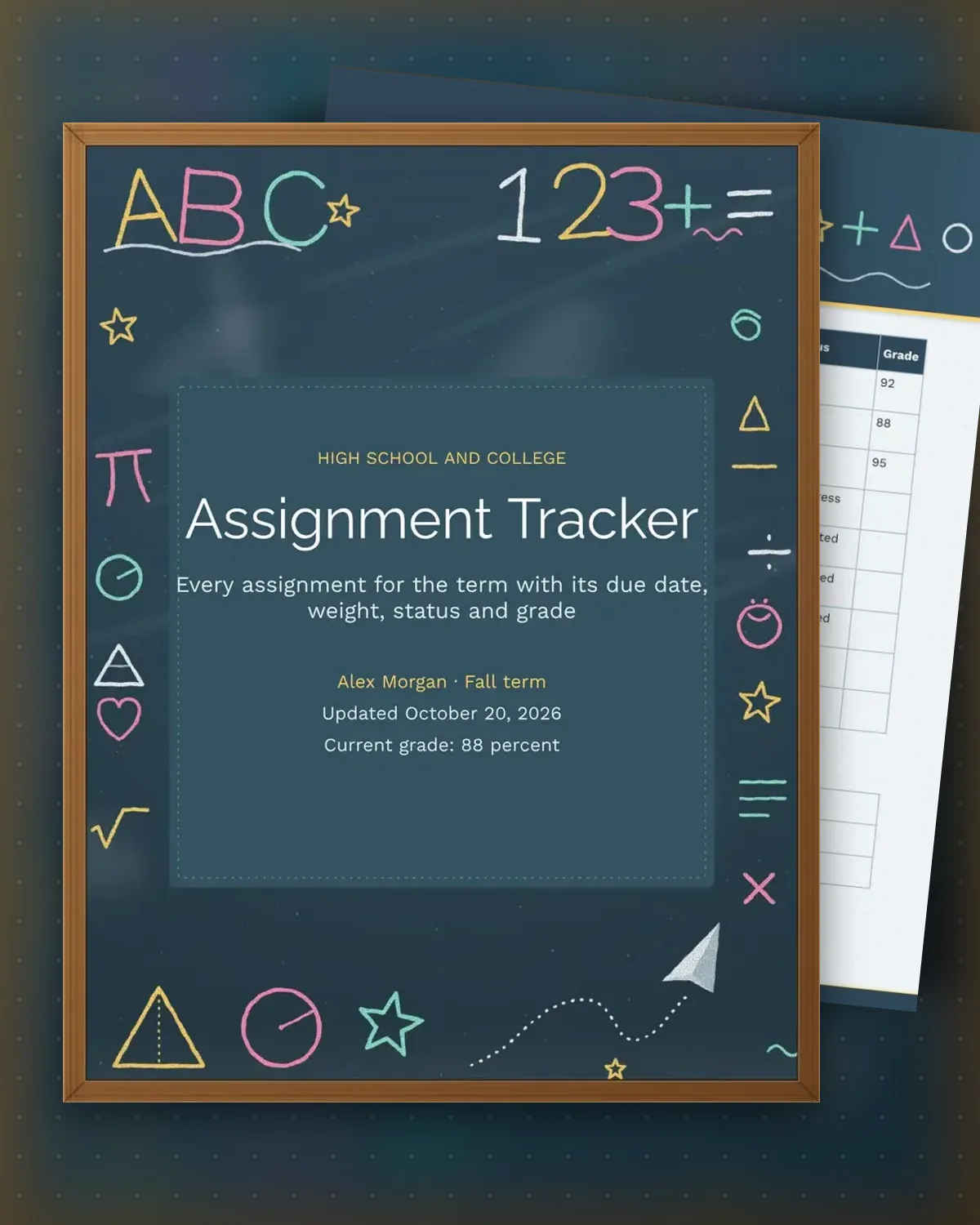
A term can hold dozens of graded items across several classes, and the weights are rarely equal. This tracker lists each assignment with its class, due date and percent of the final grade, so a 25 percent midterm stands out from a five percent quiz. Status and grade columns show which items are complete and which are still open, which makes it easy to see where the points are.
The weekly check-in page keeps the focus list short, with a start date for each task, and a grade goals table that compares each class's current score with its target. Reviewing it every Sunday takes about ten minutes and catches a risky grade early enough to visit office hours or fix a weak assignment before the term ends.
Make a copy in Google Docs, or download the Word file.
Type over the sample text with your own details.
Delete the guide page when you are done.
Print it, or save it as a PDF.
Yes. Weights and due dates work the same way for college courses, and spare rows fit a longer syllabus.
Multiply each grade by its weight, add the results, and divide by the total weight of the graded items you have completed.
Yes, during the Sunday check-in. Changing the status and grade columns as work comes back keeps the goals accurate.
Docs + Word3 pages
Free
Docs + Word3 pages
Free
Docs + Word3 pages
Free
Docs + Word3 pages
Free
Docs + Word3 pages
Free
Docs + Word3 pages
Free
Docs + Word3 pages
Free
Docs + Word3 pages
Free
Docs + Word3 pages
Free
Docs + Word3 pages
Free
Docs + Word3 pages
Free
Docs + Word3 pages
Free
Docs + Word3 pages
Free
Docs + Word3 pages
Free
Docs + Word3 pages
Free