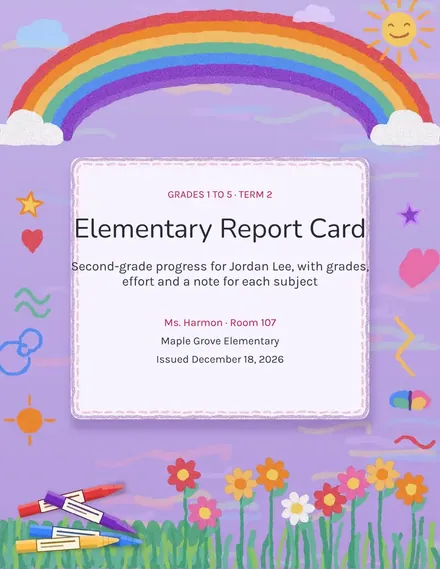
Elementary Report Card
Docs + Word3 pages
Free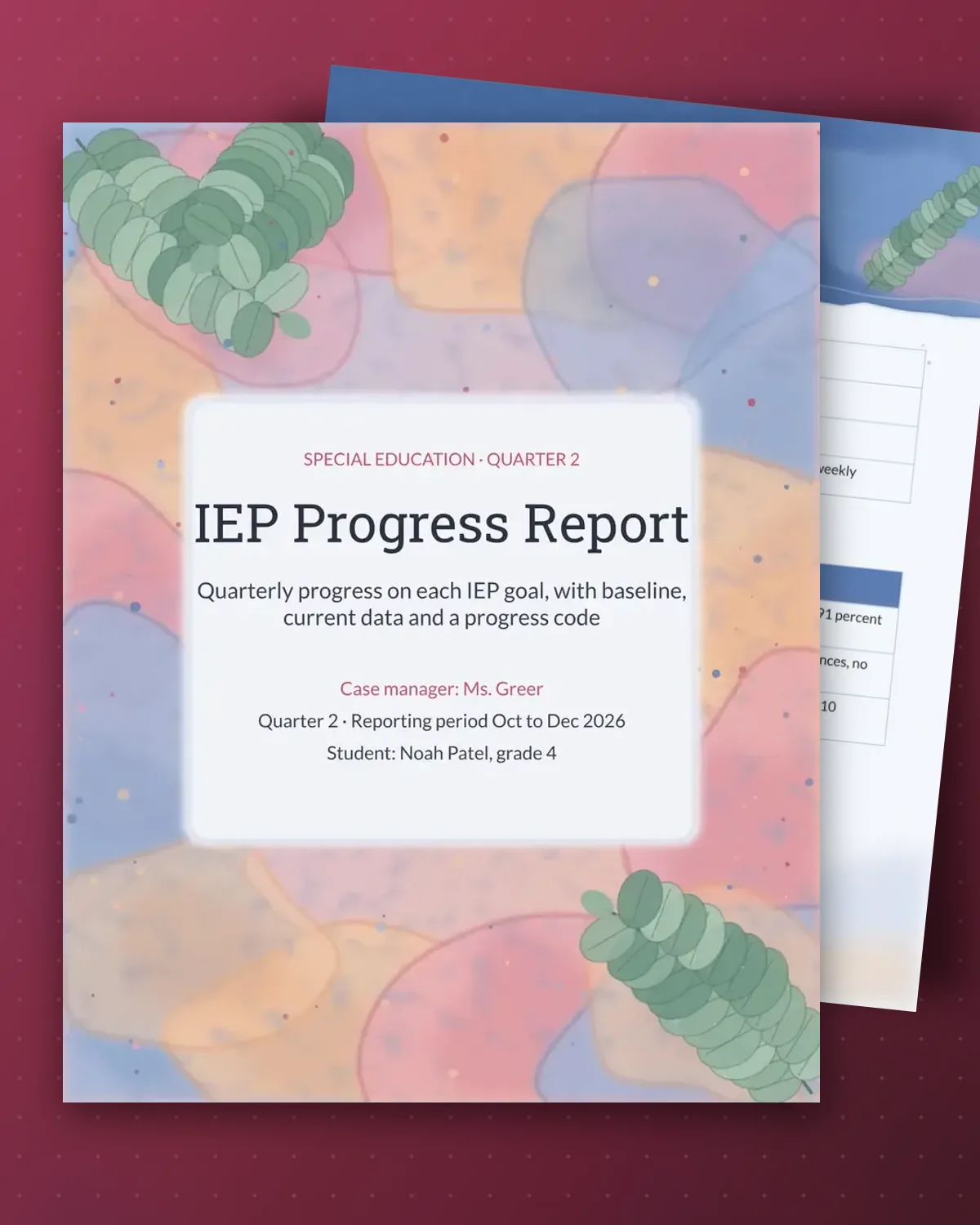
Special education teams must report progress on each IEP goal, and families need to read the result without a glossary. This template lists the goal areas and services, then gives one row per goal with its baseline, the data collected and a progress code. The sample is a fourth grader's second quarter in reading, writing and math.
The summary paragraph explains what the numbers mean in plain language, and the team block lists who to contact and when the next review happens. Check the wording against your district's form and your state's rules before sharing, and file the data sheets alongside the report.
Make a copy in Google Docs, or download the Word file.
Type over the sample text with your own details.
Delete the guide page when you are done.
Print it, or save it as a PDF.
No. Use it as a working draft or a family-friendly summary, and transfer the figures to your district form if it requires a specific layout.
The sample uses four codes: 1 for limited progress, 2 for some progress, 3 for sufficient progress and 4 for goal met. Use your district's codes if they differ.
The baseline goes in the goals table, copied from the IEP or the first data sheet, so each quarter can be compared with where the student started.
Docs + Word3 pages
Free
Docs + Word3 pages
Free
Docs + Word3 pages
Free
Docs + Word3 pages
Free
Docs + Word3 pages
Free
Docs + Word3 pages
Free
Docs + Word3 pages
Free
Docs + Word3 pages
Free
Docs + Word3 pages
Free
Docs + Word3 pages
Free
Docs + Word3 pages
Free
Docs + Word3 pages
Free
Docs + Word3 pages
Free
Docs + Word3 pages
Free
Docs + Word3 pages
Free