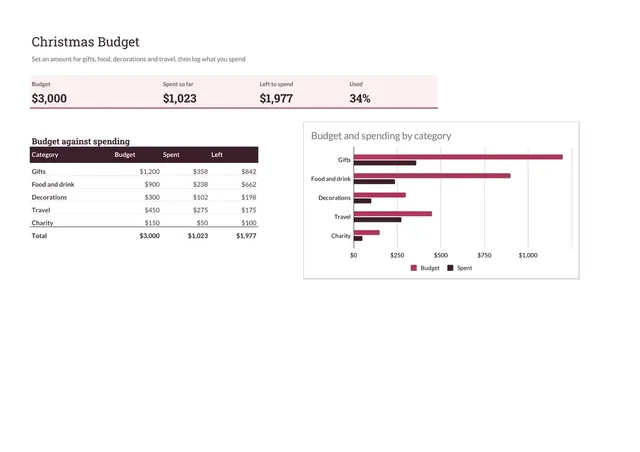
Christmas Budget
Sheets + Excel4 slides
Free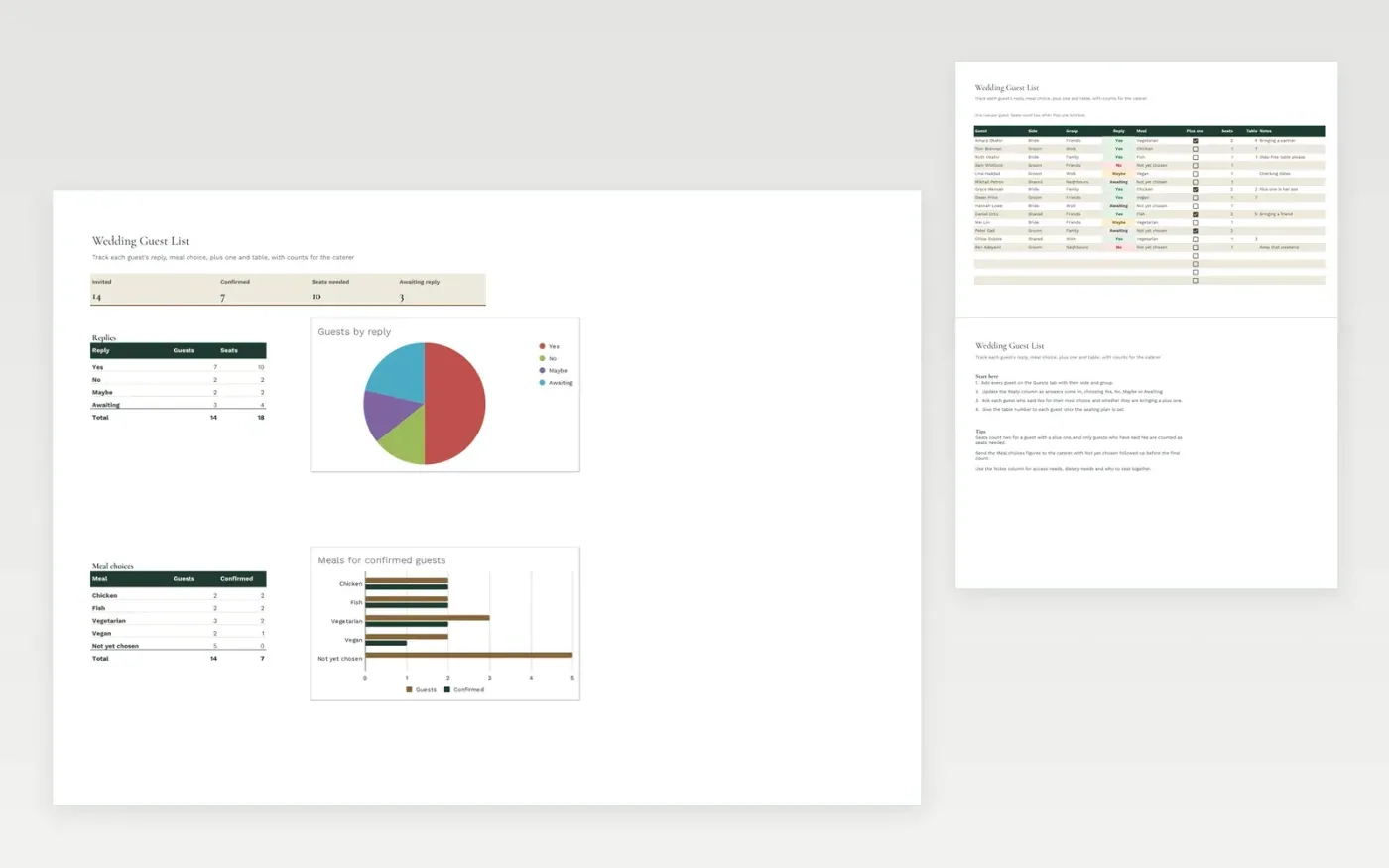
A guest list for couples planning a wedding or a similar celebration. Each row is one guest, with their side, group, reply, meal choice, plus one and table number. The Dashboard counts replies, seats and meal choices, so you can see how many places to cater for and who still needs a reply.
The template comes with sample guests. Make a copy, then replace the sample rows with your own. Seat counts, the dashboard and the charts update on their own as you add guests or change a reply.
Click Make a copy in Google Sheets, then confirm on the Google page. The copy is saved to your own Google Drive.
Start on the Guests tab: replace the sample rows with your own.
Keep the formula columns as they are; they fill in as you type.
Read the How to use tab for tips. For Excel, download the .xlsx file instead.
Yes. Download the template and make a copy for your own use at no cost.
Yes. Download the .xlsx file from this page and open it in Microsoft Excel. The tabs, formulas, dropdowns and charts all work there.
Each guest counts as one seat, or two when Plus one is ticked. The dashboard adds up the seats for guests who have replied Yes.
Sheets + Excel4 slides
Free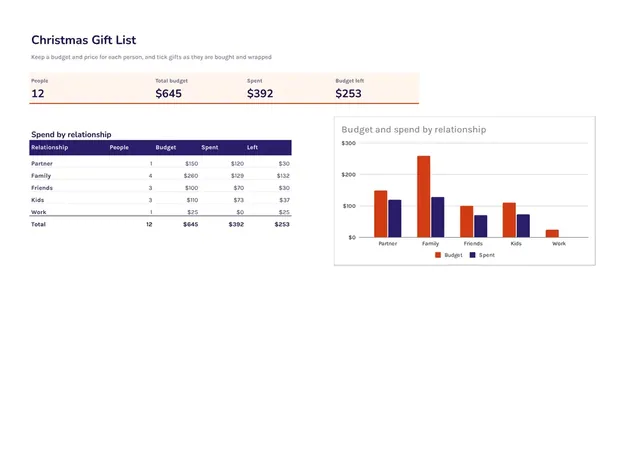
Sheets + Excel3 slides
Free
Sheets + Excel6 slides
Free