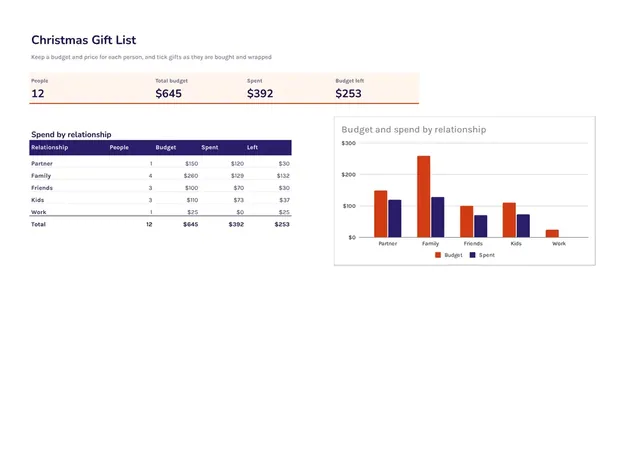
Christmas Gift List
Sheets + Excel3 slides
Free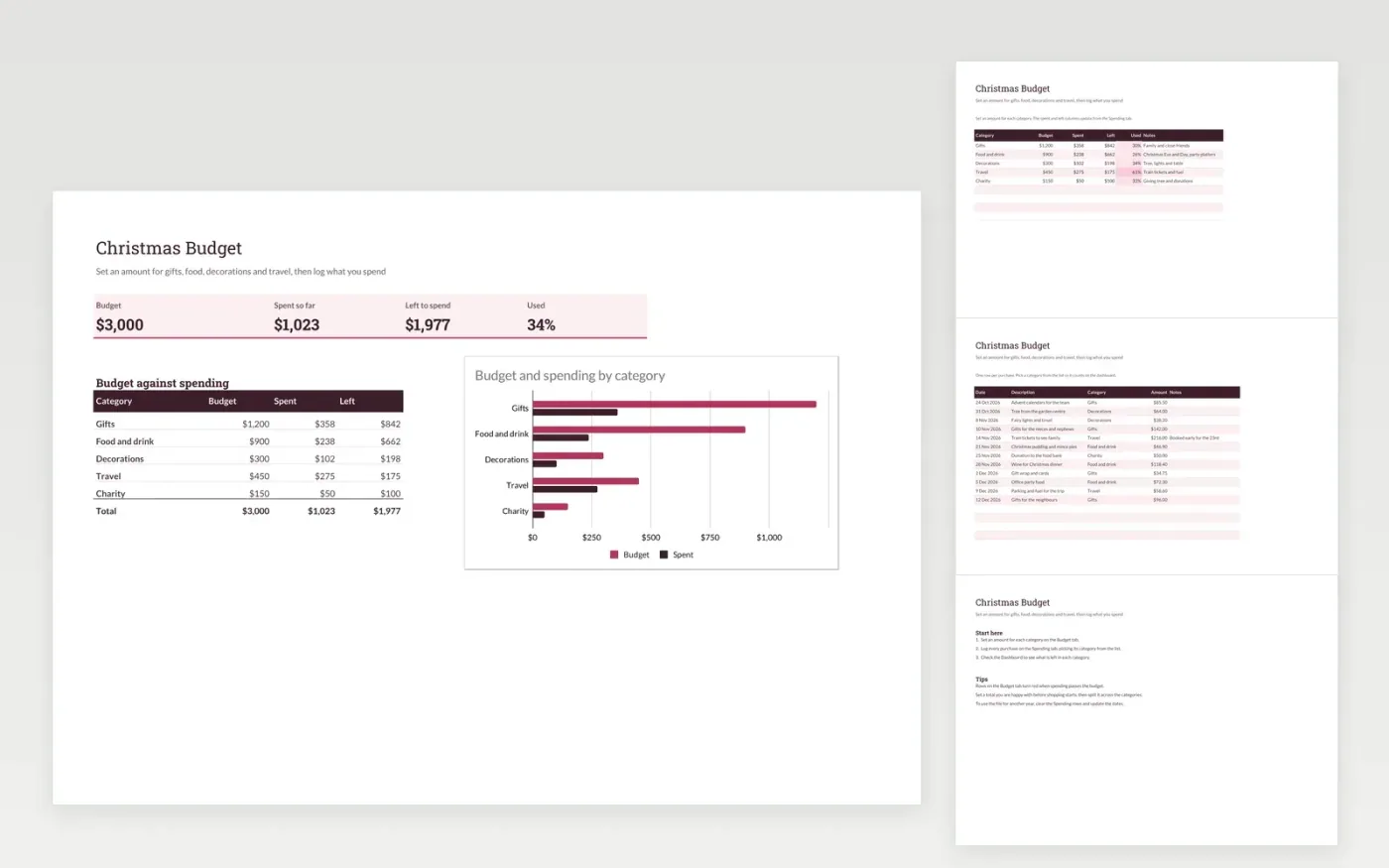
A seasonal budget for households that want to keep Christmas spending in check. The Budget tab sets an amount for gifts, food and drink, decorations, travel and charity. The Spending tab logs each purchase against a category. The Dashboard compares budget and spending and charts the two side by side.
The template comes with sample purchases so you can see how it works. Make a copy, then replace the sample rows with your own. The spent and left figures, the dashboard and the chart update on their own as you add purchases.
Click Make a copy in Google Sheets, then confirm on the Google page. The copy is saved to your own Google Drive.
Start on the Budget tab: replace the sample rows with your own.
Keep the formula columns as they are; they fill in as you type.
Read the How to use tab for tips. For Excel, download the .xlsx file instead.
Yes. Download the template and make a copy for your own use at no cost.
Yes. Download the .xlsx file from this page and open it in Microsoft Excel. The tabs, formulas, dropdowns and charts all work there.
Yes. Change the category names on the Budget tab, clear the sample rows and the template works the same way for any celebration.
Sheets + Excel3 slides
Free
Sheets + Excel6 slides
Free
Sheets + Excel4 slides
Free
Docs + Word1 page
Free
Docs + Word2 pages
Free
Docs + Word1 page
Free
Docs + Word1 page
Free
Docs + Word1 page
Free
Docs + Word1 page
Free
Docs + Word1 page
Free
Docs + Word1 page
Free
Docs + Word2 pages
Free
Docs + Word2 pages
Free
Docs + Word2 pages
Free
Docs + Word2 pages
Free