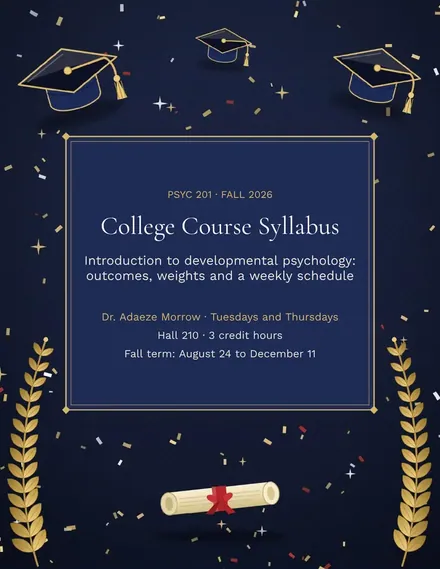
College Course Syllabus
Docs + Word4 pages
Free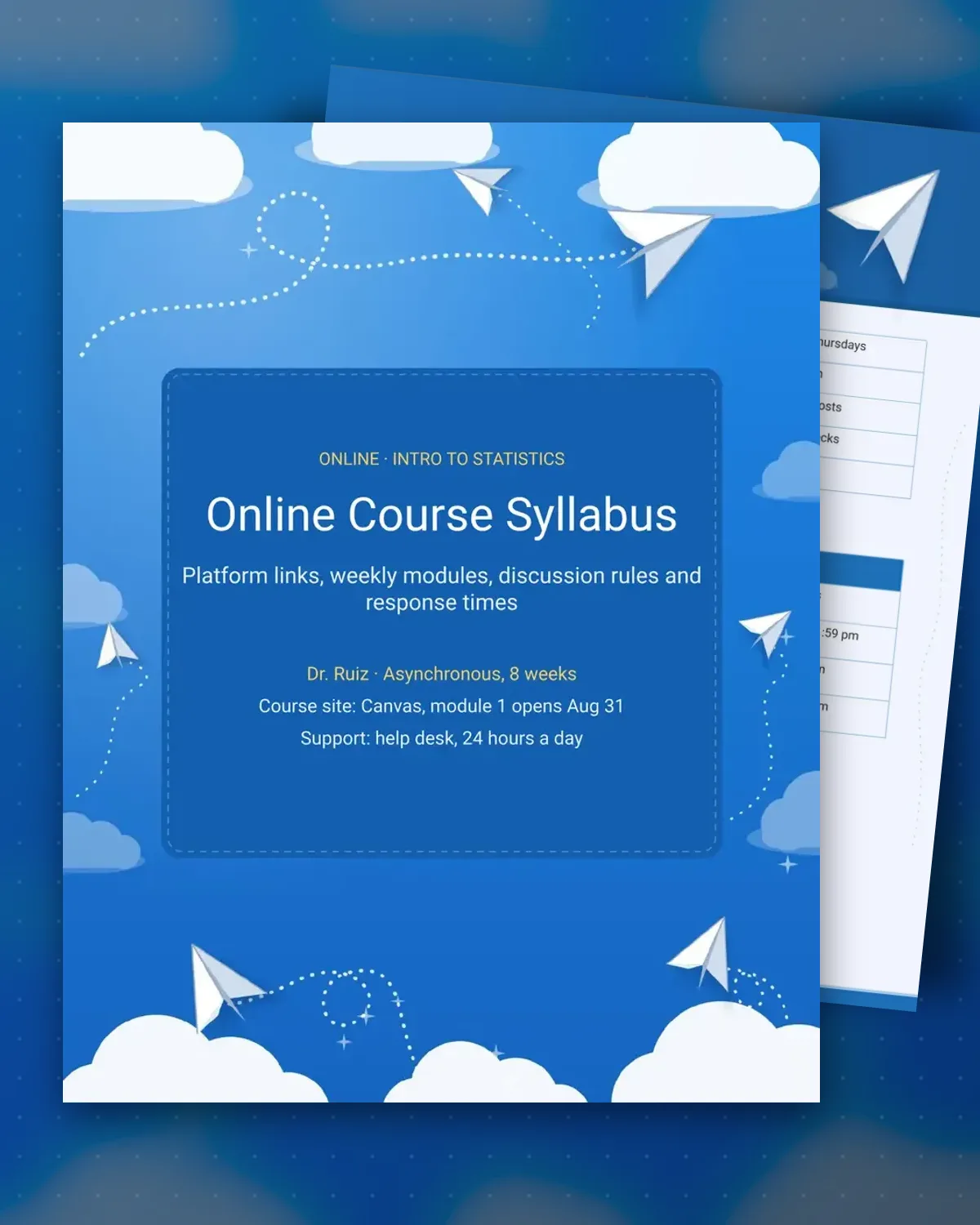
Online students cannot see the teacher in the hallway, so the syllabus does more of the work. This template explains the platform, the weekly rhythm and the days things are due, then the discussion rules and the response times. Students can see what happens if they fall behind and when they will hear back, which cuts down on repeat questions.
This version is an eight-week asynchronous statistics course run through a learning management system, with a Thursday video session and proctored checks. The discussion section explains the post length and the citation rule, and the policy table covers late quizzes, extensions and emergencies. Edit the platform, the module dates and the response times for your course.
Make a copy in Google Docs, or download the Word file.
Type over the sample text with your own details.
Delete the guide page when you are done.
Print it, or save it as a PDF.
Yes. The platform field takes any learning management system or video tool you use, and the module schedule works the same way.
The sample lists about six hours, including discussion posts. Adjust the figure to match the workload of your course.
Yes. Listing the help desk and its hours saves time for the instructor and sends technical issues to the right person.
Docs + Word4 pages
Free
Docs + Word3 pages
Free
Docs + Word4 pages
Free
Docs + Word3 pages
Free
Docs + Word3 pages
Free
Docs + Word4 pages
Free
Docs + Word3 pages
Free
Docs + Word4 pages
Free
Docs + Word4 pages
Free
Docs + Word4 pages
Free
Docs + Word4 pages
Free
Docs + Word4 pages
Free
Docs + Word4 pages
Free
Docs + Word4 pages
Free
Docs + Word4 pages
Free