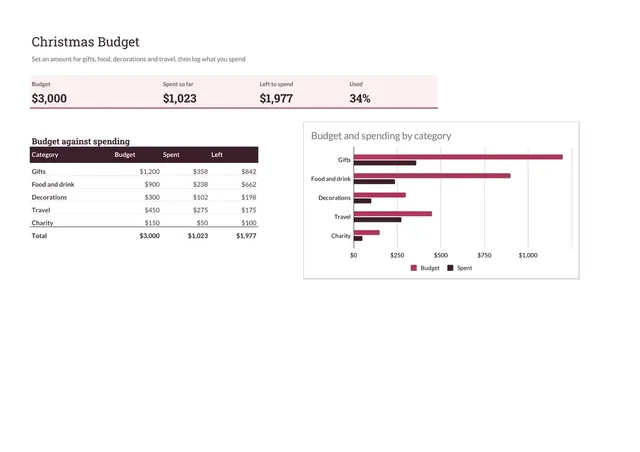
Christmas Budget
Sheets + Excel4 slides
Free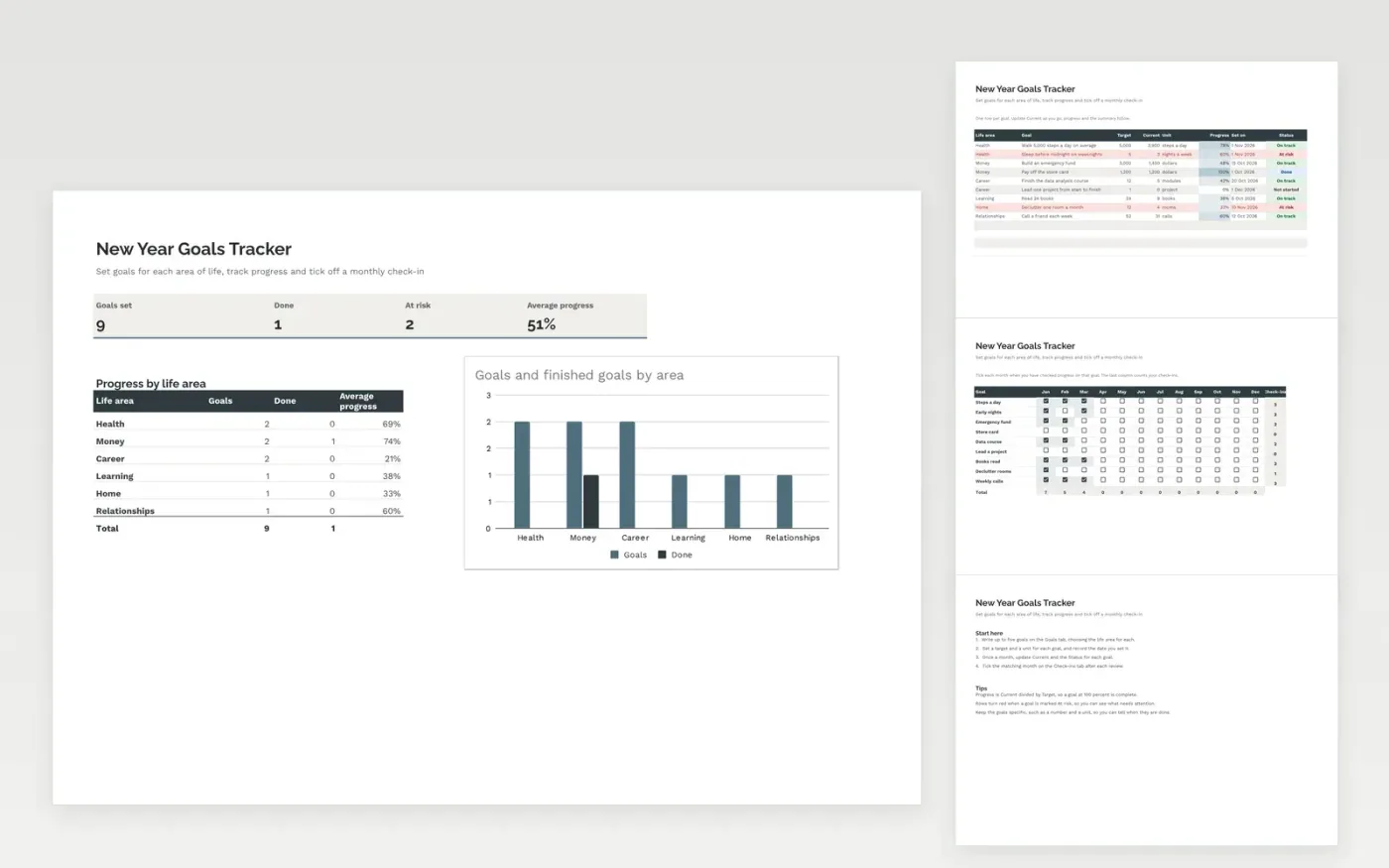
A goal tracker for setting yearly goals across areas such as health, money, career and learning. The Goals tab records each goal with its target, current figure, progress and status. The Check-ins tab is a monthly grid where you tick each month you review a goal. The Summary tab shows how many goals are done or at risk, and the average progress for each life area.
The template comes with sample goals and check-ins. Make a copy, then replace the sample rows with your own. Progress, the summary, the check-in totals and the chart update on their own as you change the figures.
Click Make a copy in Google Sheets, then confirm on the Google page. The copy is saved to your own Google Drive.
Start on the Goals tab: replace the sample rows with your own.
Keep the formula columns as they are; they fill in as you type.
Read the How to use tab for tips. For Excel, download the .xlsx file instead.
Yes. Download the template and make a copy for your own use at no cost.
Yes. Download the .xlsx file from this page and open it in Microsoft Excel. The tabs, formulas, dropdowns, checkboxes and charts all work there.
No. The grid has the twelve months of the year. Tick the months when you check progress, and the total column counts your check-ins for each goal.
Sheets + Excel4 slides
Free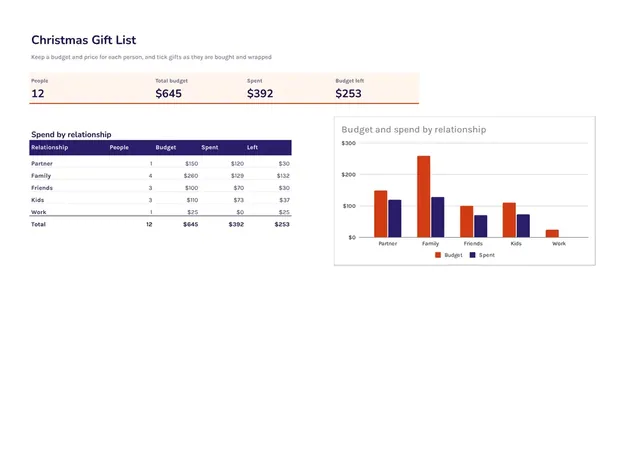
Sheets + Excel3 slides
Free
Sheets + Excel6 slides
Free
Docs + Word2 pages
Free
Docs + Word2 pages
Free
Docs + Word1 page
Free
Docs + Word2 pages
Free
Docs + Word2 pages
Free
Docs + Word1 page
Free
Docs + Word1 page
Free
Docs + Word1 page
Free
Docs + Word1 page
Free
Docs + Word1 page
Free
Docs + Word1 page
Free
Docs + Word1 page
Free