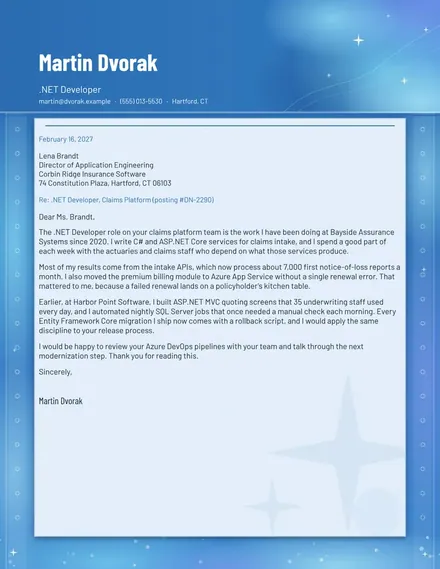
.NET Developer Cover Letter
Docs + Word2 pages
Free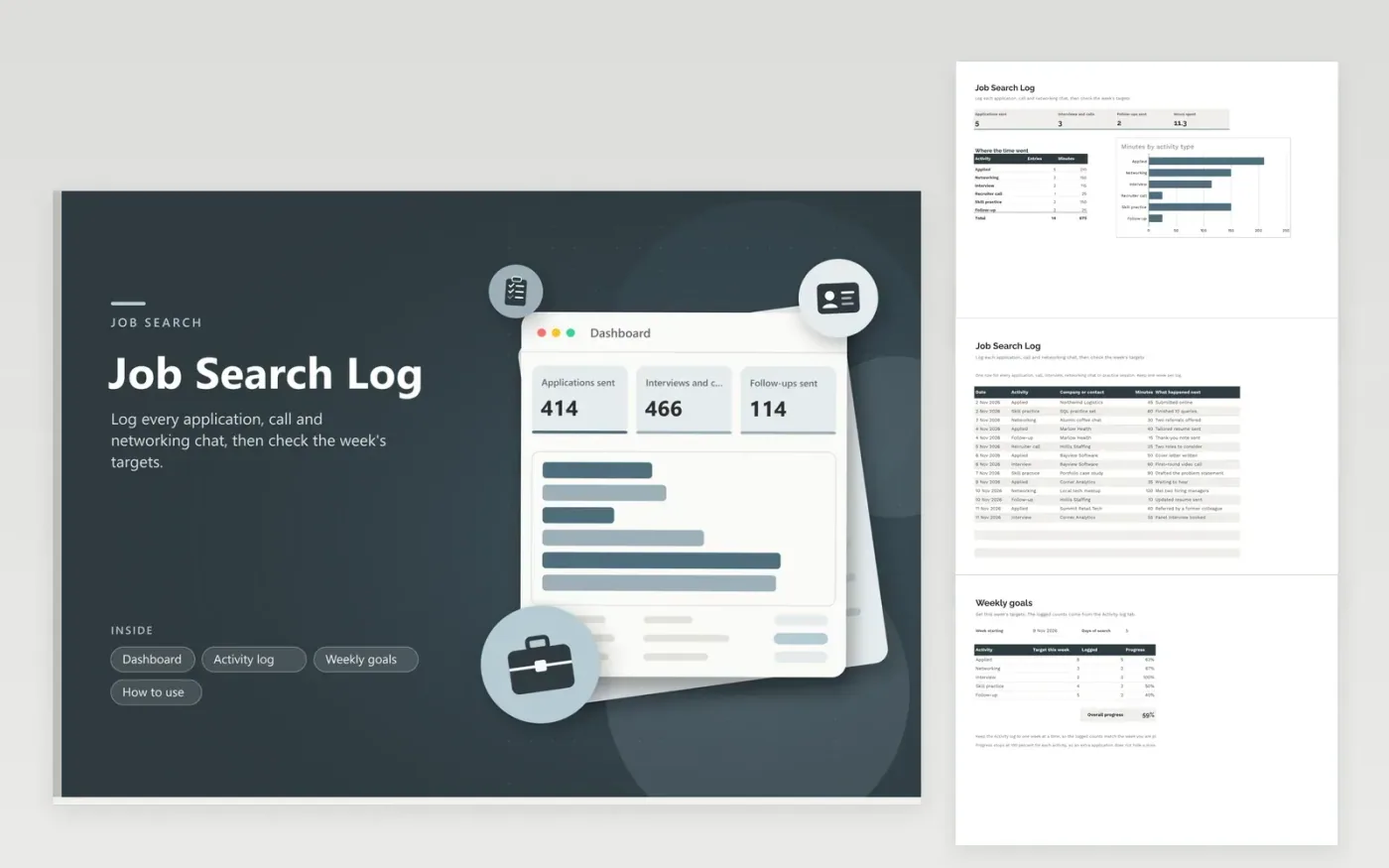
The Job Search Log suits anyone looking for work who wants a steady record of effort. The Activity log tab records each application, networking chat, interview, recruiter call, skill practice session and follow-up, with its date, company or contact, minutes spent and what happened next. The Weekly goals form sets a target for each activity, counts what you have logged and shows progress as a bar. The Dashboard totals applications sent, interviews and calls, follow-ups and the hours spent.
Log every activity the same day while you still remember it well, and keep one week in the log at a time so the goals count the right entries. Count an application only when you have sent it. If the progress bars stay low for two weeks, change the targets or the mix of activities rather than working longer hours.
Click Make a copy in Google Sheets, then confirm on the Google page. The copy is saved to your own Google Drive.
Start on the Activity log tab: replace the sample rows with your own.
Keep the formula columns as they are; they fill in as you type.
Read the How to use tab for tips. For Excel, download the .xlsx file instead.
No set number fits everyone. Many job seekers aim for a steady weekly target they can keep up, then adjust it based on how many replies they get. Use the Weekly goals tab to set your own number, and review it every two weeks.
Record the date, the activity, the company or contact, the time spent and a note on the result, such as a reply, a referral or a next call. These details help you follow up and spot which activities lead to interviews.
Log each coffee chat, informational interview or meetup as a Networking entry, with the person or group and what they offered, such as an introduction. Follow-ups get their own entries, which shows whether you are staying in touch.
Docs + Word2 pages
Free
Docs + Word2 pages
Free
Docs + Word1 page
Free
Sheets + Excel5 tabs
Free
Sheets + Excel4 tabs
Free