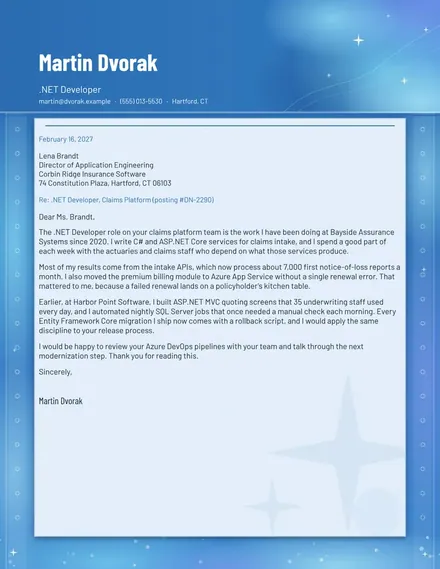
.NET Developer Cover Letter
Docs + Word2 pages
Free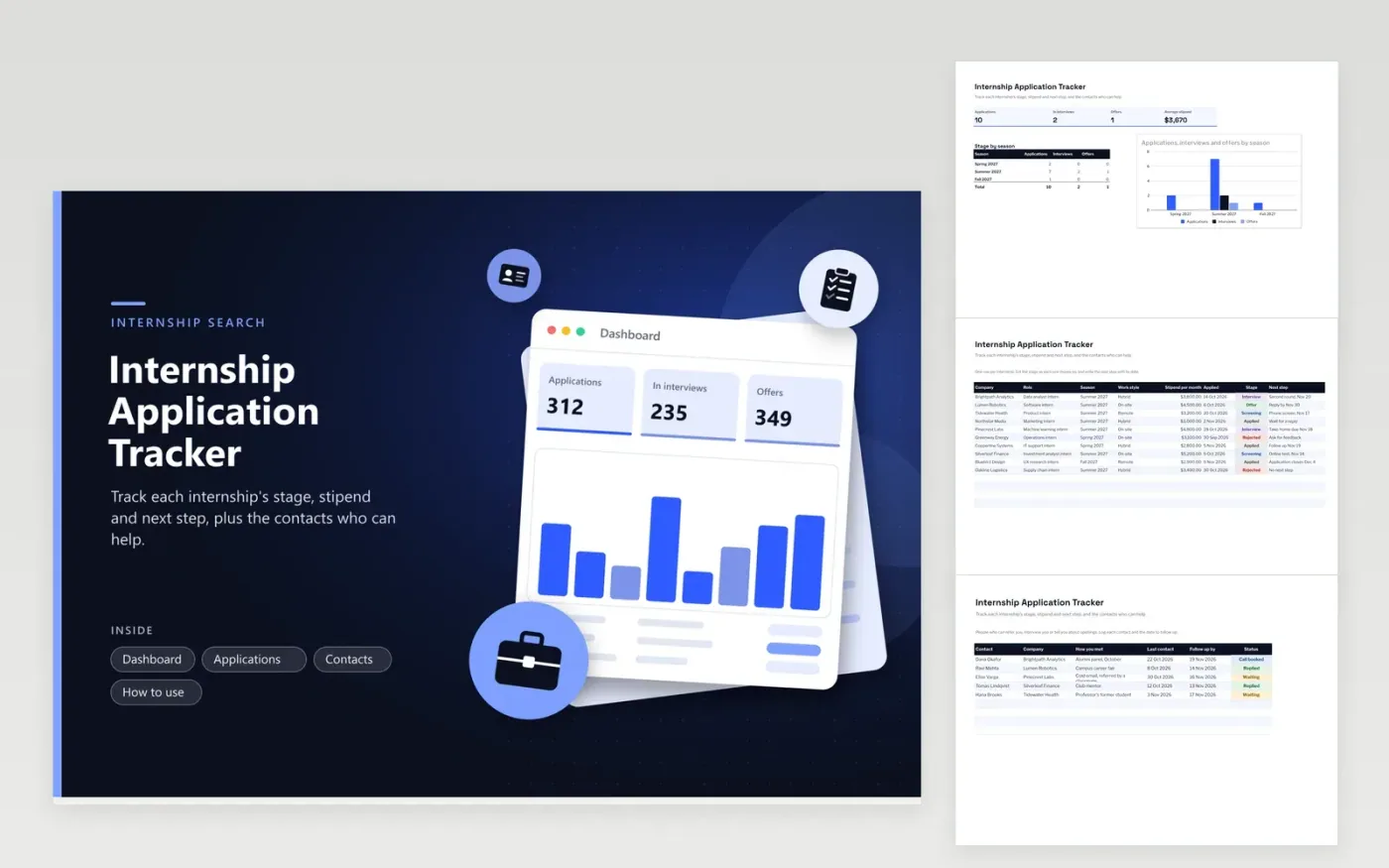
The Internship Application Tracker suits students and new graduates applying for summer and term internships. The Applications tab records each company and role with its season, work style, monthly stipend, applied date, current stage and next step. The Contacts tab keeps the people who can refer you, when you last spoke and the date to chase. The Dashboard counts applications, interviews and offers, the average stipend and how each season is progressing.
Apply early in each season, because many programs fill before the posted closing date. Update the stage the same day you hear back, and write the next step with a date so the list says what to do today. Compare offers by stipend and work style together, and log every referral on the Contacts tab with a thank-you note sent within a day.
Click Make a copy in Google Sheets, then confirm on the Google page. The copy is saved to your own Google Drive.
Start on the Applications tab: replace the sample rows with your own.
Keep the formula columns as they are; they fill in as you type.
Read the How to use tab for tips. For Excel, download the .xlsx file instead.
Add each internship as a row with its company, role, season and closing date. Change the stage as you hear back, and write the next step so the list always shows what to do next.
Enter the monthly stipend for each offer. The average stipend on the Dashboard gives a quick baseline, but also consider the cost of living, travel and whether housing is included, since two similar stipends can leave very different amounts.
A courteous nudge a week or two after the application, or after an interview, is usually welcome. Write the nudge date on the Contacts tab so it is not forgotten, and keep each message short and specific about the role.
Docs + Word2 pages
Free
Docs + Word2 pages
Free
Docs + Word1 page
Free
Sheets + Excel5 tabs
Free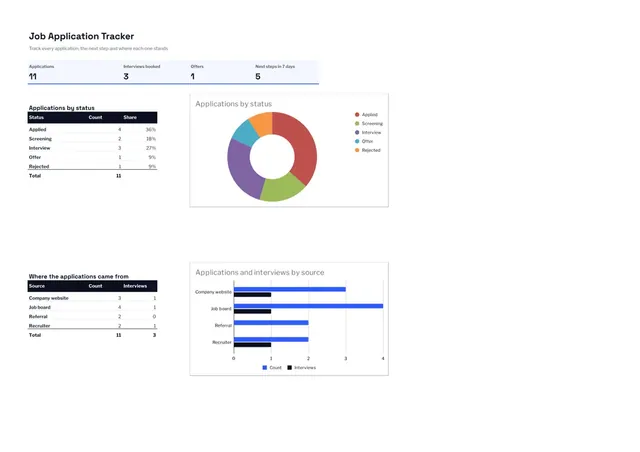
Sheets + Excel4 tabs
Free