Christmas Card
Docs + Word2 pages
Free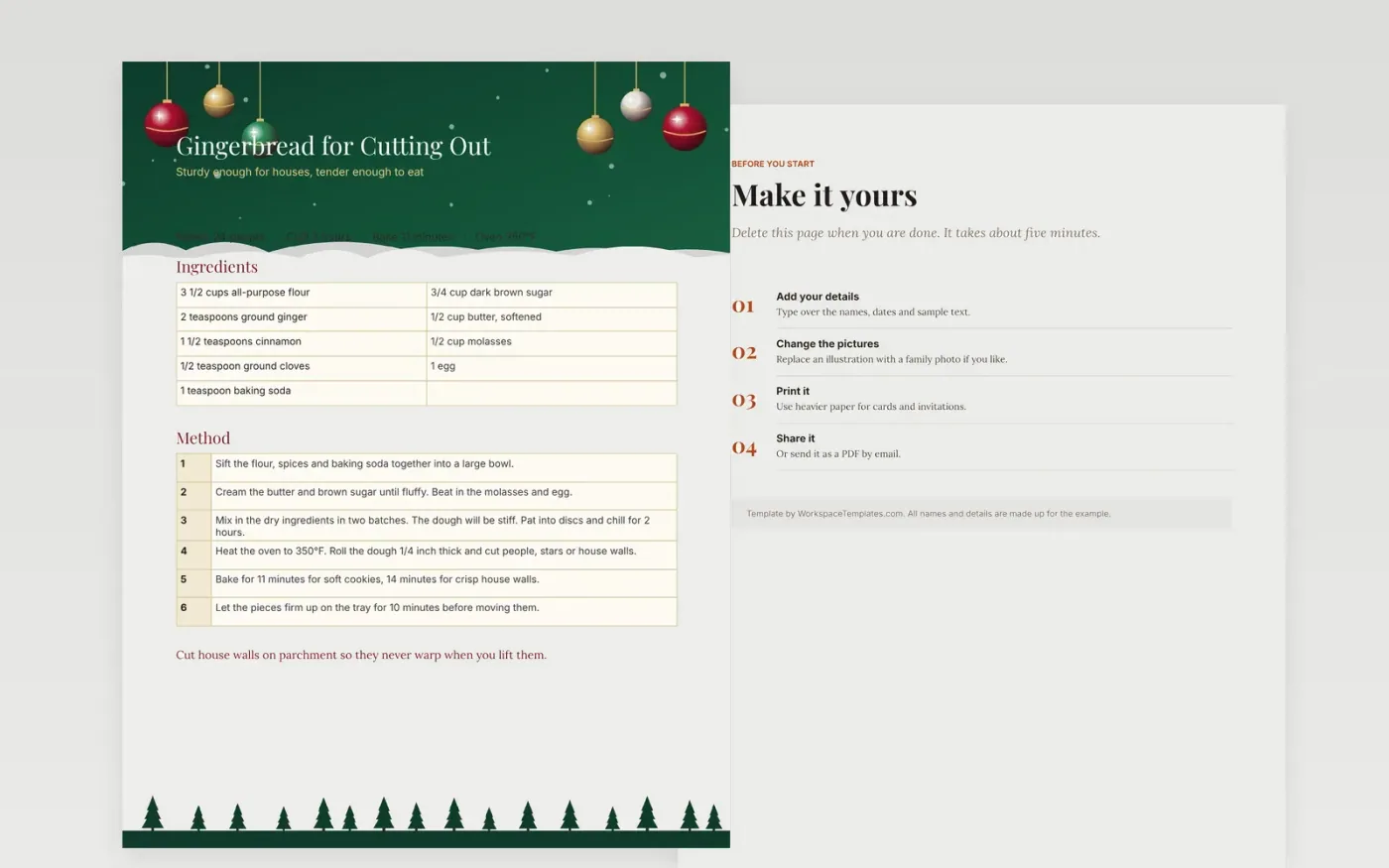
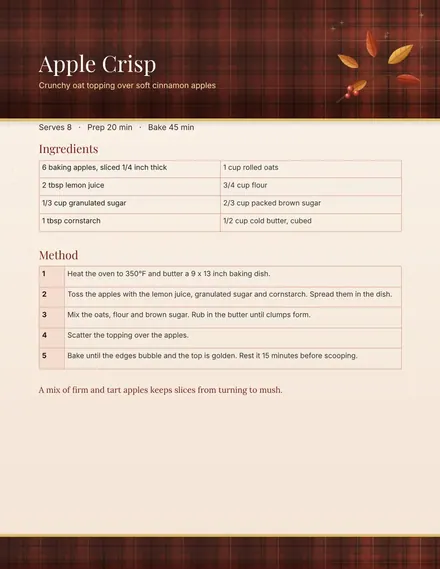
This gingerbread recipe card template is a ready-made Google Docs file for home bakers and families. A gingerbread recipe for cutting out people, stars and houses.
It comes filled with made-up sample content, so you can see how the finished Christmas template should look. Make your own copy, type over the sample text, and the fonts and layout stay in place.
Make a copy in Google Docs, or download the Word file.
Type over the sample text with your own details.
Delete the guide page when you are done.
Print it, or save it as a PDF.
Yes. Make a copy in Google Docs and it is yours to edit, with no sign-up here and no cost.
Yes. Everything is built with standard Google Docs styles, so you can change them as you would in any document.
No. Every name, company and figure is made up for the example. Replace them with your own.
Docs + Word2 pages
Free
Docs + Word1 page
Free
Docs + Word1 page
Free
Sheets + Excel4 slides
Free
Sheets + Excel3 slides
Free
Sheets + Excel6 slides
Free
Docs + Word1 page
Free
Docs + Word2 pages
Free
Docs + Word1 page
Free
Docs + Word1 page
Free
Docs + Word1 page
Free
Docs + Word1 page
Free
Docs + Word1 page
Free
Docs + Word1 page
Free
Docs + Word2 pages
Free