Simple CV
Docs + Word1 page
Free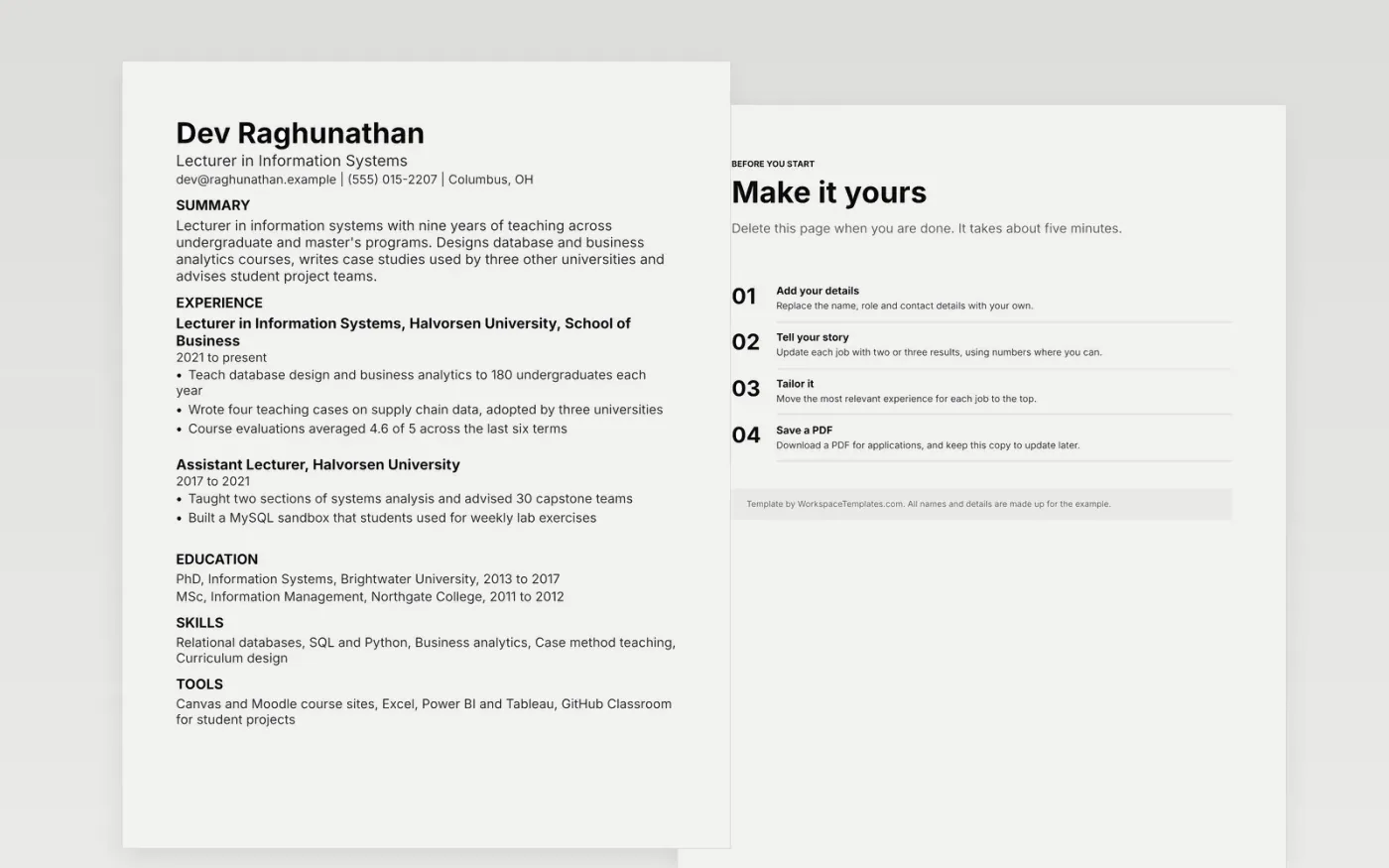
Panels for lecturing posts screen for teaching first, then subject knowledge and some research. They look for the courses a candidate has taught, class sizes, course design work, student evaluation scores and a teaching qualification such as a postgraduate certificate in academic practice. Many universities run applicant tracking software that reads the page as plain text, so this layout avoids columns, text boxes and images, relying on simple headings.
The sample lecturer teaches information systems and has written teaching cases that other universities adopted. Swap in your own modules, class sizes and evaluation scores, and keep each figure accurate for the years listed. A tip for teaching CVs: give the course code, term and enrollment for every module, because panels set your load against the post they are filling.
Make a copy in Google Docs, or download the Word file.
Type over the sample text with your own details.
Delete the guide page when you are done.
Print it, or save it as a PDF.
Lead with teaching: the modules you have taught, the levels, class sizes and any course you designed from scratch. Add student evaluation scores, teaching awards and a teaching qualification if you hold one. Publications and grants come next, followed by administrative roles such as personal tutor or programme leader. Panels for teaching posts want evidence that you can run a course.
In most UK universities and many US ones, a lecturer post expects a PhD or a close equivalent, though some teaching-focused roles accept a master's with professional experience. State what you hold and when you were awarded it. If the PhD is not finished, give the expected completion date and your supervisor's name. Check each advert, since the requirement differs by institution.
Often yes. Many universities screen applications with software that reads the document as text, so tables, text boxes and columns can scramble the order of your entries. Use standard headings such as Teaching, Research and Education, plain bullets and a single font. Save a PDF only if the advert asks for one, and name the file with your name.
Docs + Word1 page
Free
Docs + Word1 page
Free
Docs + Word1 page
Free
Docs + Word1 page
Free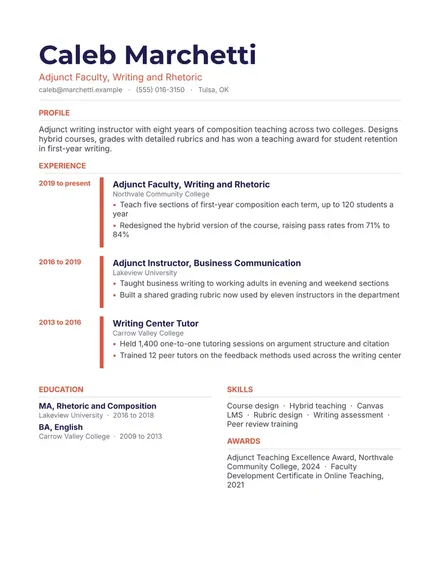
Docs + Word1 page
Free
Docs + Word1 page
Free
Docs + Word1 page
Free
Docs + Word1 page
Free
Docs + Word1 page
Free
Docs + Word1 page
Free
Docs + Word1 page
Free
Docs + Word1 page
Free
Docs + Word1 page
Free
Docs + Word1 page
Free
Docs + Word1 page
Free