Christmas Card
Docs + Word2 pages
Free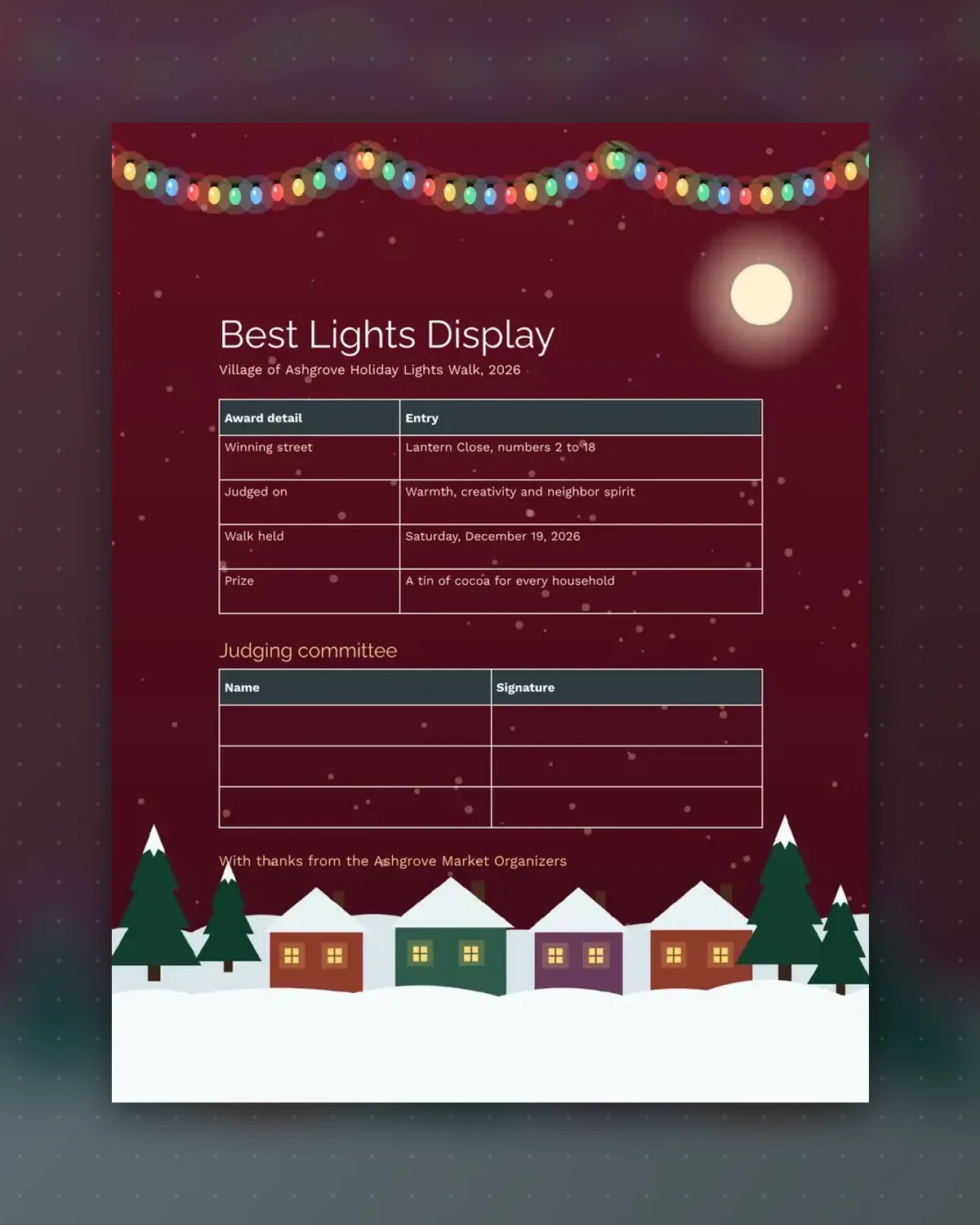
A street award feels different from a house award. This certificate names the close, what the judges looked for and the prize.
Add the real street and date, then collect three signatures from the committee before presenting it.
Make a copy in Google Docs, or download the Word file.
Type over the sample text with your own details.
Delete the guide page when you are done.
Print it, or save it as a PDF.
Yes. Replace the street line with an address.
Three, with space to add a fourth by hand.
Edit the last row to suit your village.
Docs + Word2 pages
Free
Docs + Word1 page
Free
Docs + Word1 page
Free
Docs + Word1 page
Free
Docs + Word2 pages
Free
Docs + Word1 page
Free
Docs + Word1 page
Free
Docs + Word1 page
Free
Docs + Word1 page
Free
Docs + Word2 pages
Free
Docs + Word1 page
Free
Docs + Word1 page
Free
Docs + Word1 page
Free
Docs + Word2 pages
Free
Docs + Word2 pages
Free