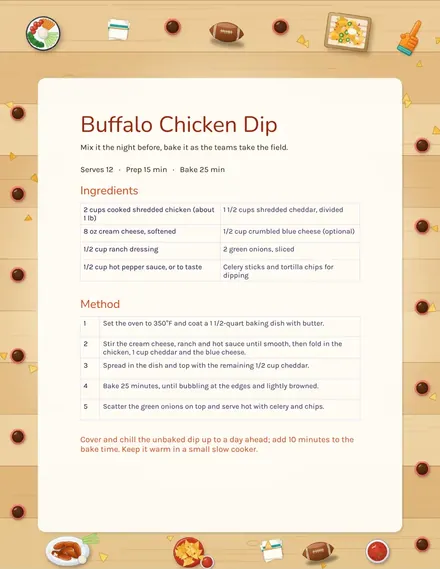
Christmas Card
Docs + Word2 pages
Free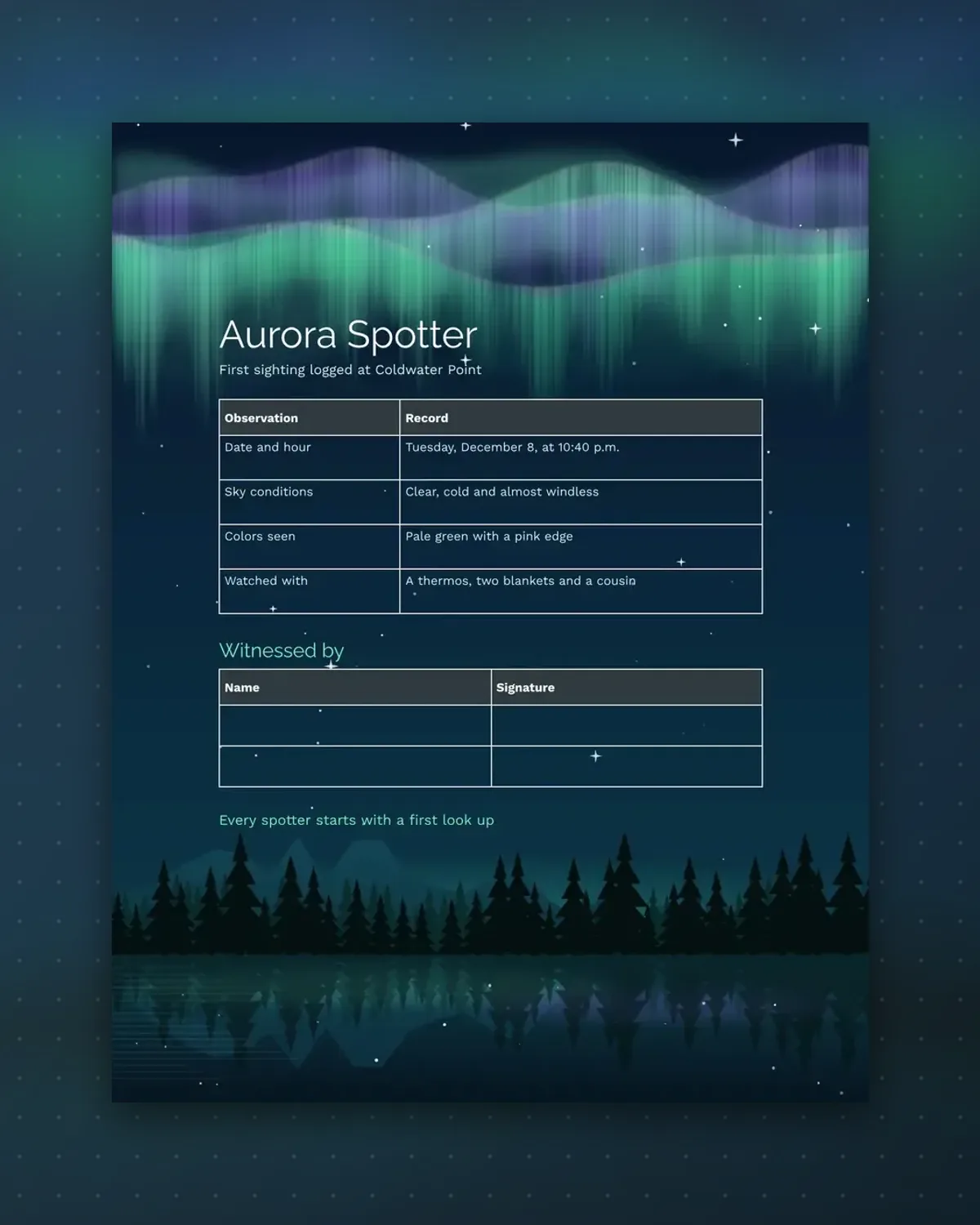
Nobody forgets a first aurora, but details fade quickly. This certificate captures the hour, the colors and who stood beside you.
Fill in the observation rows the same night while it is fresh, then ask your companions to sign.
Make a copy in Google Docs, or download the Word file.
Type over the sample text with your own details.
Delete the guide page when you are done.
Print it, or save it as a PDF.
Yes. Edit the subtitle or any row.
Yes, but notes are best the same night.
Anyone who was there when you saw it.
Docs + Word2 pages
Free
Docs + Word1 page
Free
Docs + Word1 page
Free
Docs + Word1 page
Free
Docs + Word2 pages
Free
Docs + Word1 page
Free
Docs + Word1 page
Free
Docs + Word1 page
Free
Docs + Word1 page
Free
Docs + Word2 pages
Free
Docs + Word1 page
Free
Docs + Word1 page
Free
Docs + Word1 page
Free
Docs + Word2 pages
Free
Docs + Word2 pages
Free