Christmas Card
Docs + Word2 pages
Free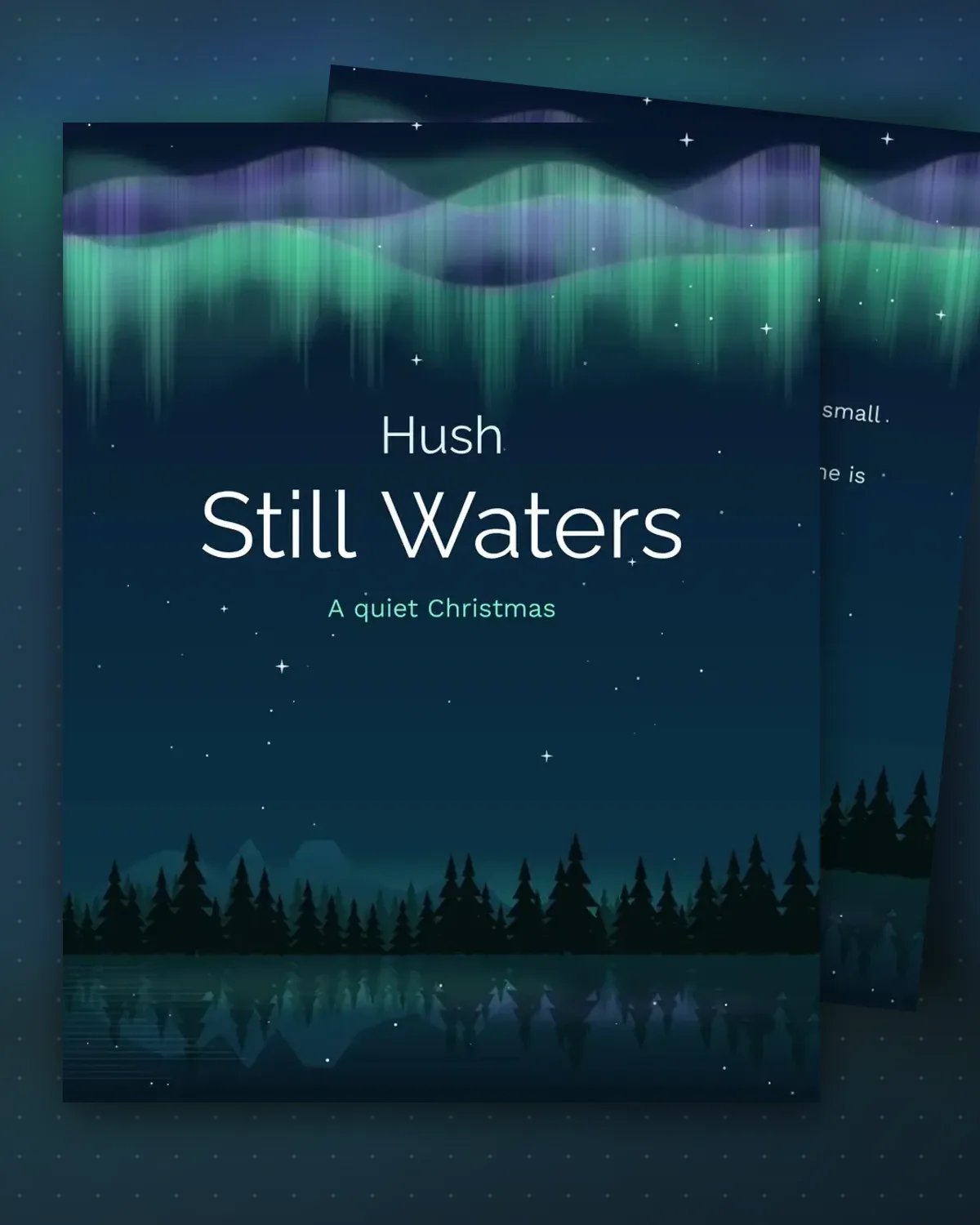
Soft aurora light settles over still water on the front, a restful scene without a single ornament or bell.
Two short lines inside leave plenty of white space. Use them to comfort a friend, or to describe your own calm season.
Make a copy in Google Docs, or download the Word file.
Type over the sample text with your own details.
Delete the guide page when you are done.
Print it, or save it as a PDF.
The wording is gentle, and you can make it lighter by editing the lines.
Keep it to a few sentences so the white space still feels calm.
Yes. Replace the second line with a verse that means something to you both.
Docs + Word2 pages
Free
Docs + Word1 page
Free
Docs + Word1 page
Free
Docs + Word1 page
Free
Docs + Word2 pages
Free
Docs + Word1 page
Free
Docs + Word1 page
Free
Docs + Word1 page
Free
Docs + Word1 page
Free
Docs + Word1 page
Free
Docs + Word1 page
Free
Docs + Word1 page
Free
Docs + Word1 page
Free
Docs + Word2 pages
Free
Docs + Word2 pages
Free