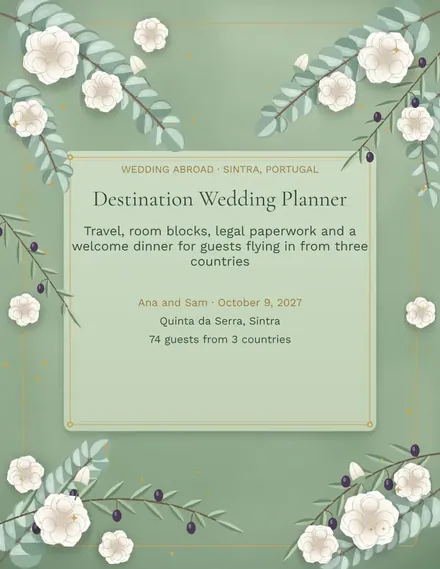
Destination Wedding Planner
Docs + Word3 pages
Free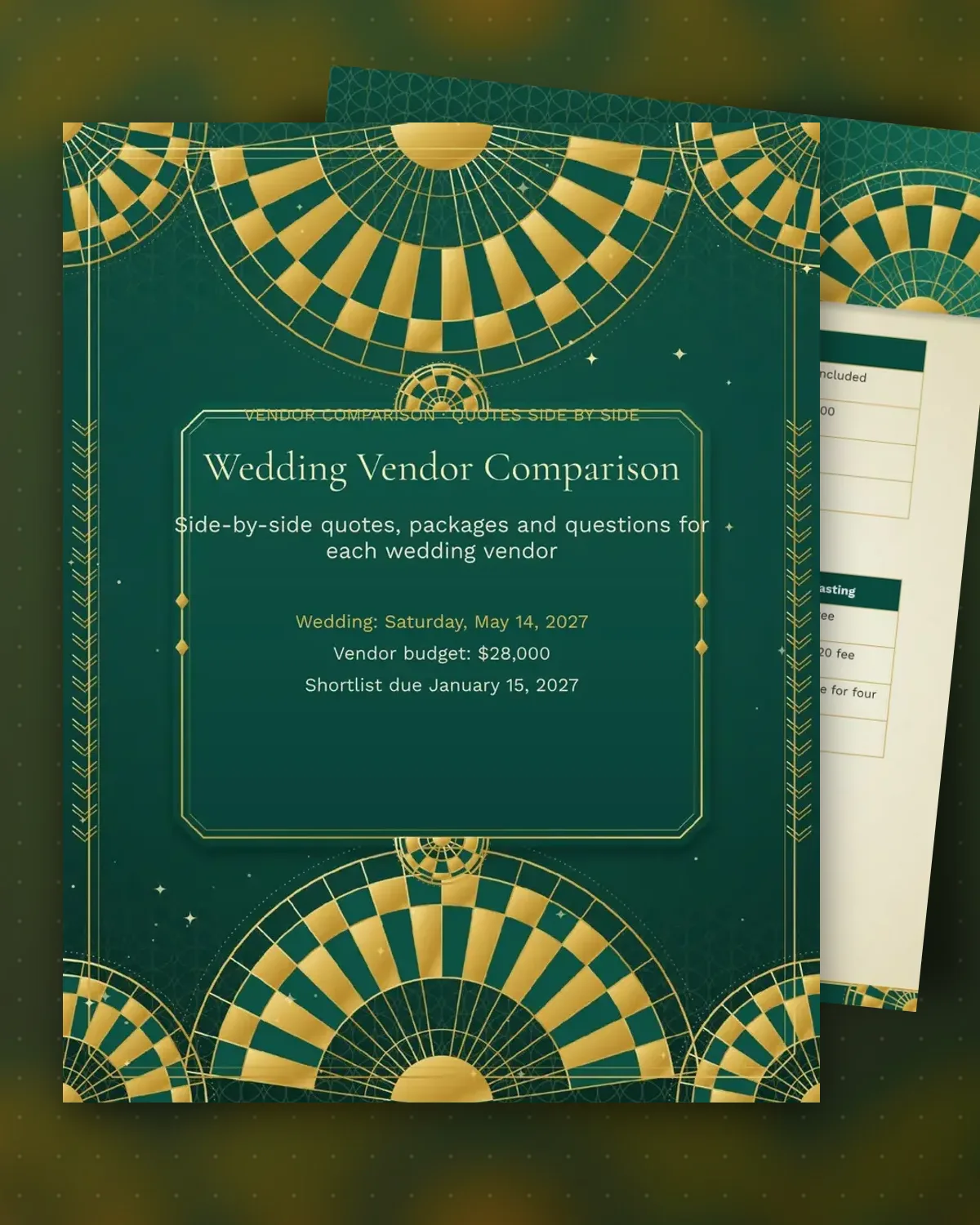
Vendor quotes rarely line up. One photographer includes a second shooter, another charges extra for an hour, and a caterer's per-guest price leaves out service. This comparison puts the quotes in matching columns, so the true cost and the deposits due before you choose. Three options per vendor is enough for most couples.
The scoring table gives each finalist a total out of 30 for style, reviews, availability and value, while the question list covers the things contracts often leave out, such as backup plans and turnaround times. Fill it in while you talk to each vendor, then record the final choice and the balance due at the bottom.
Make a copy in Google Docs, or download the Word file.
Type over the sample text with your own details.
Delete the guide page when you are done.
Print it, or save it as a PDF.
Three is usually enough. Use the table to narrow a longer list to finalists, then ask those vendors for a detailed written quote.
Deposits often run between a quarter and half of the total. Note the amount and due date in the final choice box so nothing is missed.
Yes. Rename the tables and keep the same columns, which work for florists, bakers, DJs and venues.
Docs + Word3 pages
Free
Docs + Word3 pages
Free
Docs + Word3 pages
Free
Docs + Word3 pages
Free
Docs + Word3 pages
Free
Docs + Word3 pages
Free
Docs + Word3 pages
Free
Docs + Word3 pages
Free
Docs + Word3 pages
Free
Docs + Word3 pages
Free
Docs + Word3 pages
Free
Docs + Word3 pages
Free
Docs + Word3 pages
Free
Docs + Word3 pages
Free
Docs + Word3 pages
Free