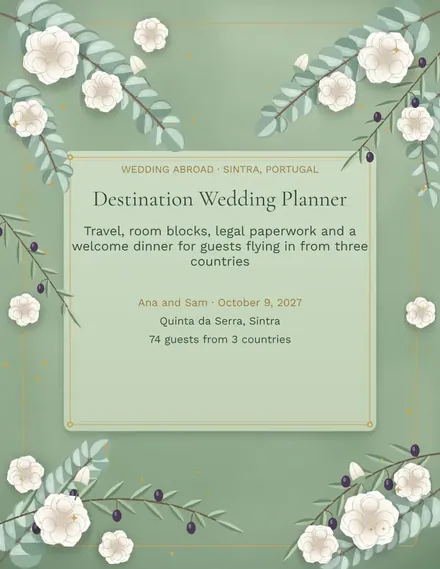
Destination Wedding Planner
Docs + Word3 pages
Free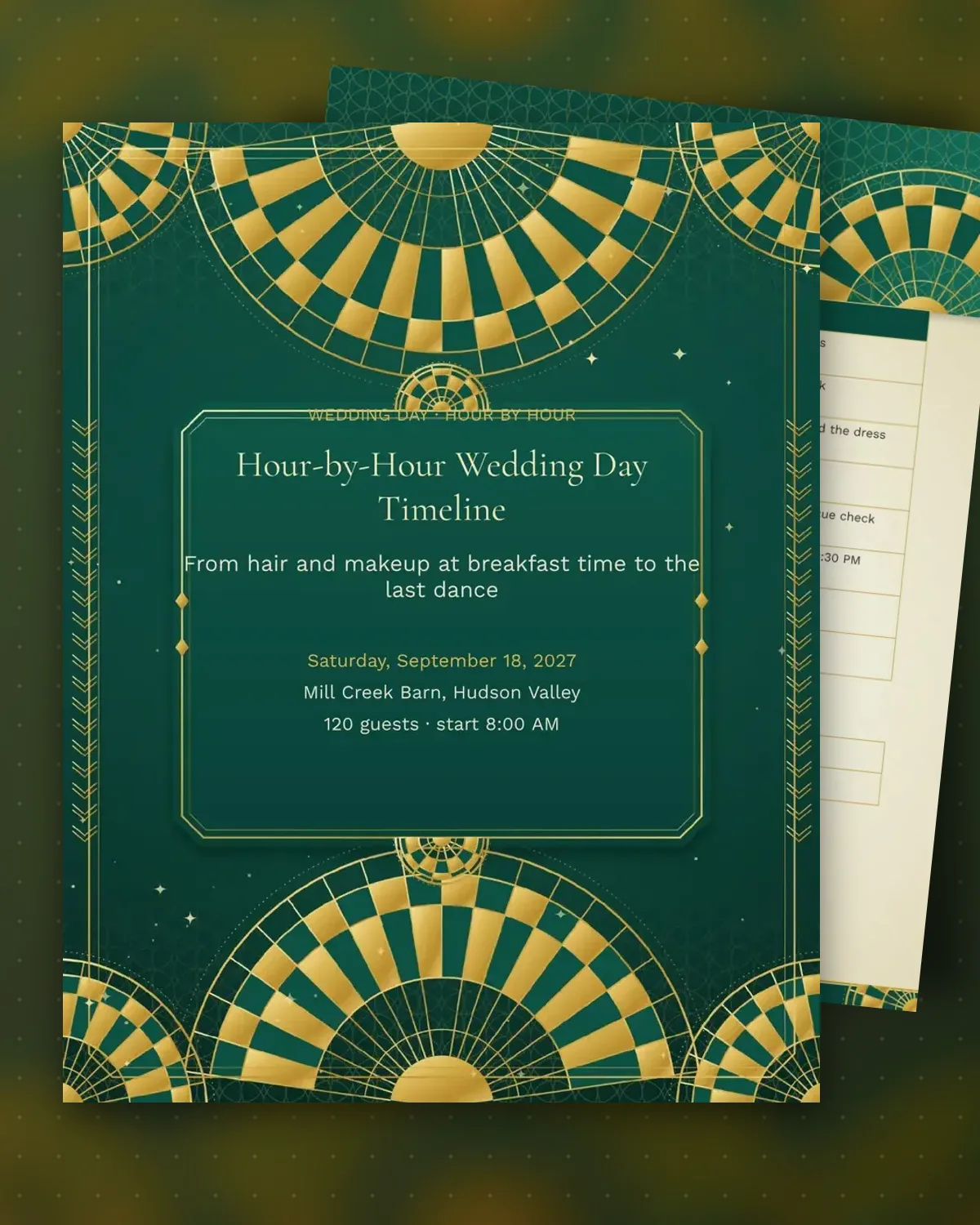
A wedding day runs on a timeline that only works if everyone agrees to it in advance. This template starts at breakfast and moves hour by hour through getting ready, the photos and the ceremony, with a location and a named person for each task. Vendors can see when they arrive, and family members know when to leave the suite.
The second page picks up at the cocktail hour and runs through dinner, toasts, the cake and the send-off. Each moment has a lead person and a notes column for cues, such as when to open the bar or light the sparklers. A short list reminds you what to keep in the car for the day.
Make a copy in Google Docs, or download the Word file.
Type over the sample text with your own details.
Delete the guide page when you are done.
Print it, or save it as a PDF.
No. Couples and friends can run the day with it. A day-of coordinator can adjust it easily, since each row has its own time and owner.
Send it to vendors and the wedding party about two weeks ahead, then update it once the ceremony time is final.
Yes. Move the rows to match your start time and keep the order, since the tasks follow the sequence most weddings use.
Docs + Word3 pages
Free
Docs + Word3 pages
Free
Docs + Word3 pages
Free
Docs + Word3 pages
Free
Docs + Word3 pages
Free
Docs + Word3 pages
Free
Docs + Word3 pages
Free
Docs + Word3 pages
Free
Docs + Word3 pages
Free
Docs + Word3 pages
Free
Docs + Word3 pages
Free
Docs + Word3 pages
Free
Docs + Word3 pages
Free
Docs + Word3 pages
Free
Docs + Word3 pages
Free