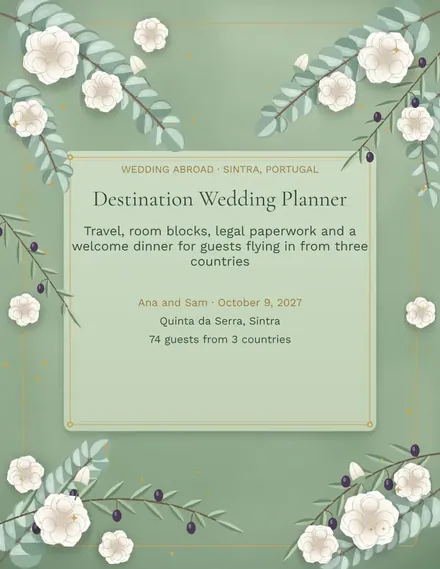
Destination Wedding Planner
Docs + Word3 pages
Free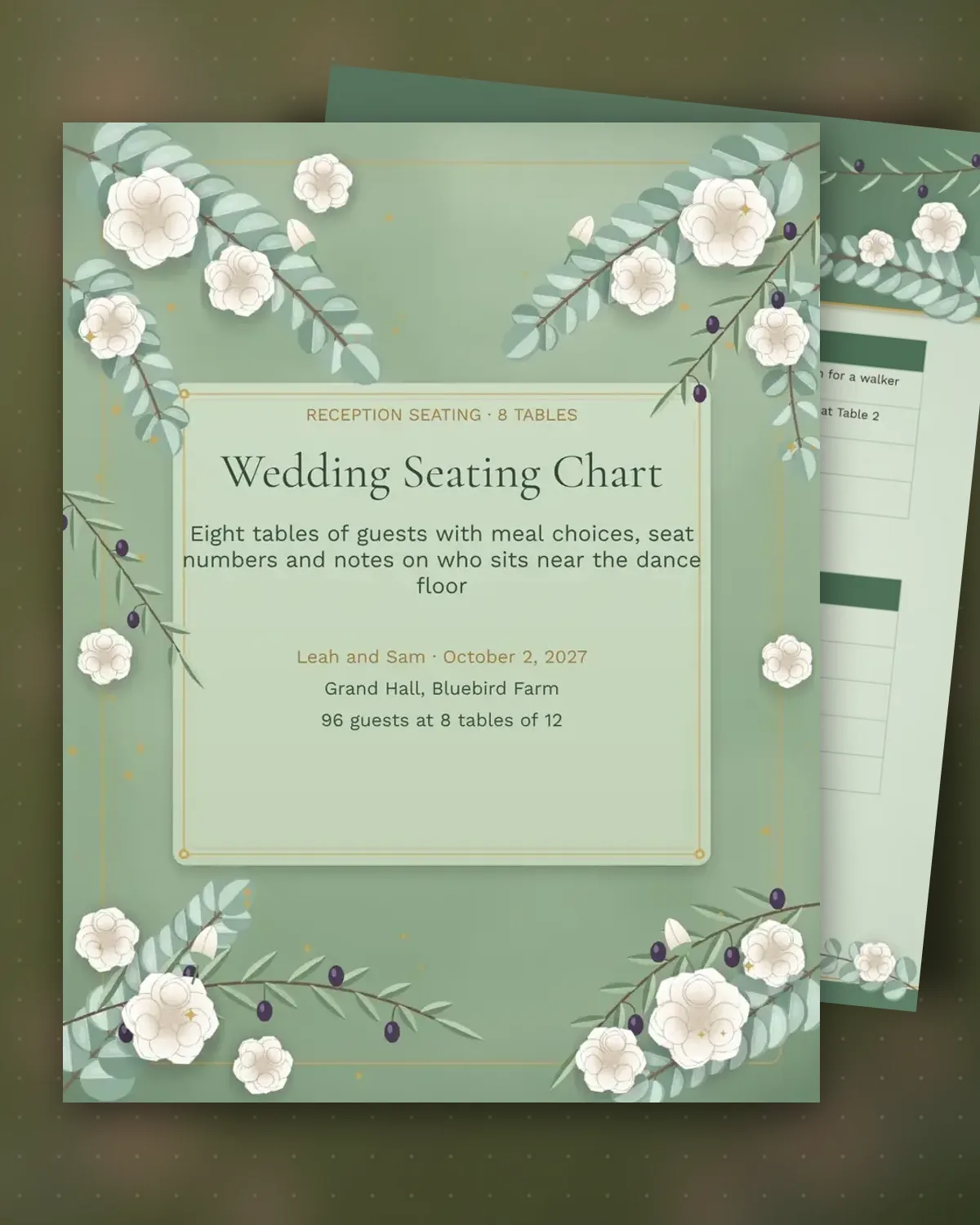
A seating chart is where a reception plan meets real people. Each table needs a clear seat order, a meal choice for every guest and a few notes on who will get along, who needs quiet and who should keep their distance. This template gives each table its own grid, so the planner can read straight down the seats on the day without flipping back through a master list.
The sample seats 96 guests across eight tables, with family, college friends, work colleagues and a kids' table. Notes flag a walker, a peanut allergy and a rivalry that should stay out of the same conversation. Replace the names, rename the tables to match your guest groups and keep the keep-apart list short, so the chart stays easy to read.
Make a copy in Google Docs, or download the Word file.
Type over the sample text with your own details.
Delete the guide page when you are done.
Print it, or save it as a PDF.
The sample shows four tables across two pages, plus a page for the keep-apart list. Copy the table blocks to fit your count.
Yes. Each seat row has a meal column, so the caterer can see the count for every choice.
Yes. Use one table block per table and drop the extra pages for a smaller guest list.
Docs + Word3 pages
Free
Docs + Word3 pages
Free
Docs + Word3 pages
Free
Docs + Word3 pages
Free
Docs + Word3 pages
Free
Docs + Word3 pages
Free
Docs + Word3 pages
Free
Docs + Word3 pages
Free
Docs + Word3 pages
Free
Docs + Word3 pages
Free
Docs + Word3 pages
Free
Docs + Word3 pages
Free
Docs + Word3 pages
Free
Docs + Word3 pages
Free
Docs + Word3 pages
Free