
Rose Petal Valentine Card
Docs + Word2 pages
Free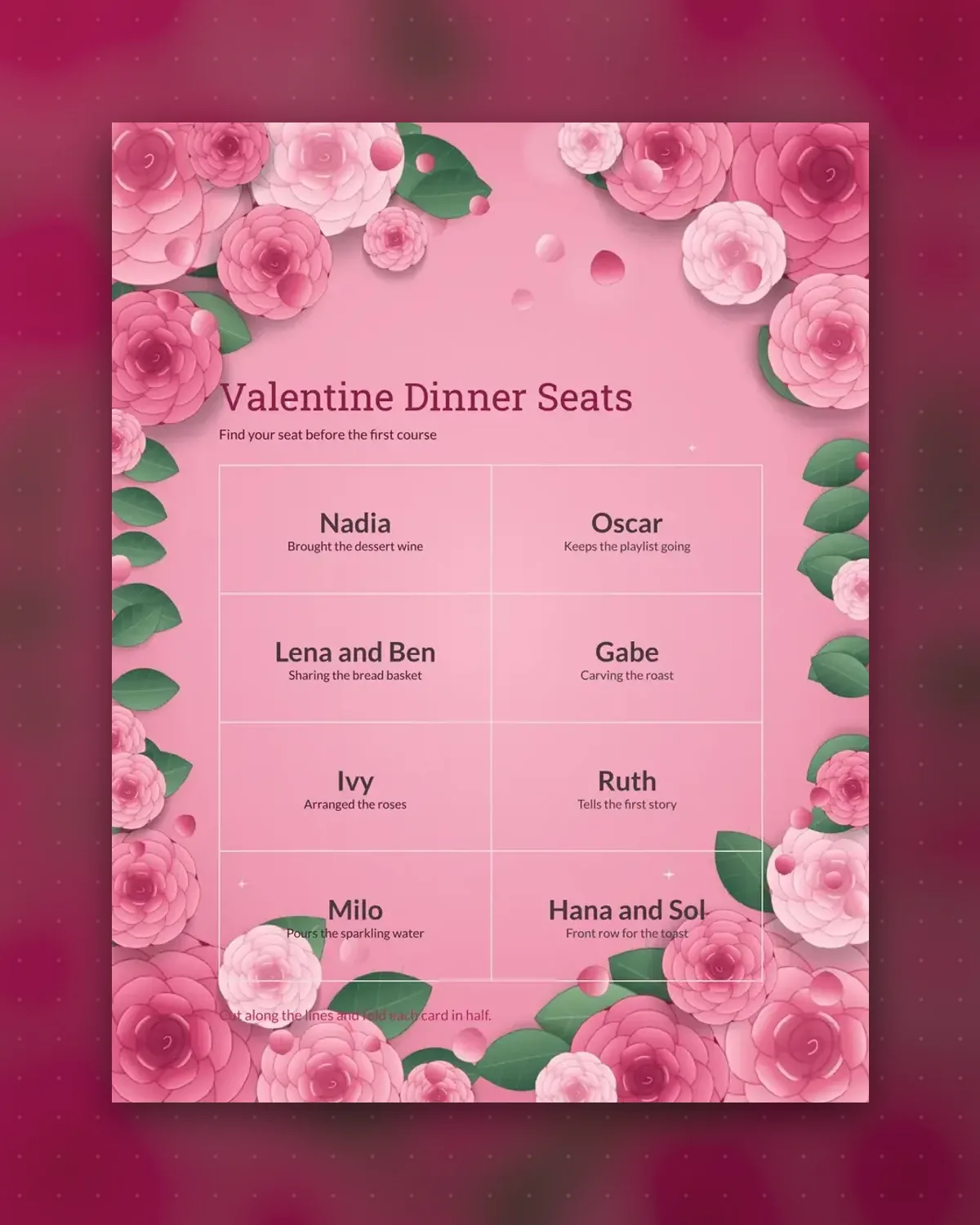
A host setting a table for Valentine's dinner can use place cards to show guests where to sit and to add a personal touch. This page has eight cards, one name apiece, each followed by a brief line that gives the guest a small role, like pouring the sparkling water or carving the roast. The cards suit a table for eight and cut apart easily.
Add the guest names before printing, and check each spelling against the invitation list. Score each card at the halfway mark and fold it so it stays upright. Adjust the lines so they match each guest, and keep them to one short sentence. Print a spare card for a last-minute guest, since an extra person at a dinner party is common.
Make a copy in Google Docs, or download the Word file.
Type over the sample text with your own details.
Delete the guide page when you are done.
Print it, or save it as a PDF.
Fold a card in half along the center and set it upright, turned so the guest can read the name. Use a small dab of glue or tape on the back if the paper is thin. Card stock holds its shape better than copy paper.
Put the first name large on the front, since guests scan for it at the table. Add a last name if two guests share a first name. Keep the personal line below the name so it reads as a small extra rather than the main message.
Print one for each guest, plus one spare for someone who turns up unexpectedly. This template gives eight cards, which suits a round table for eight. For a longer table, print another sheet in the same design.
Docs + Word2 pages
Free
Docs + Word2 pages
Free
Docs + Word2 pages
Free
Docs + Word1 page
Free
Docs + Word1 page
Free
Docs + Word1 page
Free
Docs + Word1 page
Free
Docs + Word1 page
Free
Docs + Word2 pages
Free
Docs + Word1 page
Free
Docs + Word1 page
Free
Docs + Word1 page
Free
Docs + Word1 page
Free
Docs + Word1 page
Free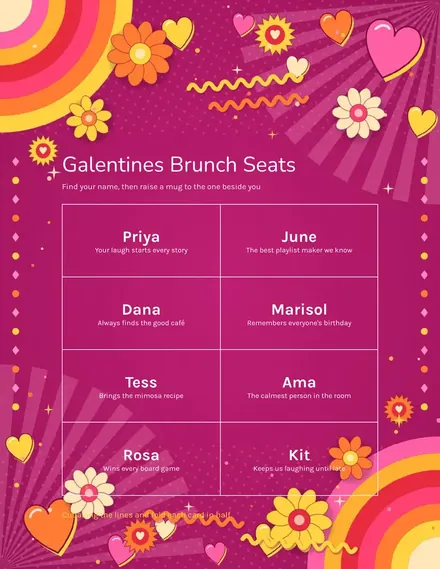
Docs + Word1 page
Free








