Birthday Gift Tracker
Sheets + Excel6 tabs
Free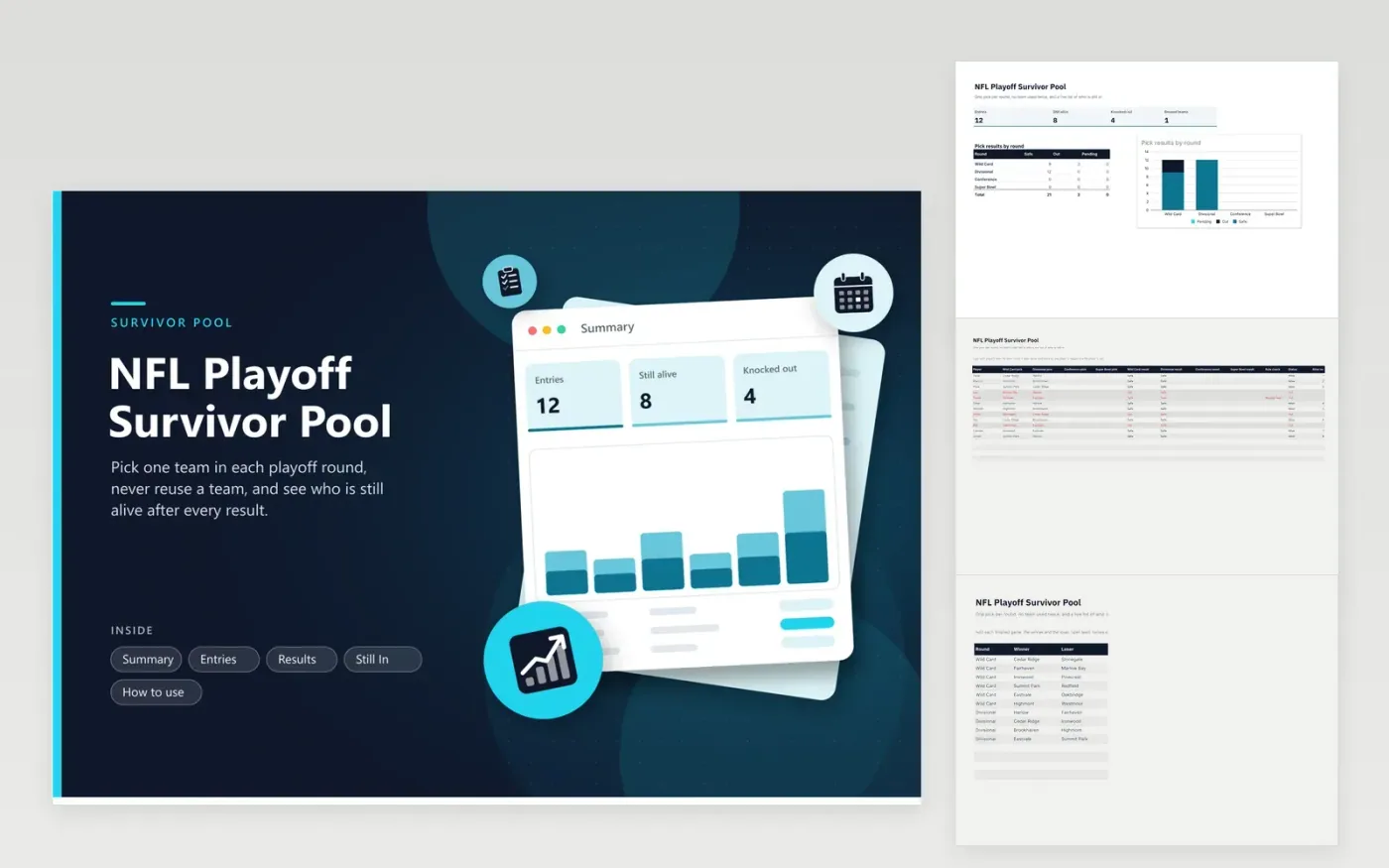
A survivor pool is simple to describe and tiring to track. Each player picks one team to win in each round and cannot pick the same team twice. A single loss ends the run. This file keeps every entry in one table: four pick columns, a result for each pick, a rule check and a status. Enter the finished games on the Results tab, and the result columns say Safe, Out or Pending.
Reusing a team is flagged right away and counts as out, so no one has to catch it by eye. The Still In tab lists every player who is alive, and the Summary shows the picks that survived each round in a stacked chart. Spell team names the same way in picks and results. Use it for points and bragging rights, or for a small prize the group agrees on.
Click Make a copy in Google Sheets, then confirm on the Google page. The copy is saved to your own Google Drive.
Start on the Entries tab: replace the sample rows with your own.
Keep the formula columns as they are; they fill in as you type.
Read the How to use tab for tips. For Excel, download the .xlsx file instead.
Each player picks one team to win each round. If the team wins, the player stays alive. If it loses, the player is out. A team cannot be picked twice by the same player.
The Rule check column says Reused team and the entry is marked out, so reuse is caught as soon as the pick is typed in.
Results are matched to picks by text. If a pick says Cedar Ridge and the result says Cedar Ridges, the pick will show as Out. Copy and paste to avoid typos.
Sheets + Excel6 tabs
Free
Docs + Word1 page
Free
Sheets + Excel5 tabs
Free