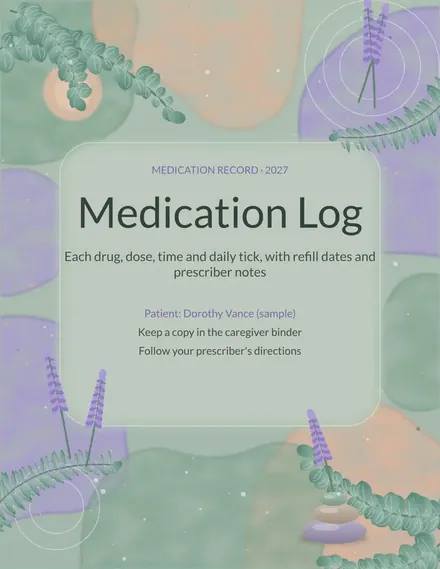
Medication Log
Docs + Word3 pages
Free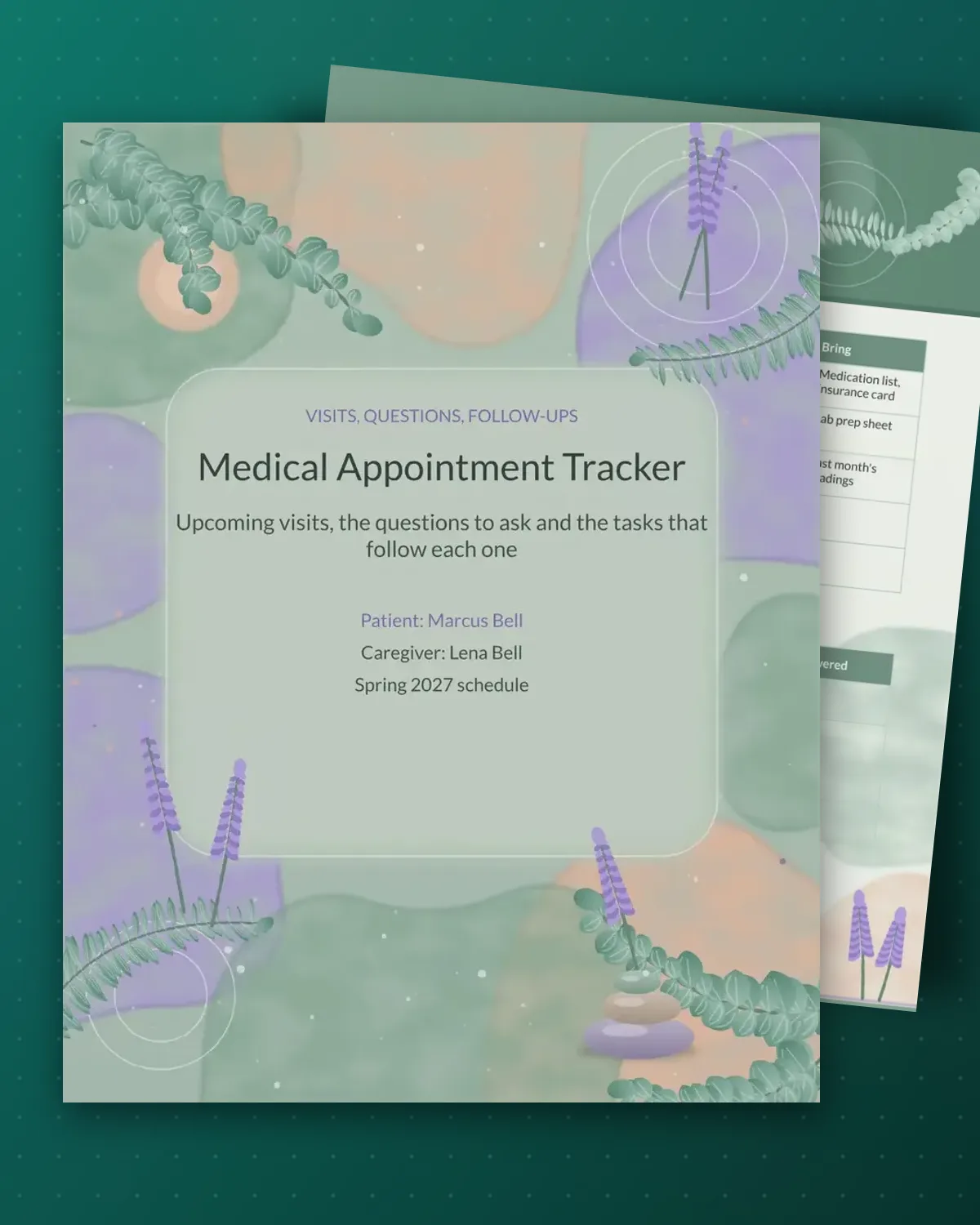
Appointments pile up quickly once referrals, lab work and specialists are involved, and the details often end up scattered across emails and sticky notes. This tracker keeps each visit in one row with the provider, place, reason and what to bring, so nothing is forgotten on the day. A second page follows each visit with the tasks and results that came out of it.
The sample shows a patient with a spring schedule of a primary care check, a blood test and a specialist visit. Fill in your own providers and dates, and keep the questions list updated between visits. Nothing here replaces your provider's instructions, so write down what they tell you in the notes exactly as they say it.
Make a copy in Google Docs, or download the Word file.
Type over the sample text with your own details.
Delete the guide page when you are done.
Print it, or save it as a PDF.
Patients, caregivers and parents can all use it. Add one row for each visit, whoever is attending.
Use the after-visit page. Each item has a deadline and a check box to mark it finished, so referrals and tests do not slip.
Yes. Put the child's name on the cover and list the pediatric visits, vaccines and school forms in the same way.
Docs + Word3 pages
Free
Docs + Word3 pages
Free
Docs + Word3 pages
Free
Docs + Word3 pages
Free
Docs + Word4 pages
Free
Docs + Word3 pages
Free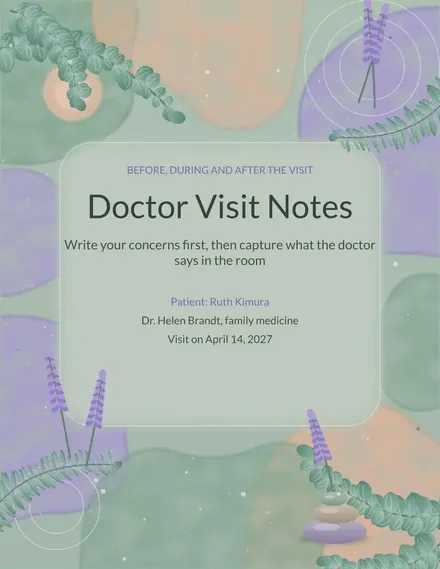
Docs + Word3 pages
Free
Docs + Word3 pages
Free
Docs + Word3 pages
Free
Docs + Word3 pages
Free
Docs + Word3 pages
Free
Docs + Word3 pages
Free
Docs + Word3 pages
Free
Docs + Word3 pages
Free