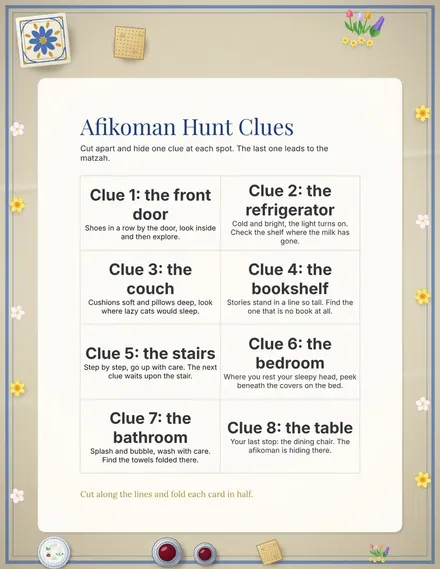
Afikomen Hunt Clue Cards
Docs + Word1 page
Free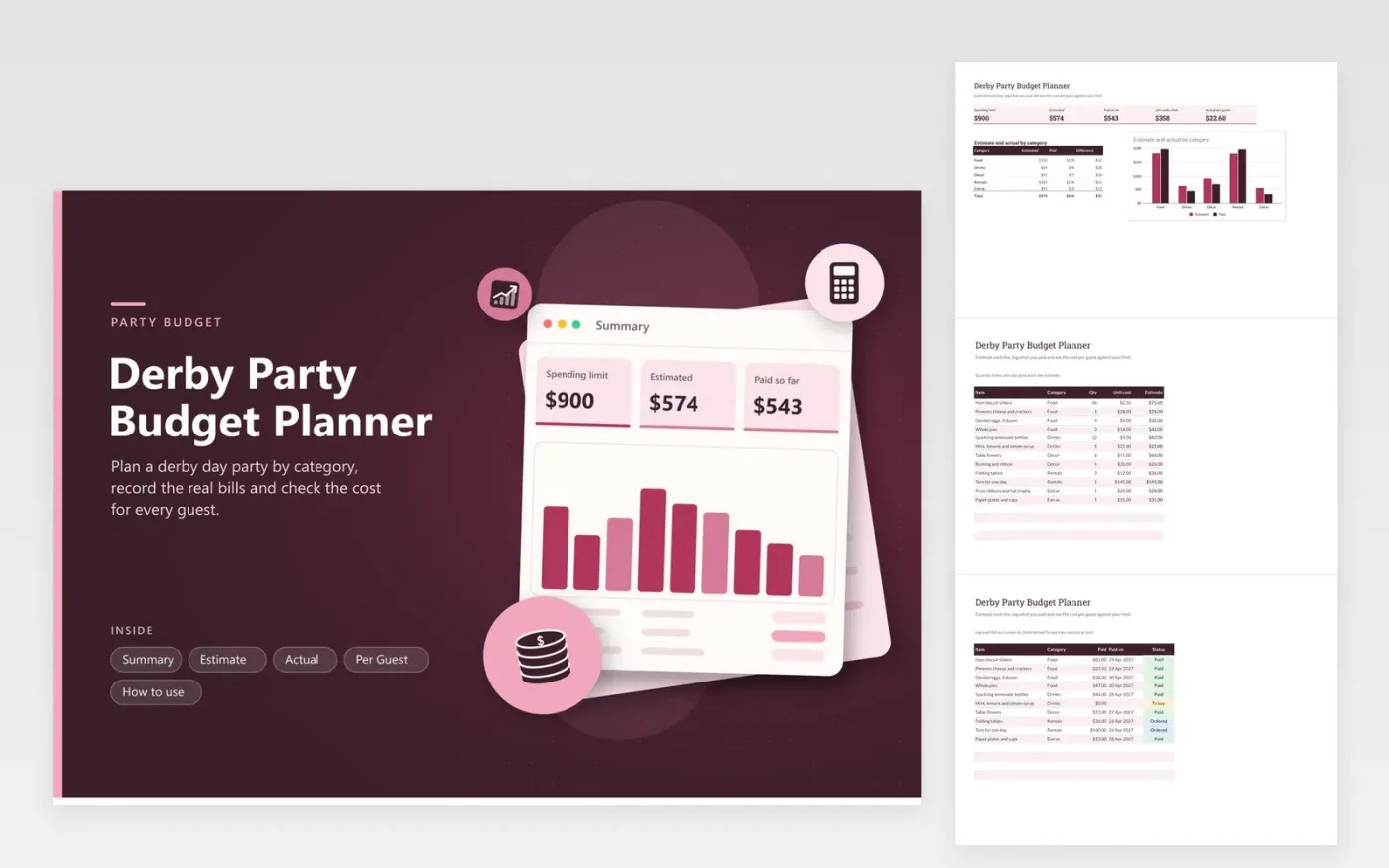
A derby day party spreads its costs across tents, tablecloths, mint, ham biscuits and prize ribbons, and the total creeps up before anyone arrives. This planner keeps two lists side by side. The Estimate tab multiplies quantity by unit cost for each item, grouped under food, drinks, decor, rentals and extras. The Actual tab collects what you really paid, with the payment date and a Paid, Ordered or To buy label.
The Per Guest tab turns the total into a number you can act on. Set a spending limit once and the sheet shows the estimate and the paid amount for each guest under three headcounts: confirmed, with plus ones and a small turnout. The row shows red once the paid total passes the limit. The Summary tab plots estimate against paid for each category, so the biggest overshoot is easy to spot.
Click Make a copy in Google Sheets, then confirm on the Google page. The copy is saved to your own Google Drive.
Start on the Estimate tab: replace the sample rows with your own.
Keep the formula columns as they are; they fill in as you type.
Read the How to use tab for tips. For Excel, download the .xlsx file instead.
Type your spending limit and guest count into the top line of the Per Guest tab. The sheet divides both the estimate and the paid total by the guests.
Yes. Fill in the Estimate tab first with quantities and unit costs, then add real amounts to the Actual tab as you pay.
The Left under limit figure on the Summary turns negative and the matching Per Guest row is highlighted in red.
Docs + Word1 page
Free
Docs + Word2 pages
Free
Docs + Word1 page
Free
Docs + Word1 page
Free
Sheets + Excel5 tabs
Free
Docs + Word1 page
Free
Docs + Word1 page
Free
Docs + Word1 page
Free
Sheets + Excel5 tabs
Free
Docs + Word1 page
Free
Docs + Word1 page
Free
Docs + Word1 page
Free
Docs + Word1 page
Free
Sheets + Excel5 tabs
Free
Docs + Word1 page
Free