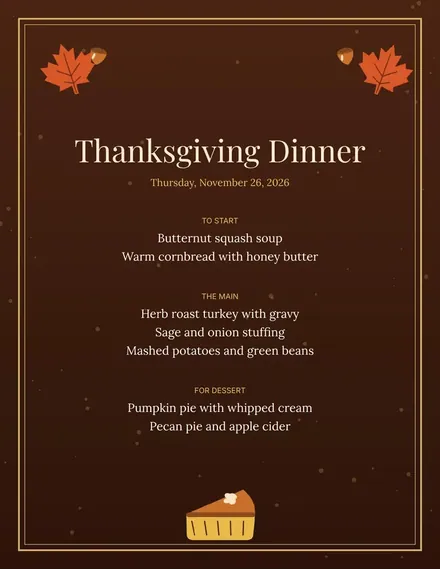
Thanksgiving Menu
Docs + Word1 page
Free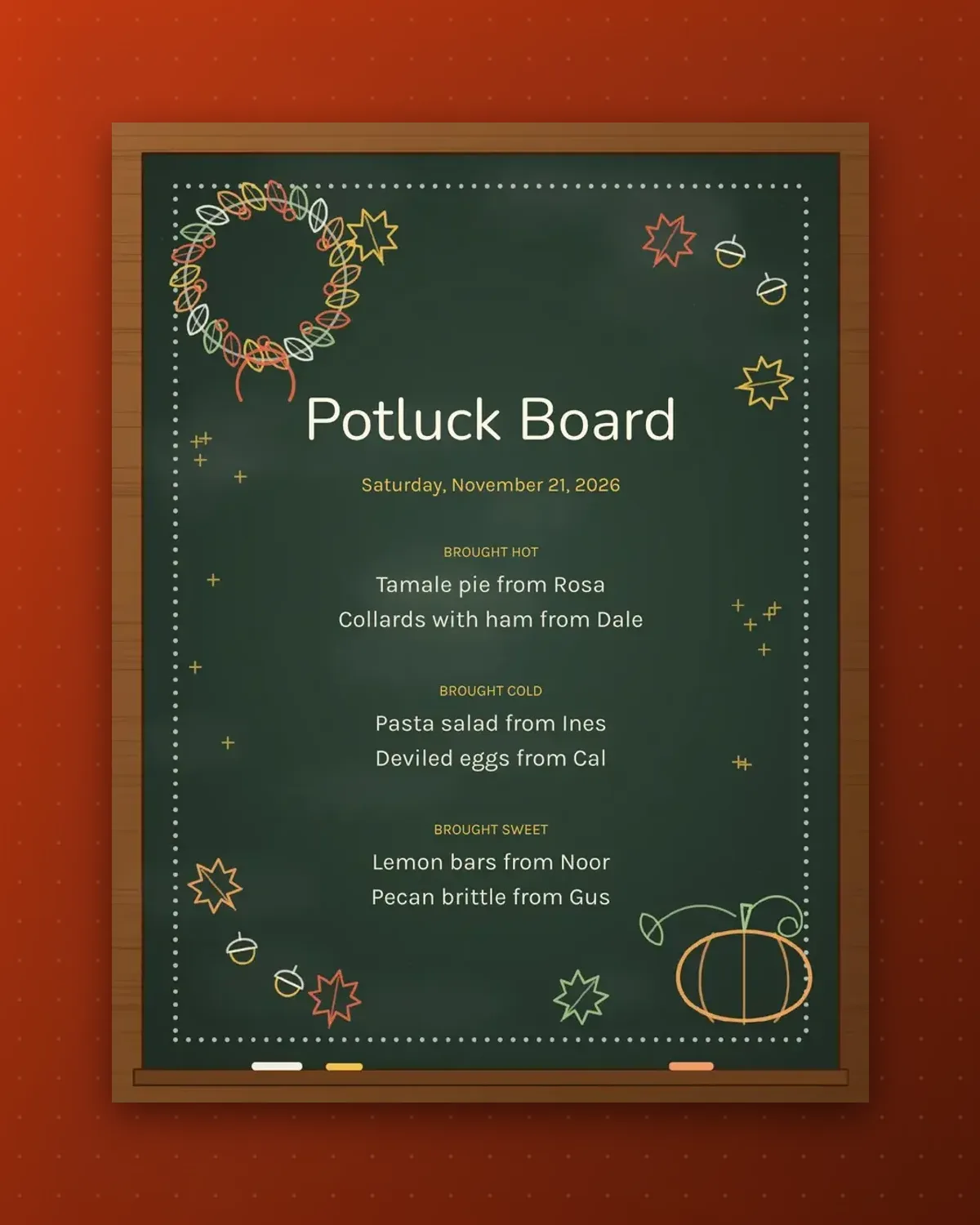
At a potluck, guests ask who made what. This board answers by naming the cook beside each dish, grouped by how the food is served.
Type your own cooks and dishes into Google Docs the week before, then print it for the table. Add a line if one more guest signs up.
Make a copy in Google Docs, or download the Word file.
Type over the sample text with your own details.
Delete the guide page when you are done.
Print it, or save it as a PDF.
Seven fits cleanly; beyond that the text gets smaller.
No. The chalk look is printed on the page.
Yes. Delete the from part of each line.
Docs + Word1 page
Free
Docs + Word1 page
Free
Docs + Word1 page
Free
Docs + Word1 page
Free
Docs + Word2 pages
Free
Docs + Word1 page
Free
Docs + Word1 page
Free
Docs + Word1 page
Free
Docs + Word1 page
Free
Docs + Word1 page
Free
Docs + Word2 pages
Free
Docs + Word1 page
Free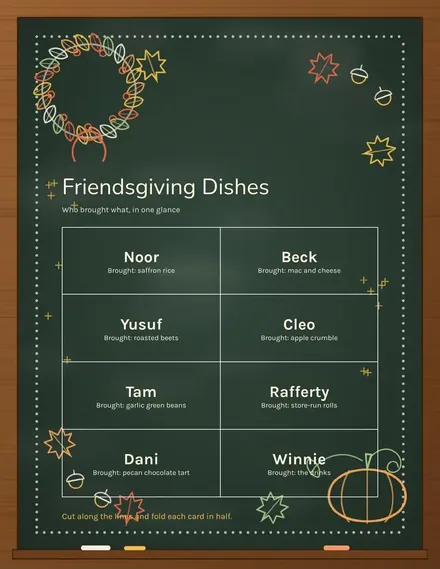
Docs + Word1 page
Free
Docs + Word1 page
Free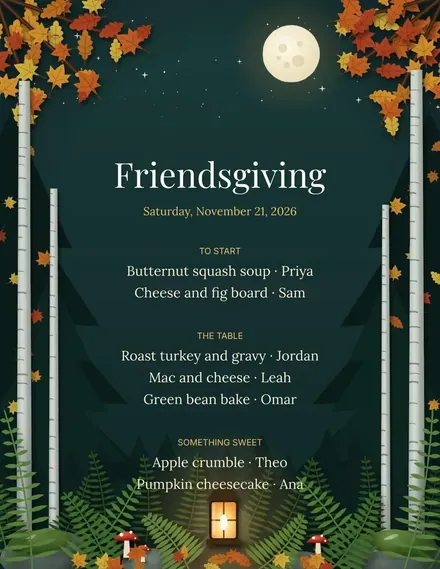
Docs + Word1 page
Free








