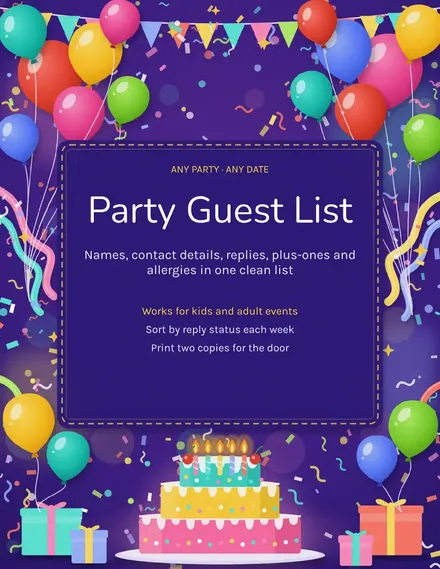
Party Guest List
Docs + Word3 pages
Free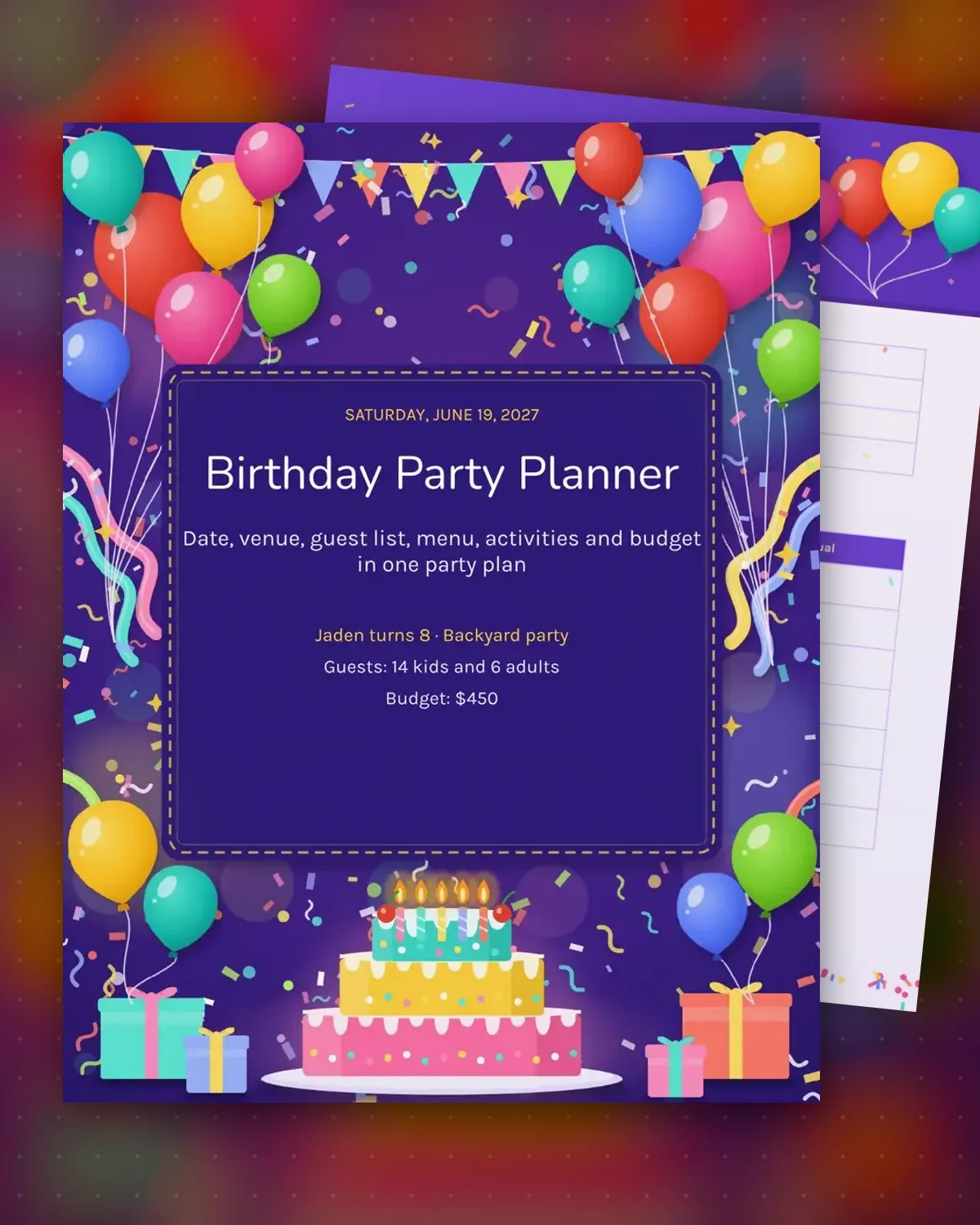
A birthday party gets stressful when the venue, the cake and the head count are scattered across text messages. This planner brings them together: the date and theme, a budget that compares planned and spent money, and a guest list that tracks replies and allergies. Start with the budget page, then book the venue and food before invitations go out.
The sample plans the eighth birthday of Jaden, a backyard skate-themed party for 14 children and six adults. It lists the cake, pizza, tent rental and decorations against a $450 budget with a running total. The timeline runs from setup at 1:30 p.m. through the cake at 3:15 p.m., so each helper knows when they are needed.
Make a copy in Google Docs, or download the Word file.
Type over the sample text with your own details.
Delete the guide page when you are done.
Print it, or save it as a PDF.
Four to six weeks gives a host room to breathe. Book a venue or rental first, then send invitations and order the cake two weeks out.
Yes. Change the theme and menu, and swap the games for a dinner or drinks timeline. The budget and guest pages work the same way.
Fill in the estimate column first, then add the actual cost as each receipt arrives. The difference shows where the budget is running over.
Docs + Word3 pages
Free
Docs + Word3 pages
Free
Docs + Word3 pages
Free
Docs + Word3 pages
Free
Docs + Word3 pages
Free
Docs + Word3 pages
Free
Docs + Word3 pages
Free
Docs + Word3 pages
Free
Docs + Word3 pages
Free