Rose Petal Valentine Card
Docs + Word2 pages
Free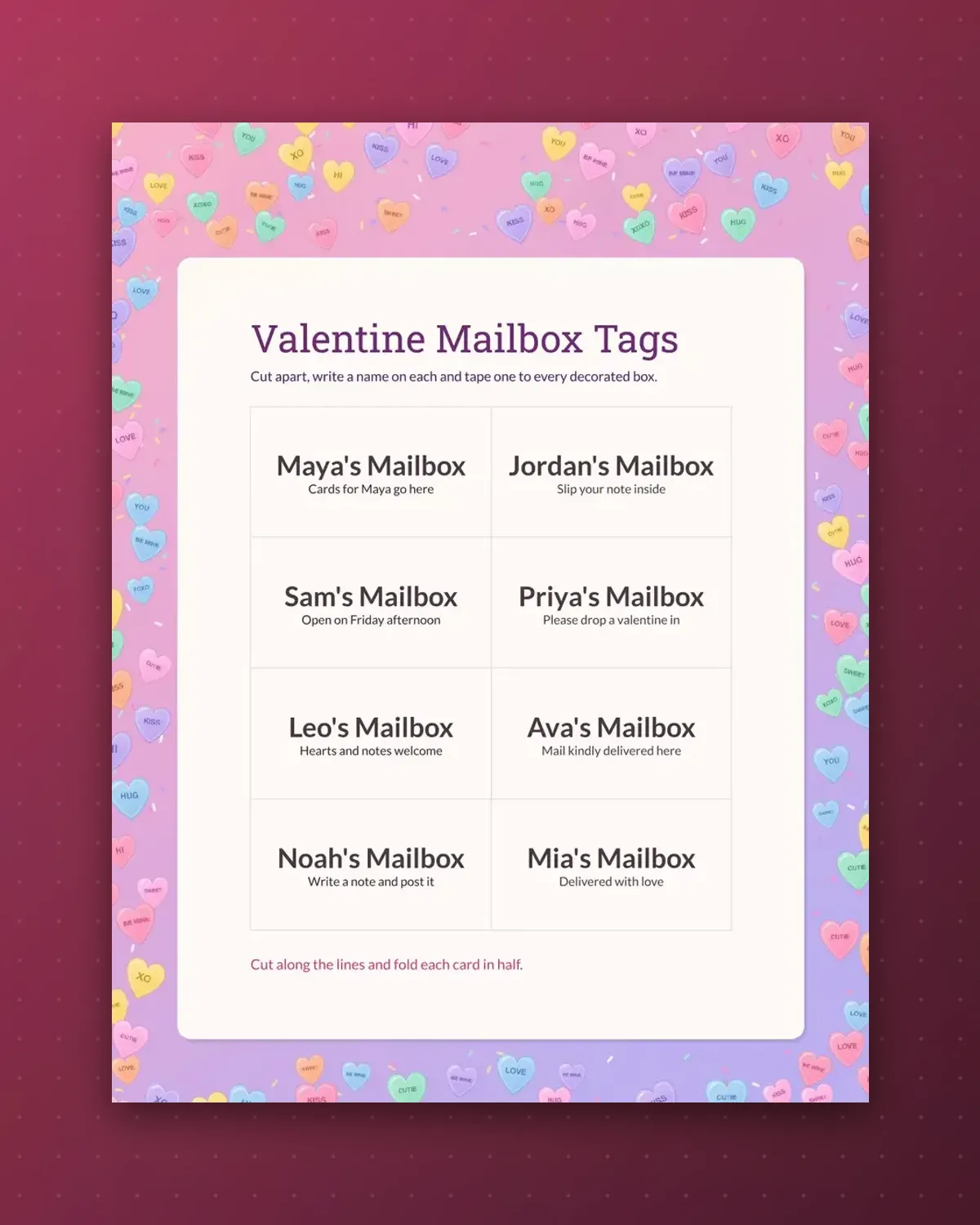
A class mailbox project starts with a shoebox, some paper and a name tag that tells classmates where to leave their cards. The eight tags here have a name and a friendly line, such as 'Slip your note inside.' Type your students' names over the samples in Google Docs ahead of printing, one tag per child, and cut them out along the lines.
Print on white card stock to keep the tag firm, or on ordinary paper glued to a strip of construction paper. Tape each tag to the front of the box before children decorate it. For a class of 24, print three pages and set aside a spare for the teacher. Keep the boxes on desks until party day, Friday, February 12.
Make a copy in Google Docs, or download the Word file.
Type over the sample text with your own details.
Delete the guide page when you are done.
Print it, or save it as a PDF.
Cover a shoebox with paper, cut a slot in the lid and decorate it with hearts. Tape on a name tag so classmates know where each valentine goes, and bring the box to school on party day.
Eight tags per page, in two columns. For a class of 24 you need three pages. Delete any tags you do not use before printing so you do not waste paper.
Most teachers prefer first names plus an initial for privacy. See what your school's policy allows, and avoid anything that shows more than a classmate needs to find the right box.
Docs + Word2 pages
Free
Docs + Word2 pages
Free
Docs + Word2 pages
Free
Docs + Word1 page
Free
Docs + Word1 page
Free
Docs + Word1 page
Free
Docs + Word1 page
Free
Docs + Word1 page
Free
Docs + Word1 page
Free
Docs + Word1 page
Free
Docs + Word1 page
Free
Docs + Word1 page
Free
Docs + Word1 page
Free
Docs + Word1 page
Free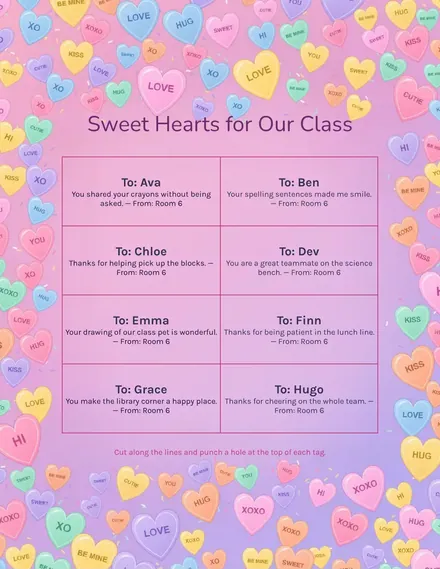
Docs + Word1 page
Free