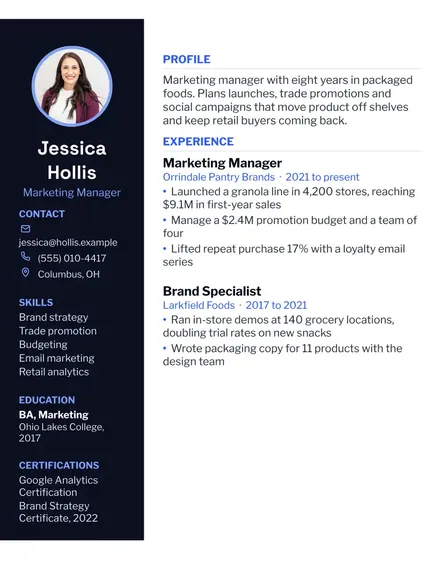
Modern Resume
Docs + Word1 page
Free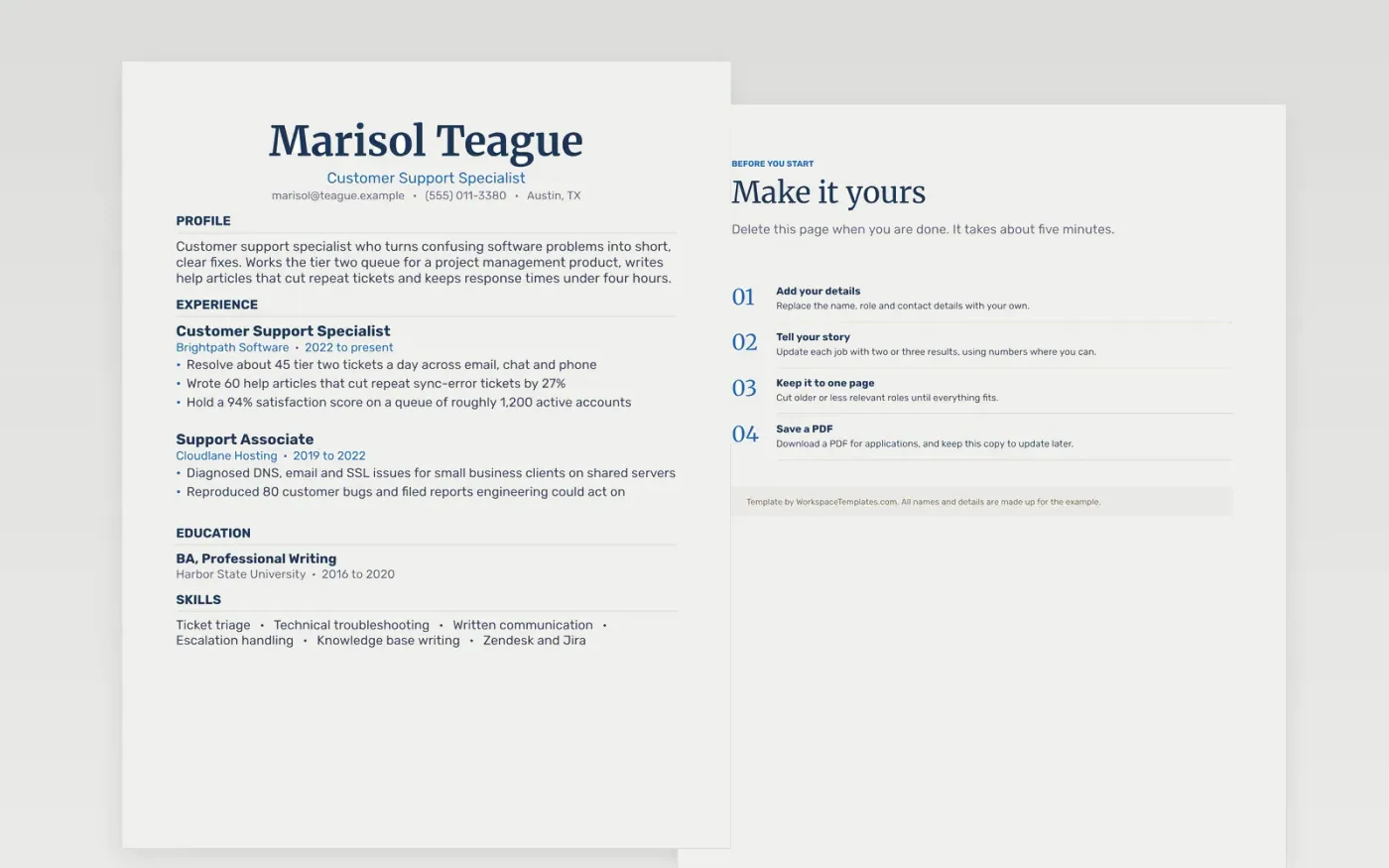
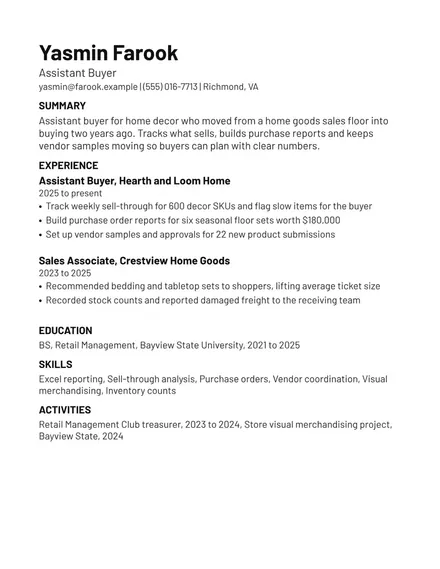
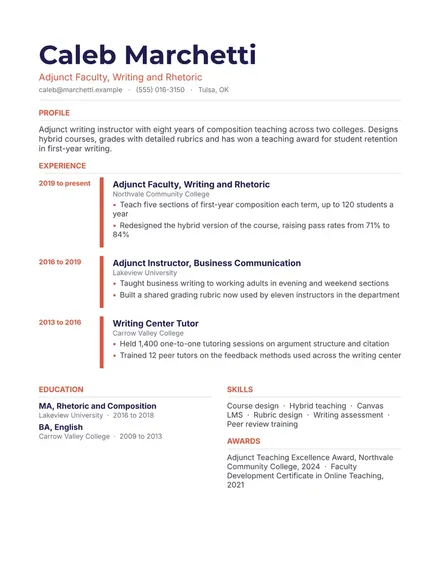
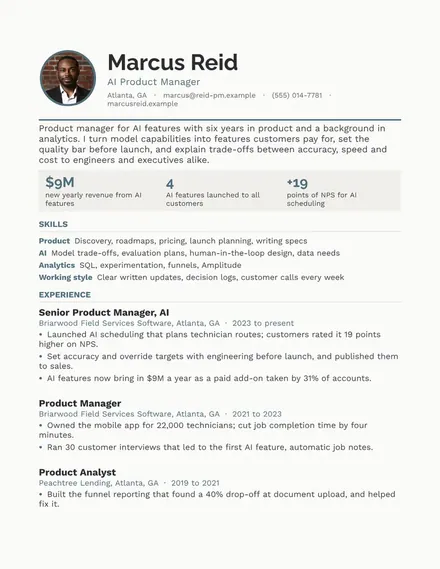
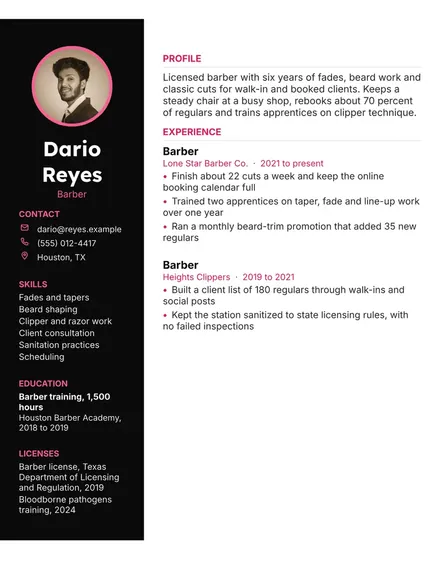
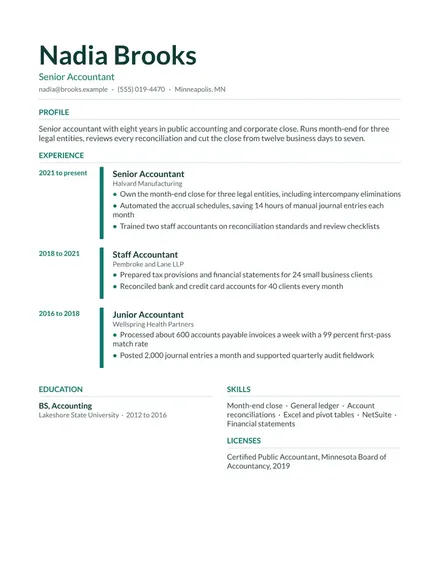
Hiring managers for support roles look for people who solve problems on the first pass and write well enough that the next customer does not need to call back. They check ticket volume handled, satisfaction scores, escalations resolved and any help documentation a candidate wrote. Software companies also ask about the tools a person has used. This one-column layout reads top to bottom the way a support lead scans a stack of applications, with the numbers placed first in every entry.
The sample specialist works the second tier queue for a project management app after several years in hosting support. Substitute your own company, product and figures, and confirm that each claim is something a reference could back up. For this role, one sentence on the hardest problem you solved in each job, such as a sync bug traced to a cache setting, will do more work than a longer skills list.
Make a copy in Google Docs, or download the Word file.
Type over the sample text with your own details.
Delete the guide page when you are done.
Print it, or save it as a PDF.
Start with the volume you handle each day and the satisfaction or response-time results you hit. Name the ticketing and knowledge base tools you use, such as Zendesk or Jira, and describe any bug you reproduced that engineering fixed. Show written work too, like help articles you published and how many repeat tickets they prevented. Put languages and certifications last, in a brief section.
Estimate carefully and say so, using phrases like about 45 tickets a day or roughly one in five. Pull figures from a tool report, a performance review or a team lead if you can confirm them. Describe change over time, such as response times that fell after a new macro library. Avoid made-up statistics, because interviewers often ask how a number was measured.
Yes. Applicant tracking systems read a single column more reliably than a two-column design, and recruiters can scan it quickly. This layout uses ruled section headings so each part is easy to find. It works well for people with several short roles or a steady record of promotions. Pick it when the history is simple and the tool list is short enough for one line.
Docs + Word1 page
Free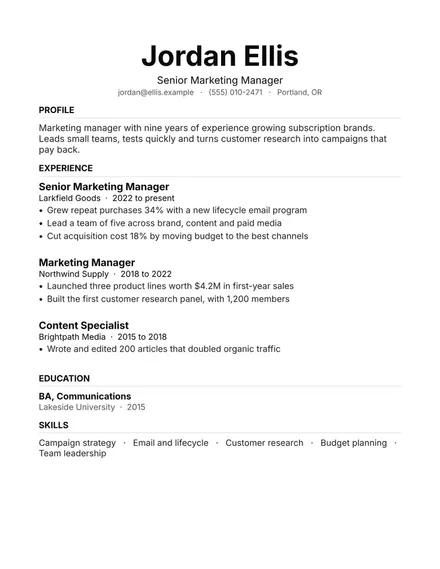
Docs + Word1 page
Free
Docs + Word1 page
Free
Docs + Word1 page
Free
Docs + Word1 page
Free
Docs + Word1 page
Free
Docs + Word1 page
Free
Docs + Word1 page
Free
Docs + Word1 page
Free
Docs + Word1 page
Free
Docs + Word1 page
Free
Docs + Word1 page
Free
Docs + Word1 page
Free
Docs + Word1 page
Free
Docs + Word1 page
Free