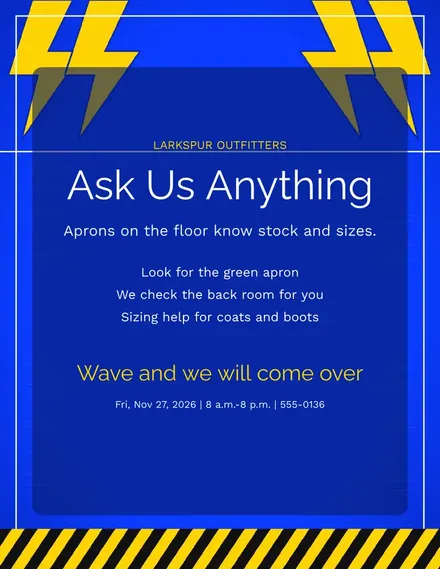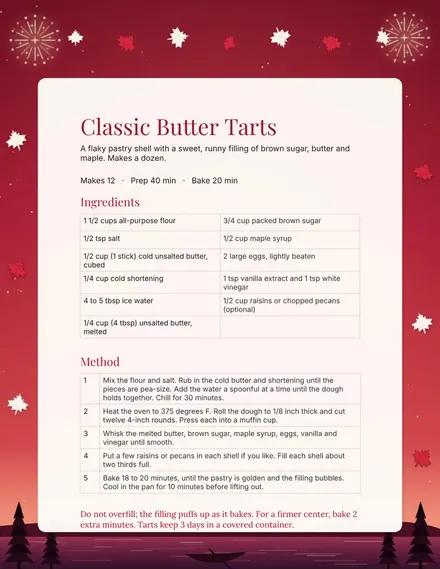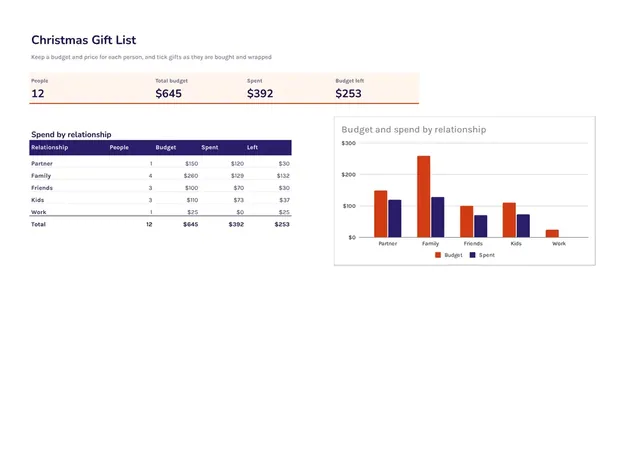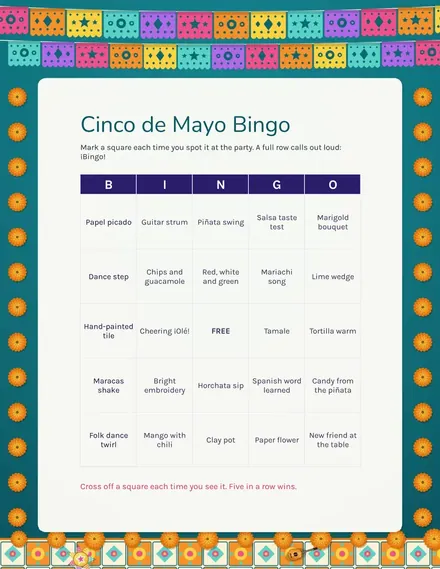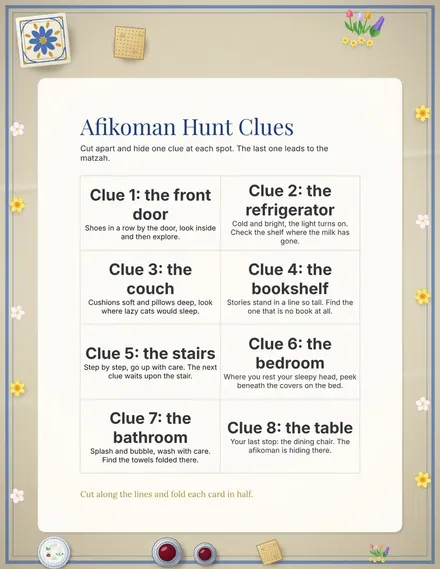
Afikomen Hunt Clue Cards
Docs + Word1 page
Free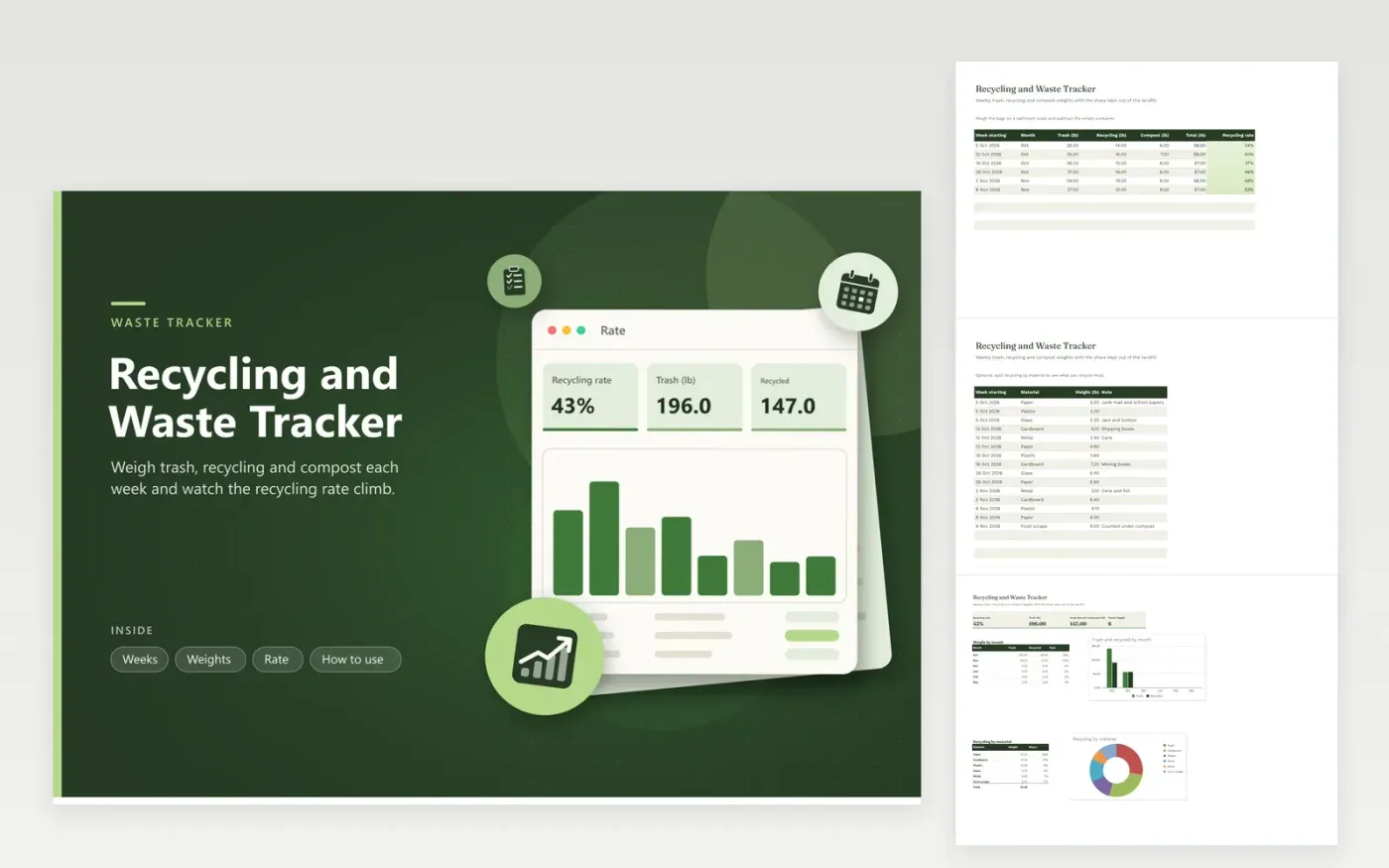
Weighing the bins for a few weeks shows where the waste goes. On Weeks you add a line every week: pounds of trash, pounds of recycling and pounds of compost. The sheet adds the total and works out the recycling rate for each week, shading the best weeks, so a household or a school sees what a new habit does within a month.
The Weights tab is optional and logs recycling by material, such as paper, cardboard, plastic, glass and metal. The Rate tab pulls everything together with an overall recycling rate, a column chart by month and a doughnut chart of materials. School green teams can use it for a classroom challenge, and homes can use it before and after changing a purchase.
Click Make a copy in Google Sheets, then confirm on the Google page. The copy is saved to your own Google Drive.
Start on the Weeks tab: replace the sample rows with your own.
Keep the formula columns as they are; they fill in as you type.
Read the How to use tab for tips. For Excel, download the .xlsx file instead.
It adds recycling and compost, then divides by the total of trash, recycling and compost for the same period. The result is the share kept out of the trash.
Use a bathroom scale. Weigh yourself holding the bag, then alone, and subtract. Or weigh each empty bin once and subtract that weight each week.
Yes. The column headings say pounds, but the math is the same. Change the headings and keep the same unit throughout.
Docs + Word1 page
Free
Docs + Word2 pages
Free
Docs + Word1 page
Free
Docs + Word1 page
Free
Docs + Word1 page
Free
Docs + Word1 page
Free
Docs + Word1 page
Free
Docs + Word1 page
Free
Docs + Word1 page
Free
Docs + Word1 page
Free
Sheets + Excel5 tabs
Free