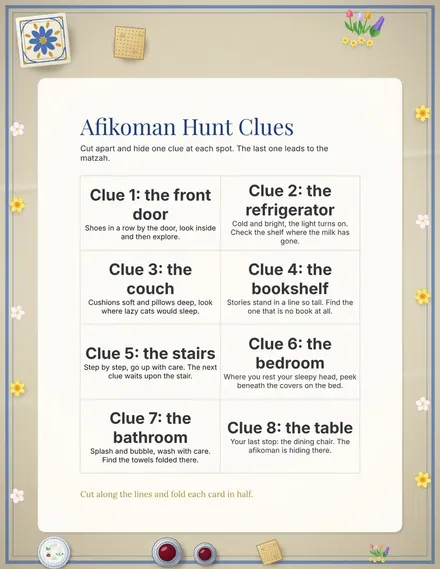
Afikomen Hunt Clue Cards
Docs + Word1 page
Free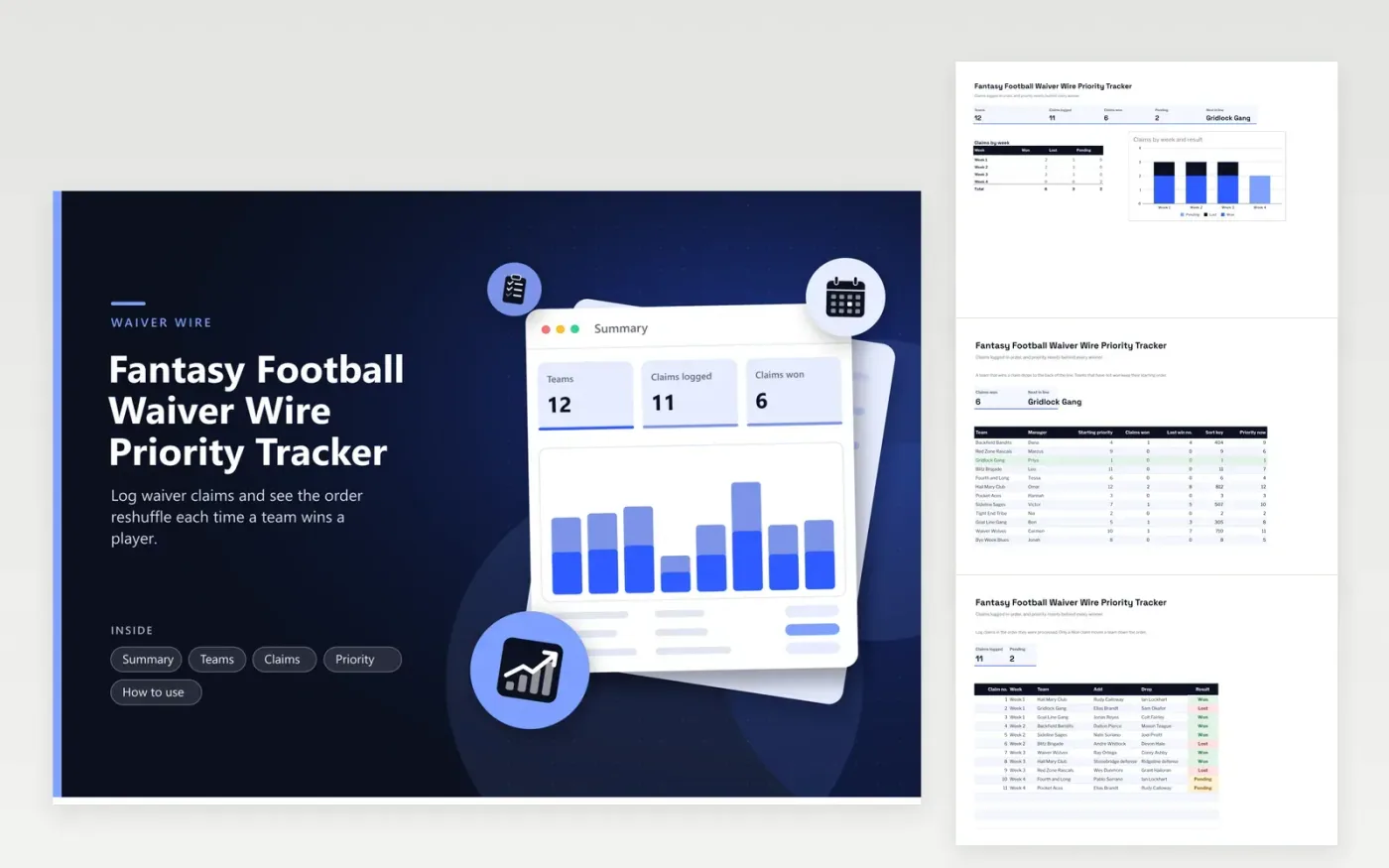
A rolling waiver list is easy to explain and hard to keep straight: when a team wins a claim it drops to last place, and everyone behind it moves up. This sheet keeps the order for you. Log each claim on the Claims tab in the order it was processed, mark it Won, Lost or Pending, and the Teams tab recalculates who is first in line.
The Priority tab lists the current order in plain rows so it can be pasted into the league chat before the next run. Summary shows how many claims were won, lost and still pending each week. Teams that never won keep their starting priority, so the list stays fair all season.
Click Make a copy in Google Sheets, then confirm on the Google page. The copy is saved to your own Google Drive.
Start on the Teams tab: replace the sample rows with your own.
Keep the formula columns as they are; they fill in as you type.
Read the How to use tab for tips. For Excel, download the .xlsx file instead.
In a rolling list, a team that wins a claim goes to the back of the order and every team behind it moves up one place. A lost claim changes nothing.
Yes. The claim number is the order the claims were processed, and the team with the highest winning number is last in line.
Not directly. It follows the rolling priority rule. A budget system needs a bid column and a money total, which you could add on the Claims tab.
Docs + Word1 page
Free
Docs + Word2 pages
Free
Docs + Word1 page
Free
Sheets + Excel17 tabs
Free
Sheets + Excel6 tabs
Free
Sheets + Excel7 tabs
Free
Docs + Word1 page
Free
Sheets + Excel8 tabs
Free
Docs + Word1 page
Free
Docs + Word1 page
Free
Docs + Word1 page
Free
Docs + Word1 page
Free
Sheets + Excel8 tabs
Free
Docs + Word1 page
Free
Sheets + Excel7 tabs
Free