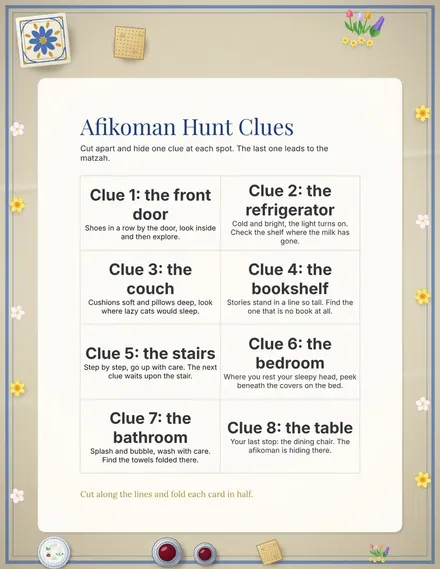
Afikomen Hunt Clue Cards
Docs + Word1 page
Free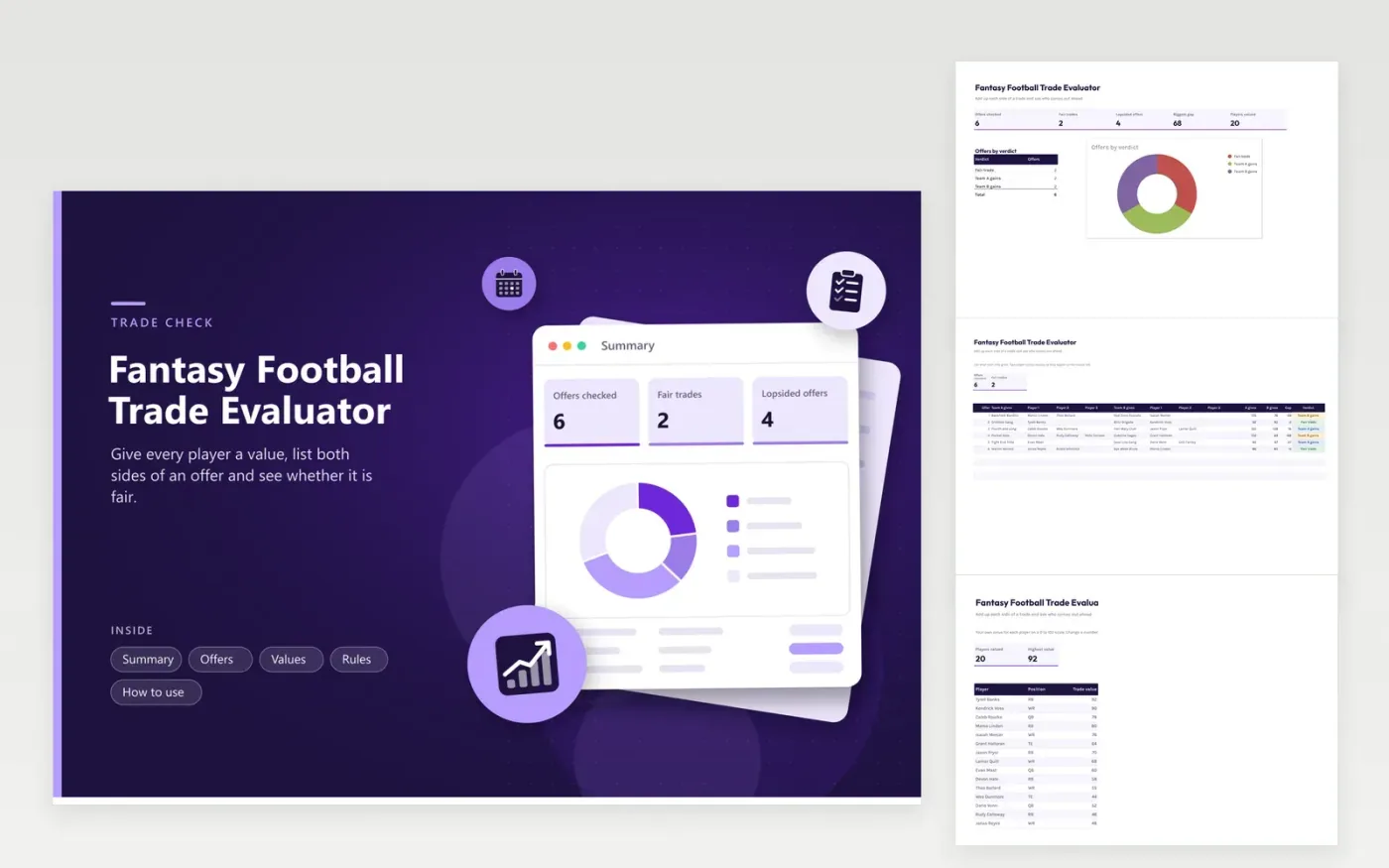
A trade that feels fair in the group chat often is not. This sheet puts numbers on it. You give each player a value from 0 to 100 on the Values tab, then list up to three players on each side of an offer. The Offers tab adds each side, shows the gap, and says Fair trade, Team A gains or Team B gains.
You set how strict it is: the fair trade band on the Rules tab decides how close the totals must be. Summary counts the offers by verdict and shows the biggest gap, so a commissioner reviewing a stack of proposals can see the lopsided ones first. The numbers are yours, so they can follow a projection list, a draft price or a gut feeling.
Click Make a copy in Google Sheets, then confirm on the Google page. The copy is saved to your own Google Drive.
Start on the Offers tab: replace the sample rows with your own.
Keep the formula columns as they are; they fill in as you type.
Read the How to use tab for tips. For Excel, download the .xlsx file instead.
Use any scale you trust, from 0 to 100. Many managers copy a ranking from a projection site or set values by position scarcity.
It is the share of the larger side that the gap can reach and still count as fair. At 0.1, an offer within 10 percent is fair.
No. It adds values only. A team deep at running back and thin at tight end may still like an offer the numbers call even.
Docs + Word1 page
Free
Docs + Word2 pages
Free
Docs + Word1 page
Free
Sheets + Excel17 tabs
Free
Sheets + Excel6 tabs
Free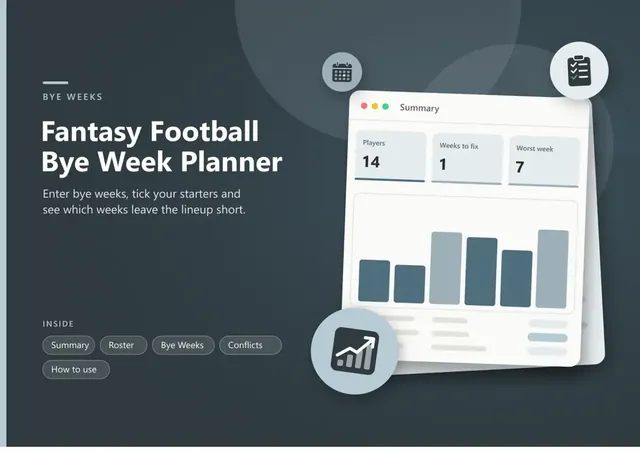
Sheets + Excel7 tabs
Free
Docs + Word1 page
Free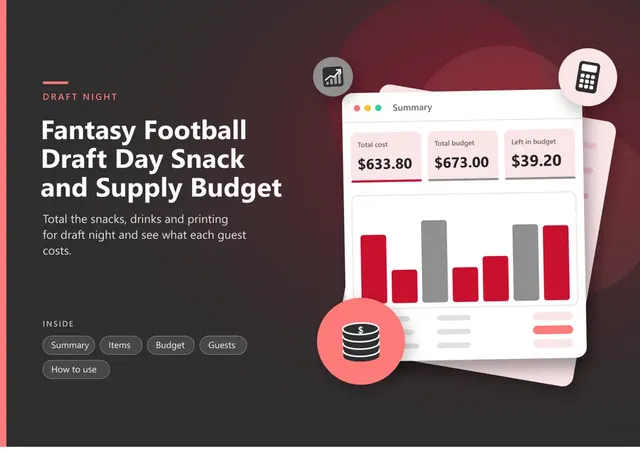
Sheets + Excel8 tabs
Free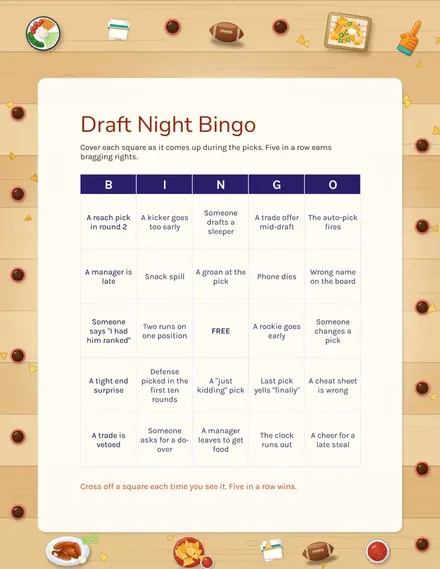
Docs + Word1 page
Free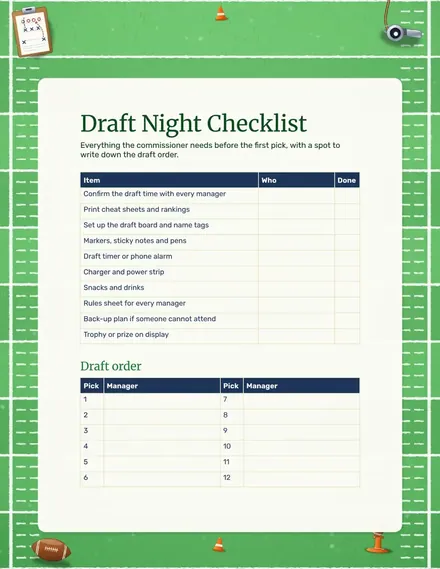
Docs + Word1 page
Free
Docs + Word1 page
Free
Docs + Word1 page
Free
Sheets + Excel8 tabs
Free
Docs + Word1 page
Free
Sheets + Excel7 tabs
Free