.NET Developer Cover Letter
Docs + Word2 pages
Free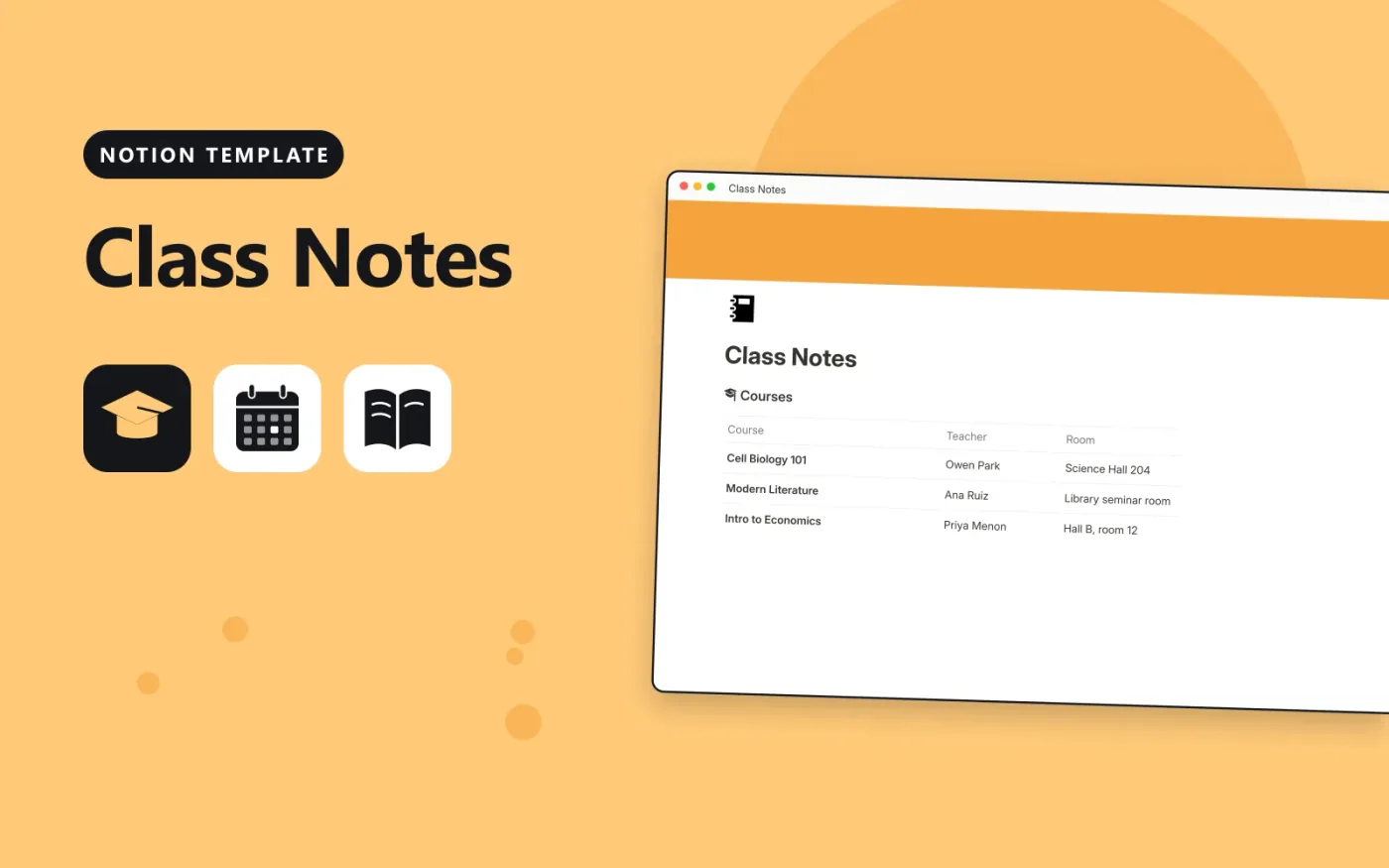
This Notion template keeps each course in one database and every session's notes in another. Each note has a date, a topic, a type such as lecture, reading or lab, and a Review checkbox. Courses show how many notes they have and how many still need a review.
It opens with a short Start here section on note taking and comes with sample courses and notes. Duplicate it, replace the samples with your own timetable, and tick Review on anything you want to go over again before the next test.
Click Duplicate in Notion. The template page opens in Notion.
Click Duplicate at the top right and choose your workspace.
Read the Start here section, then replace the sample entries with your own.
Add a board or calendar view from the + next to the table name if you want one.
Yes. Duplicate it into your own Notion workspace at no cost. The free Notion plan is enough.
It is a rollup on each course. It counts the linked notes whose Review box is not ticked, so you can see what is left to go over.
Open the note in Notes and choose its course in the Course column. The note then appears under that course and joins its counts.
Docs + Word2 pages
Free
Docs + Word2 pages
Free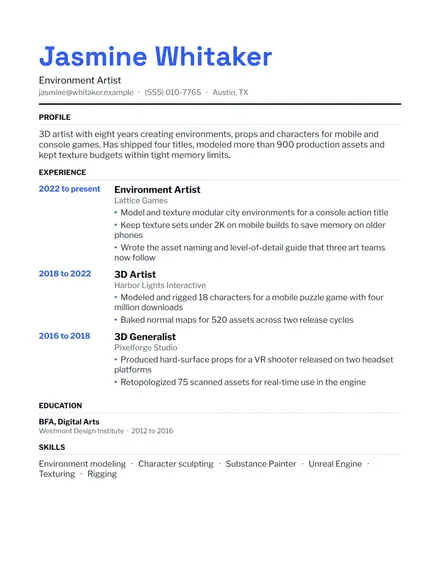
Docs + Word1 page
Free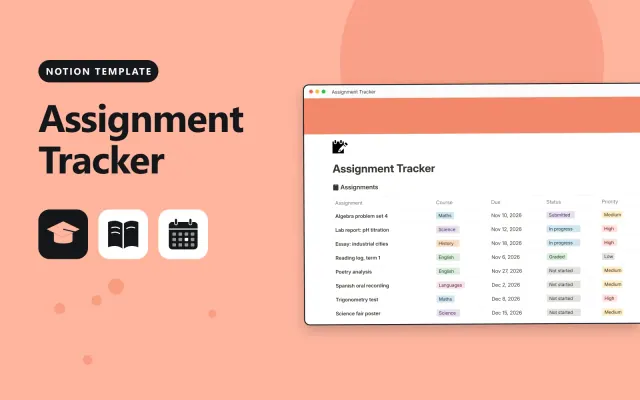
Notion
Free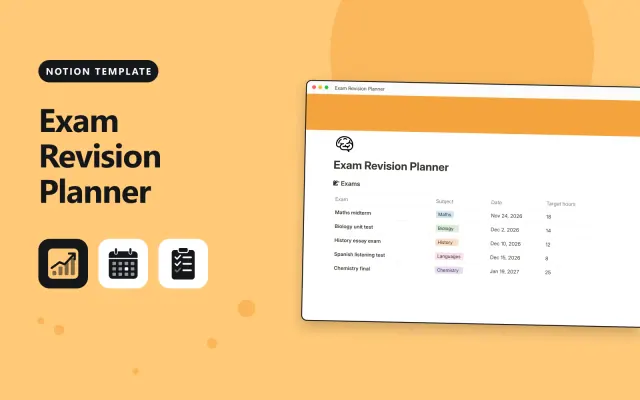
Notion
Free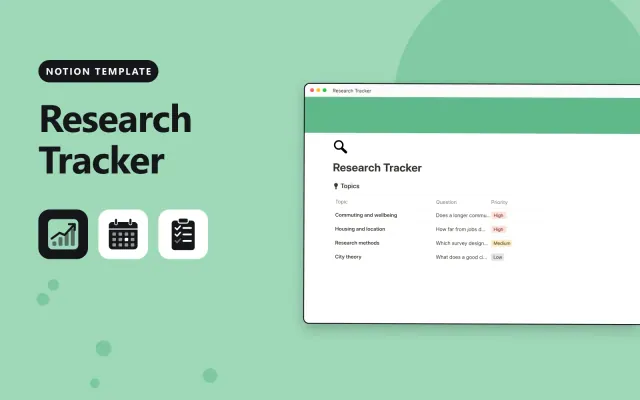
Notion
Free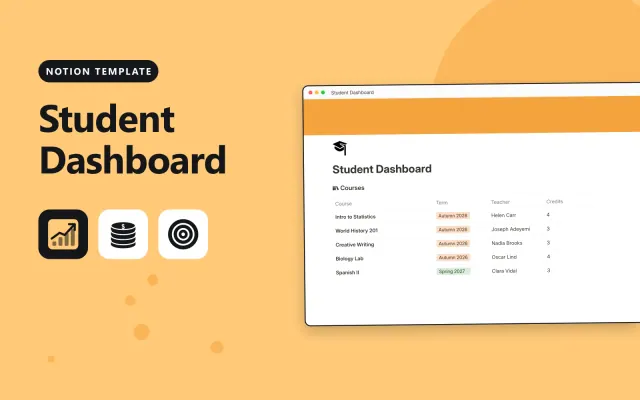
Notion
Free
Notion
Free