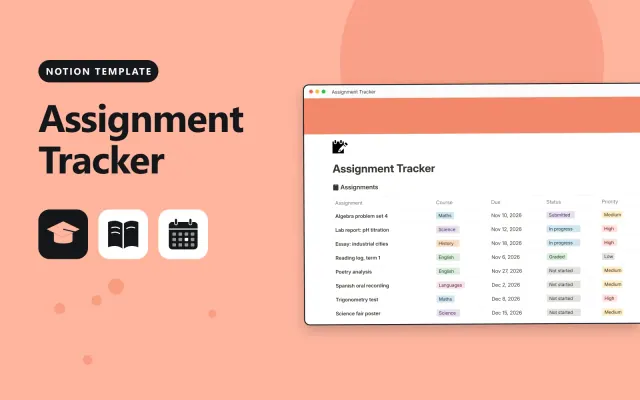
Assignment Tracker
Notion
Free6 templates
Notion
Free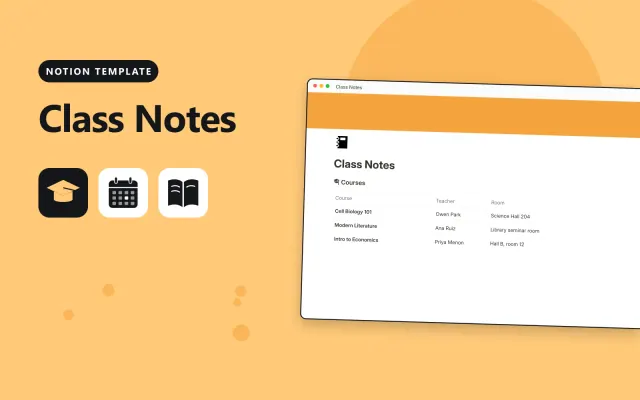
Notion
Free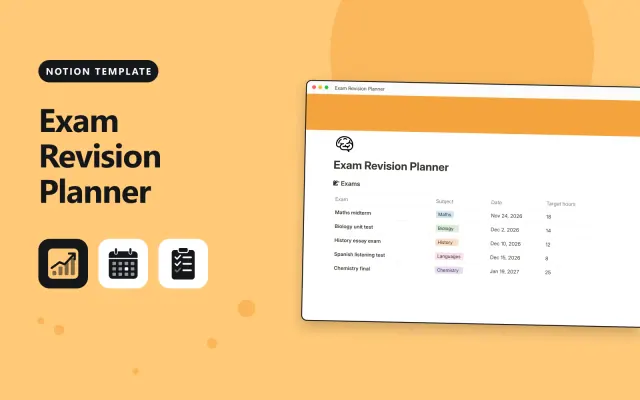
Notion
Free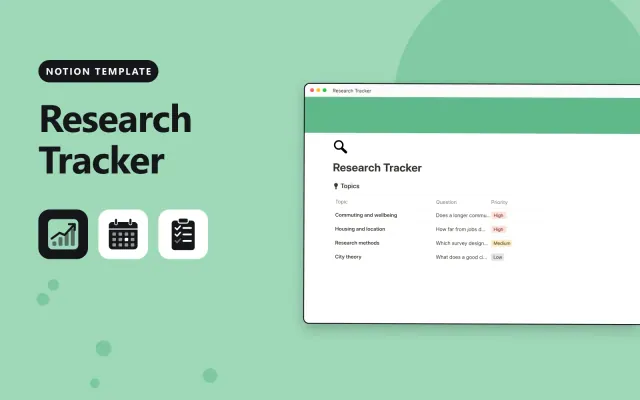
Notion
Free
Notion
Free
Notion
Free| Assignment Tracker | Class Notes | Exam Revision Planner | Research Tracker | |
|---|---|---|---|---|
| Format | Workspace | Workspace | Workspace | Workspace |
| Works in | Notion | Notion | Notion | Notion |
| Length | Not listed | Not listed | Not listed | Not listed |
| Style | Not listed | Not listed | Not listed | Not listed |
A Notion study template organises classes, assignments, research and revision in one workspace. Students use it to see what is due and to keep notes next to the work they belong to.
Cover a dashboard with upcoming deadlines, a page for each class with notes, an assignment database with due dates and status, a research or source log, a revision schedule, and sample entries.
Link each assignment to its class page, so the notes and deadlines sit together instead of in separate places.
Compare Assignment Tracker, Class Notes, and Exam Revision Planner, then pick the closest match and replace the sample text with your own.
A Notion study template organises classes, assignments, research and revision in one workspace. Students use it to see what is due and to keep notes next to the work they belong to.
Include a dashboard with upcoming deadlines, a page for each class with notes, an assignment database with due dates and status, a research or source log, a revision schedule, and sample entries. Link each assignment to its class page, so the notes and deadlines sit together instead of in separate places.
Open the template page and select Duplicate. Notion adds a copy to your workspace, and you can rename the class pages and remove the sample entries.
Most study templates work on the free plan, which suits individual use. Check the description for any feature that needs a paid plan before you duplicate it.
Open the assignment database, select the add view button, and choose Calendar. Use the due date property, so each deadline shows on the day it is due.
Start with Assignment Tracker: Track every assignment with its due date, weight and score in one Notion table. If that is not the right fit, compare it with Class Notes.
Yes. These notion students templates work in Notion. All 6 templates are free, with no account or email needed.