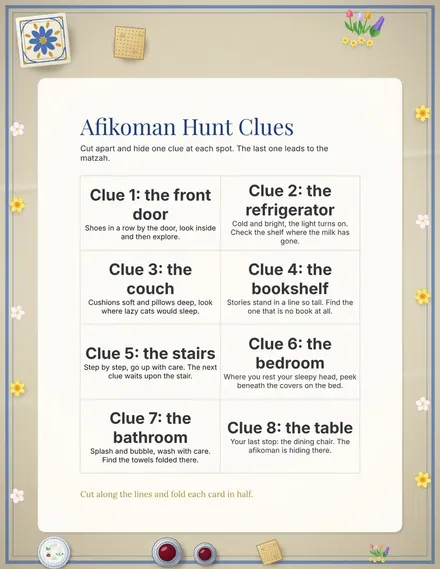
Afikomen Hunt Clue Cards
Docs + Word1 page
Free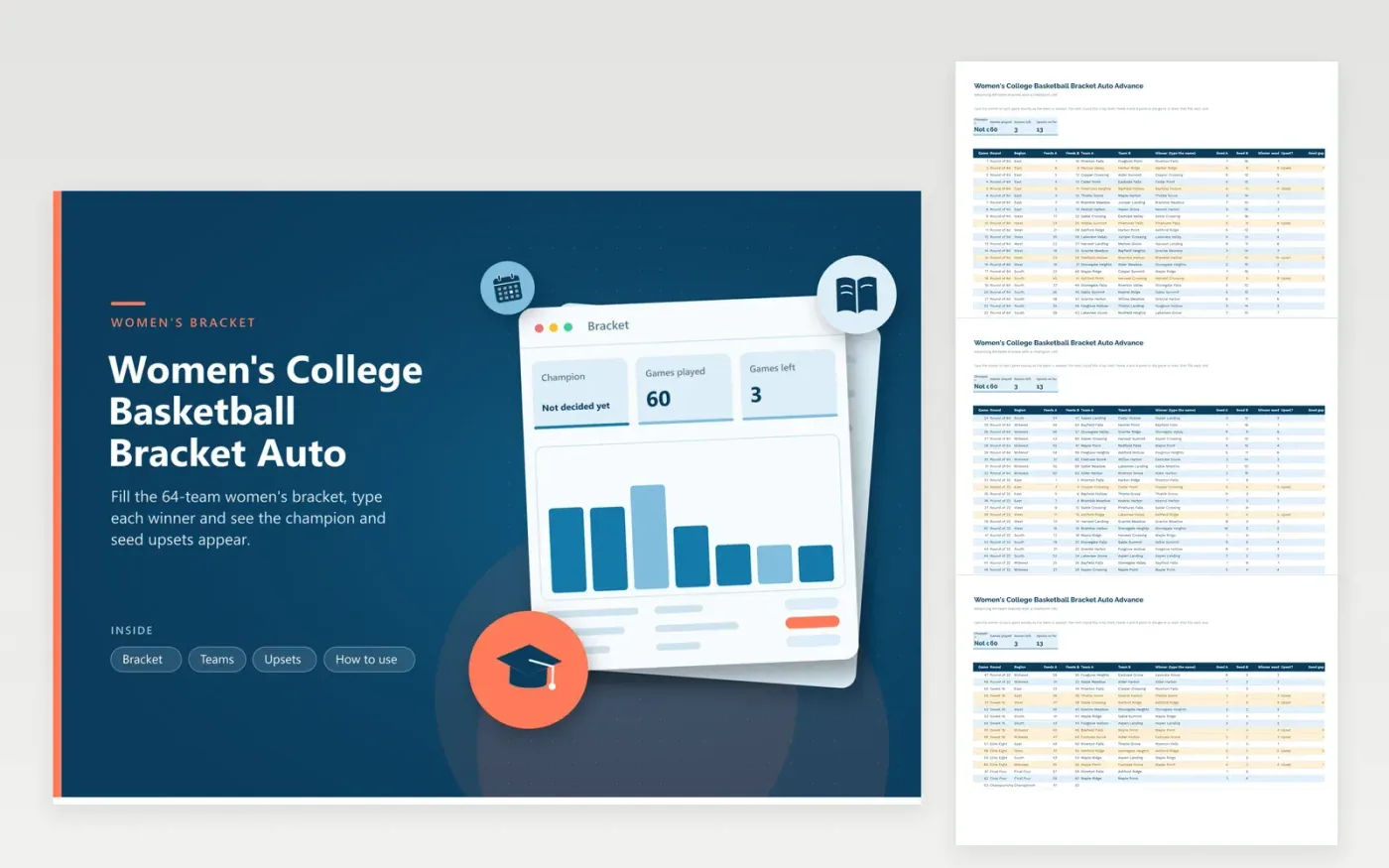
School groups, clubs and families follow the women's tournament in their own pools, and this bracket is built for them. All 64 teams sit in four regions, and each later game reads its teams from the winners above, so a typed result moves the winner forward right away.
The champion cell fills once the title game has a winner. The Upsets tab shows how many games the lower seed won in each round, which seeds did it and the biggest gap so far. Dates are set for the 2027 season: the field is expected around March 14 and the semifinals on April 3.
Click Make a copy in Google Sheets, then confirm on the Google page. The copy is saved to your own Google Drive.
Start on the Bracket tab: replace the sample rows with your own.
Keep the formula columns as they are; they fill in as you type.
Read the How to use tab for tips. For Excel, download the .xlsx file instead.
Put the 64 teams on the Teams tab in seed order, then enter the winner of each game on the Bracket tab. The later rounds fill in by themselves.
The Champion cell at the top of the Bracket tab shows the winner of the title game and reads Not decided yet until you type it.
No. Sample teams are made-up places. Replace them with the real field when it is announced.
Docs + Word1 page
Free
Docs + Word2 pages
Free
Docs + Word1 page
Free
Docs + Word1 page
Free
Docs + Word1 page
Free
Docs + Word1 page
Free
Docs + Word1 page
Free
Docs + Word1 page
Free
Docs + Word1 page
Free
Docs + Word2 pages
Free
Docs + Word1 page
Free
Docs + Word1 page
Free
Docs + Word1 page
Free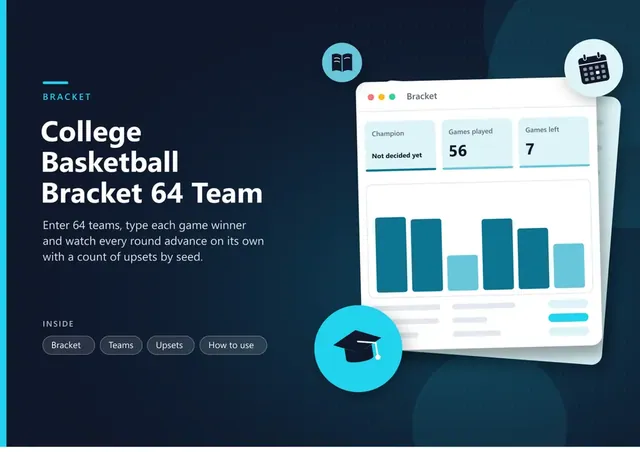
Sheets + Excel11 tabs
Free
Docs + Word1 page
Free