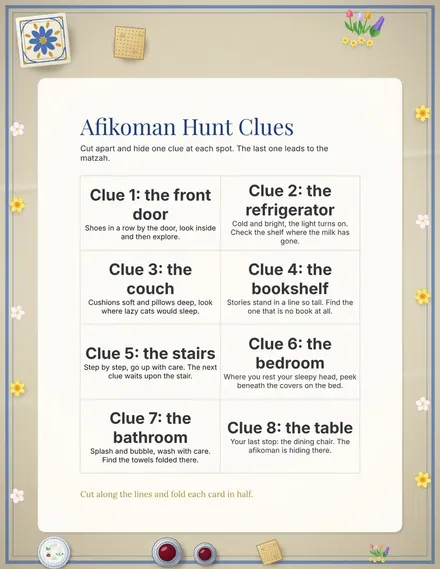
Afikomen Hunt Clue Cards
Docs + Word1 page
Free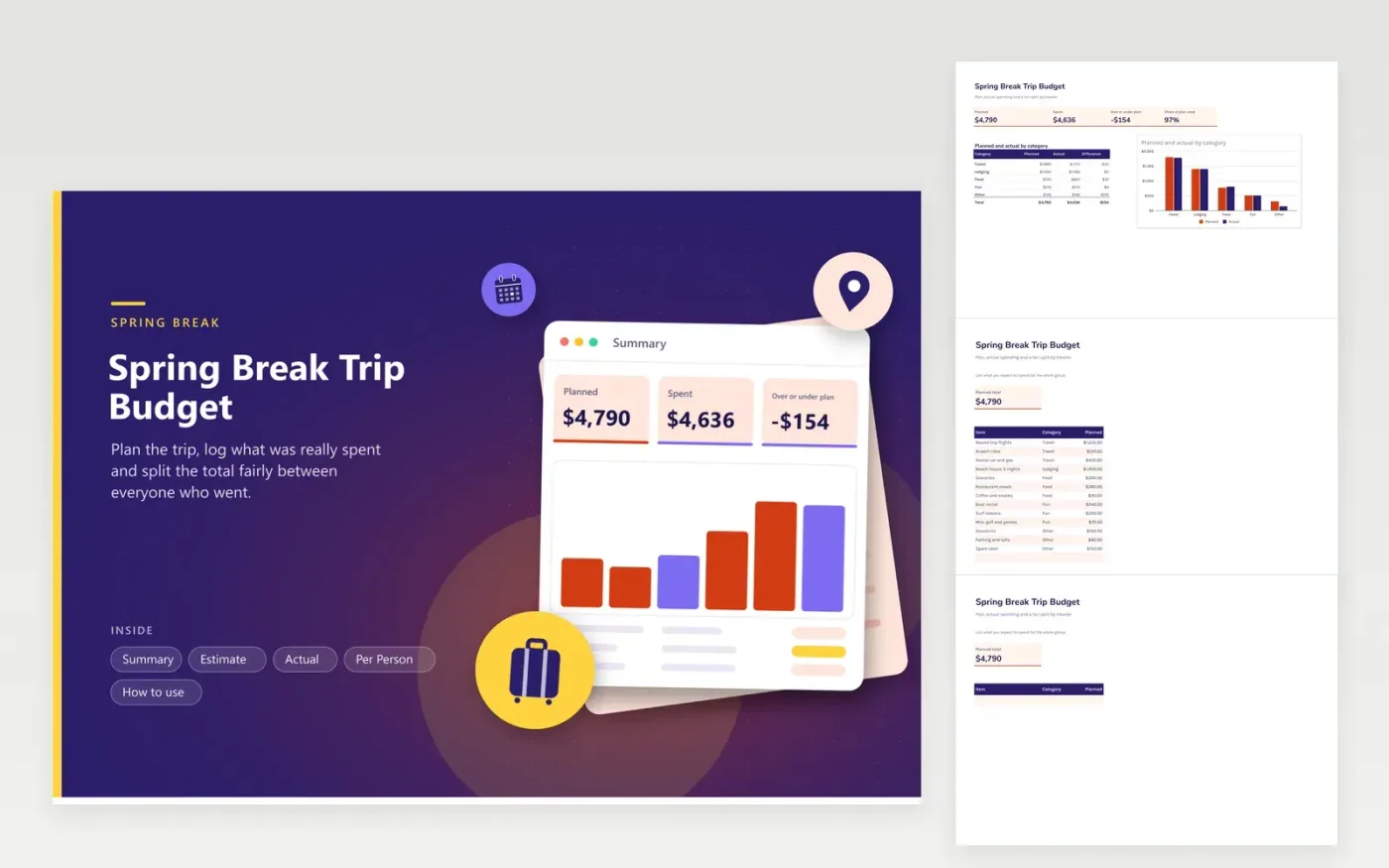
Spring break plans come with a group chat and a lot of Venmo requests. This budget gives the trip a plan, a record of what was really spent and a fair split. List the estimate by category, log each cost with the friend who paid and let the sheet compare the two.
Per Person splits the real total evenly across the travelers and shows who is owed and who owes, so a single settle-up replaces a dozen small payments. The Summary shows which category ran over. The sample is a five-person beach trip planned for mid-March 2027.
Click Make a copy in Google Sheets, then confirm on the Google page. The copy is saved to your own Google Drive.
Start on the Estimate tab: replace the sample rows with your own.
Keep the formula columns as they are; they fill in as you type.
Read the How to use tab for tips. For Excel, download the .xlsx file instead.
Record each cost next to whoever paid it. The sheet shares the total evenly and tells each friend whether to collect or pay.
Yes. The Summary tab shows planned, actual and the difference for travel, lodging, food, fun and other costs, with a chart.
Type the travelers on the Per Person tab. The fair share and planned amount each update to match, for up to ten people.
Docs + Word1 page
Free
Docs + Word2 pages
Free
Docs + Word1 page
Free
Docs + Word1 page
Free
Docs + Word1 page
Free
Docs + Word1 page
Free
Docs + Word1 page
Free
Docs + Word1 page
Free
Docs + Word1 page
Free
Docs + Word1 page
Free
Docs + Word1 page
Free
Docs + Word1 page
Free
Docs + Word1 page
Free
Docs + Word1 page
Free