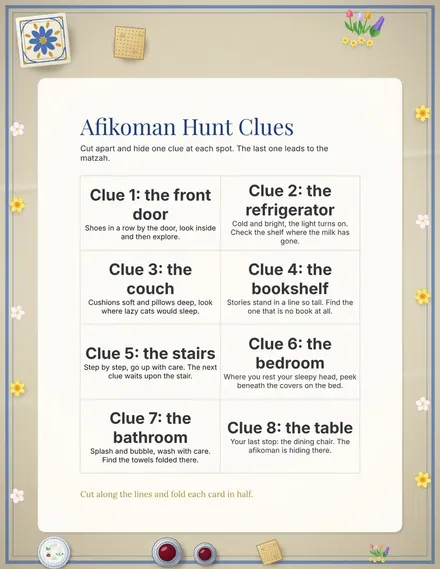
Afikomen Hunt Clue Cards
Docs + Word1 page
Free
Scoring an office bracket by hand means comparing twelve sheets of paper with sixty-three results. Here every entry gets a column of picks, and the real results sit on one tab. Type each winner and loser as games finish and every entry is graded on its own, with points that grow in later rounds.
The Leaderboard ranks entries by points, breaks ties with whoever guessed the final score total closest and shows a best possible score, which adds only the points an entry can still earn from teams that are not out. Points per round are yours to change. Scoring is in points only.
Click Make a copy in Google Sheets, then confirm on the Google page. The copy is saved to your own Google Drive.
Start on the Results tab: replace the sample rows with your own.
Keep the formula columns as they are; they fill in as you type.
Read the How to use tab for tips. For Excel, download the .xlsx file instead.
Paste each entry's picks into a column on the Entries tab and enter the real results. The sheet compares them and gives points per round for every entry.
It is the entry's points so far plus the points still available from picks whose teams have not lost. It shows who can still win.
Whoever guessed the combined score of the championship game most closely wins the tie. A second tie goes to the entry with the lower number.
Docs + Word1 page
Free
Docs + Word2 pages
Free
Docs + Word1 page
Free
Docs + Word1 page
Free
Docs + Word1 page
Free
Docs + Word1 page
Free
Docs + Word1 page
Free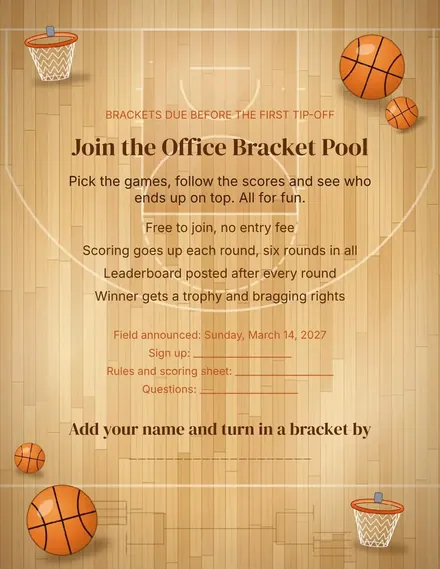
Docs + Word1 page
Free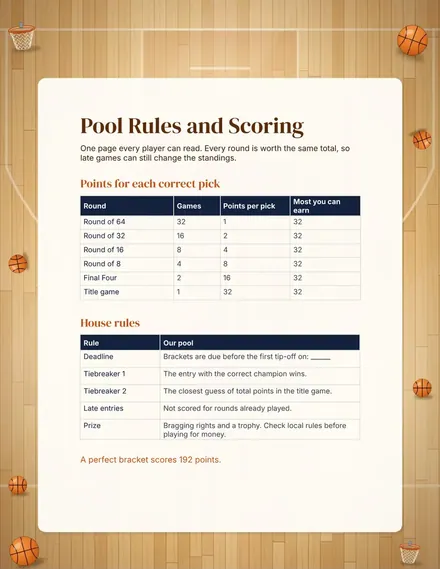
Docs + Word1 page
Free
Docs + Word2 pages
Free
Docs + Word1 page
Free
Docs + Word1 page
Free
Docs + Word1 page
Free
Sheets + Excel11 tabs
Free
Docs + Word1 page
Free