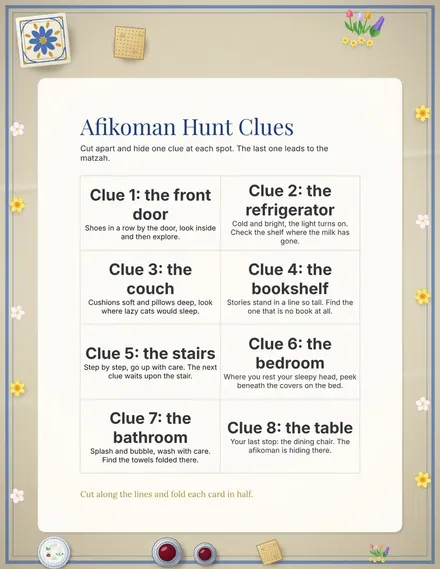
Afikomen Hunt Clue Cards
Docs + Word1 page
Free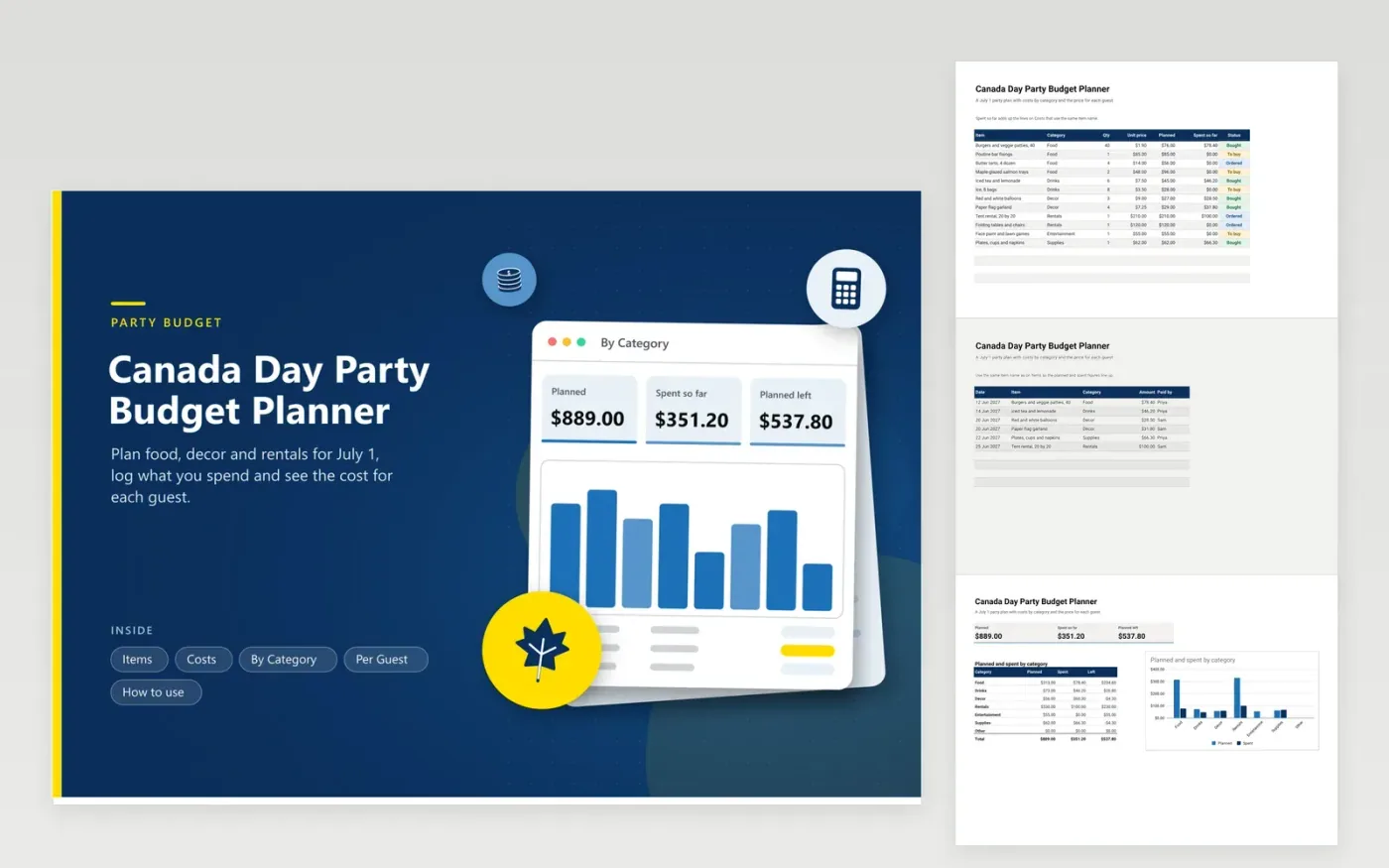
A Canada Day party mixes food, decor, rentals and games, and the bill arrives in pieces over several weeks. This planner separates the plan from the spending. The Items tab is your shopping plan: each purchase gets a category, a count and a price, and the planned cost adds itself up. The Costs tab is where each real receipt goes, with a date and who paid.
Spent so far appears next to each planned item as soon as you enter a cost with the same name. The By Category tab compares planned and real totals in a chart, and the Per Guest tab divides both by a confirmed head count, a guess if everyone brings company and a small backyard crowd. Sample lines include a poutine bar, butter tarts, a tent rental and flag garland.
Click Make a copy in Google Sheets, then confirm on the Google page. The copy is saved to your own Google Drive.
Start on the Items tab: replace the sample rows with your own.
Keep the formula columns as they are; they fill in as you type.
Read the How to use tab for tips. For Excel, download the .xlsx file instead.
Enter each purchase on the Costs tab using the same item name as on Items. The spent figure next to the item and the category chart both update.
The sheet shows a dollar sign and does no currency conversion, so Canadian dollars work as they are.
It divides the planned total and the real total by each guest count you enter, to show how a bigger or smaller crowd changes the cost for each person.
Docs + Word1 page
Free
Docs + Word2 pages
Free
Docs + Word1 page
Free
Docs + Word1 page
Free
Docs + Word1 page
Free
Docs + Word1 page
Free
Docs + Word1 page
Free
Docs + Word2 pages
Free
Docs + Word1 page
Free
Docs + Word1 page
Free
Docs + Word1 page
Free
Docs + Word1 page
Free
Docs + Word1 page
Free