A resume for a US employer is one or two pages on Letter paper, with no photo, no date of birth and no marital status, and your most recent job first. It is written as short bullet points with numbers, in a plain layout that hiring software can read. The ten points below cover what American recruiters expect, and where the rules differ from the CV you may have used in another country.
1. Call it a resume, and keep it to one or two pages
In the United States the standard job document is a resume: a short summary of the experience that matters for one specific job. A “CV” here usually means the long academic document used by professors, researchers and physicians, with publications, grants and teaching. If a US job posting outside those fields asks for a CV, it almost always wants a resume.
Length is the first thing people get wrong. A practical rule:
- One page if you have less than about 10 years of experience, or you are a student or recent graduate.
- Two pages if you have a longer career and every line on page two still supports the job you want.
- Three or more only for an academic CV or a federal application.
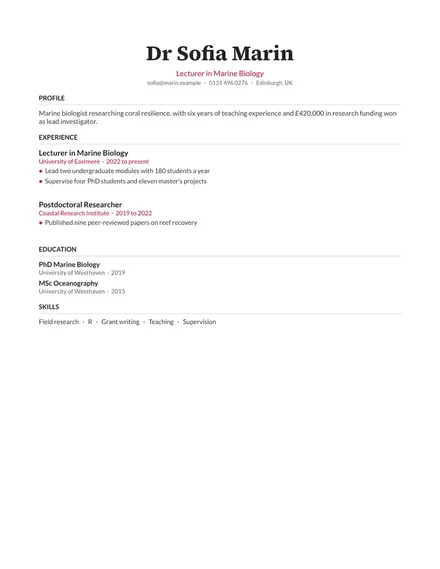
If you are applying for faculty or research work, start from an academic CV template instead, since the sections and the order are different.
2. Leave off the photo and personal details
This is the biggest difference from resumes in much of Europe, Latin America, Asia and the Middle East. A US resume does not include:
- A photo
- Age or date of birth
- Marital status, children or gender
- Nationality, religion or place of birth
- Social Security number, passport number or any ID number
Federal and state laws bar employers from basing hiring decisions on things like race, religion, sex, national origin and age. Recruiters therefore prefer not to see that information at all, and some companies set aside resumes with photos to avoid any appearance of bias. Never put a Social Security number on a resume; an employer asks for it after you are hired, on official forms.
3. Write a contact line a US recruiter can use
The top of the page needs five things: your name, city and state, phone, email and a LinkedIn link. A full street address is no longer expected, and leaving it off protects your privacy.
Before: Calle 45 No. 12-30, Apt 502 | Tel: 0057 300 1234567 | D.O.B. 04/03/1994
After: Austin, TX | (512) 555-0142 | maria.lopez@example.com | linkedin.com/in/marialopez
Write US phone numbers as (512) 555-0142 or 512-555-0142. If you are applying from abroad, add the country code with a plus sign, and say in your summary when you will be in the US or that you are relocating. Use an email address built from your name, not a nickname or an old school account that will expire.
4. Put the newest job first and write dates the American way
The expected format is reverse chronological: current or latest job at the top, then backward in time. Each entry gets the job title, employer, city and state, and dates. A purely “functional” resume that hides dates behind skill groups makes recruiters suspicious and confuses hiring software.
Write dates as month and year: “March 2022 – Present” or “Mar 2022 – Present”. Avoid all-number dates. In the US, 03/04/2022 means March 4, not April 3, so a reader from either system can misread it. Pick one style and use it on every line.
If you are changing fields, keep the chronological order but add a short summary and a skills section that connect your past work to the new role. The career change resume templates are laid out for that.
5. Set the page to Letter size, not A4
US and Canadian offices print on Letter paper, 8.5 by 11 inches. A4 is narrower and taller, and an A4 file printed on Letter gets cut off or shrunk with uneven margins. In Google Docs, open File, then Page setup, and choose Letter. In Word it is under Layout, then Size.
Other page settings that work:
- Margins between 0.5 and 1 inch on all sides
- Body text at 10 to 12 points; your name at 18 to 24
- One common font such as Arial, Calibri, Georgia or Times New Roman
- Black text, with at most one accent color for headings
Save as PDF unless the posting asks for a Word file, and name the file so it makes sense on a recruiter’s computer: Maria-Lopez-Resume.pdf, not CV-final-v3.pdf.
6. Use a layout that applicant tracking systems can read
Most mid-size and large US employers collect applications through an applicant tracking system (ATS). The software pulls the text out of your file and sorts it into fields. A design that looks good to a person can come out scrambled.
To stay safe:
- Use standard headings: Summary, Experience, Education, Skills, Certifications.
- Keep important text out of images, text boxes, headers and footers.
- Prefer one column for online applications. Two columns are fine for a resume you hand to someone or email directly.
- Use plain round bullets and spell out an acronym once: “Search engine optimization (SEO)”.
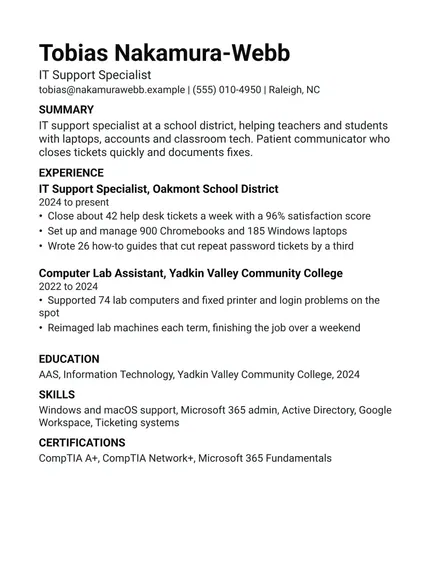
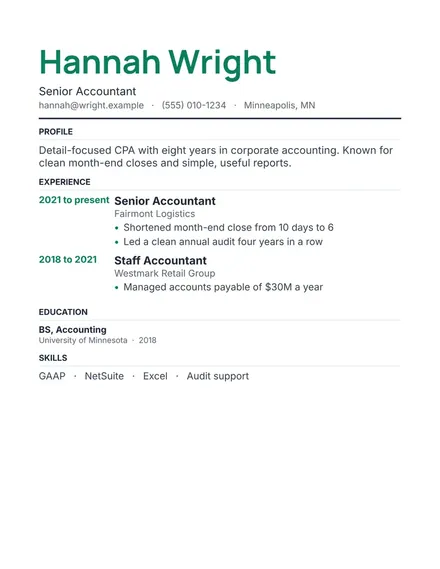
A quick test: copy all the text from your PDF and paste it into a blank note. If it comes out in the right order, software will read it too. The ATS resume templates are built on this pattern, and the ATS-friendly resume is a good default if you are not sure which to choose.
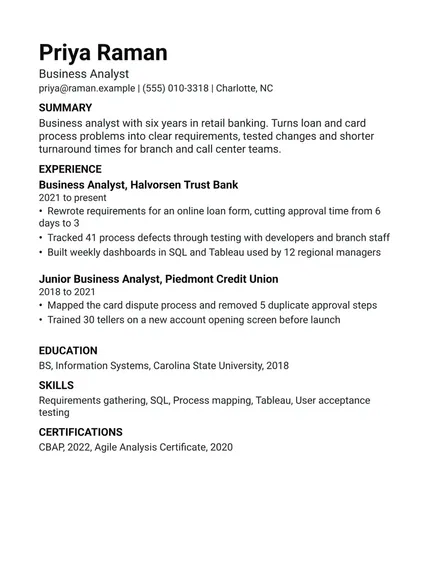
ATS-Friendly Resume
Docs + Word1 page
Free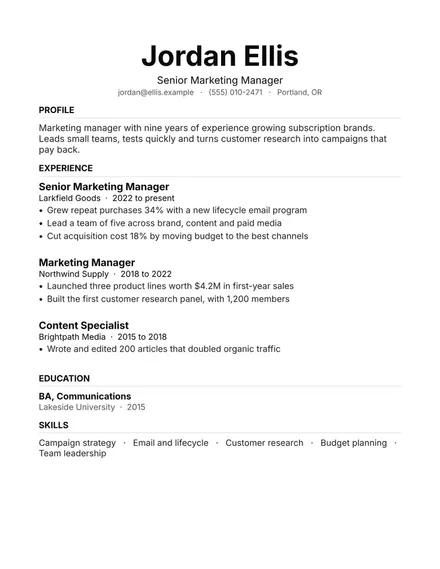
Minimal Resume
Docs + Word1 page
Free
7. Turn duties into results with numbers
American resumes sell. Recruiters expect each bullet to say what you did and what came of it, with a number where you have one. This can feel like boasting if your home culture values modesty, but a list of duties reads as weak here.
Before: Responsible for customer service and complaints.
After: Resolved about 60 customer tickets a day and raised the team’s satisfaction score from 82% to 91% in one year.
Start each bullet with a verb (led, built, cut, trained, sold), drop “I” and “my”, and use past tense for past jobs. Three to five bullets per job is enough; older jobs can have two. Team size, tickets per day and hours saved count as numbers too.
8. Tailor the summary and keywords to each posting
A US resume is not one fixed document. Replace the old “Objective” line with a two- or three-line summary that names your role, years of experience and two strengths that match the job. Then read the posting and use its exact words for skills you really have. If it says “accounts payable”, do not write only “AP” or “vendor payments”.
Keep a long master resume with everything, and cut a copy down for each application. It takes 15 minutes and matters more than any design choice. Students and first-time applicants can lead with projects, coursework and part-time jobs; the student resume templates and entry-level resume templates are arranged that way.
9. Explain foreign degrees, languages and work authorization
If you studied or worked outside the US, make it easy for the reader to compare.
- Degrees: Give the original degree and a US comparison, for example “Licenciatura in Accounting (comparable to a US bachelor’s degree), Universidad de Guadalajara, Mexico”. Do not claim an exact equivalence unless you have a credential evaluation. Licensed professions and many universities require one from an evaluation service; the NACES member list is the usual place to find them.
- Grades: Add a GPA only if you are a recent graduate and it is strong, about 3.5 or higher on the 4.0 scale. Do not convert foreign grades yourself.
- Employers: Add a few words for a company an American may not know: “Grupo Alfa (industrial manufacturer, 80,000 employees)”.
- Languages: List each with a level: “Spanish (native), English (fluent), Portuguese (conversational)”. If the job serves bilingual customers, put “Bilingual English/Spanish” in the summary too.
- Work authorization: This is optional, but if a foreign address or degree might raise the question, one line helps: “Authorized to work in the US”. Do not list visa numbers or immigration documents.
10. Keep references off the page, and know the exceptions
Do not list references or write “References available upon request”. Employers ask for them late in the process. Prepare a separate one-page list of three people, with name, title, company, phone, email and how you worked together, and ask each person first.
Two cases break the rules above. A federal government application through USAJOBS needs more detail than a private-sector resume: hours per week, exact dates and a supervisor contact for each job, with page limits set in the announcement. Start from the government resume templates or the federal resume, and follow the announcement’s instructions over any general advice. The second case is the academic CV described in point 1.
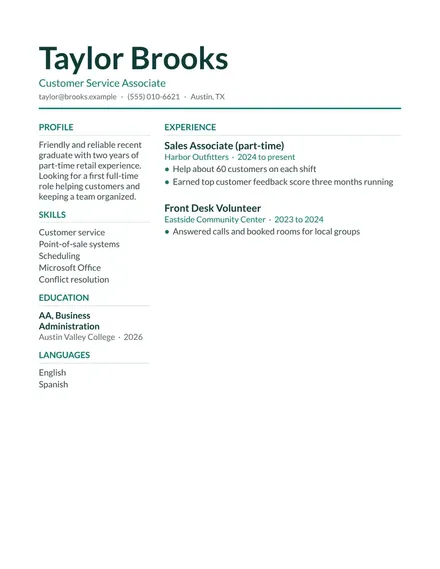
Entry-Level Resume
Docs + Word1 page
Free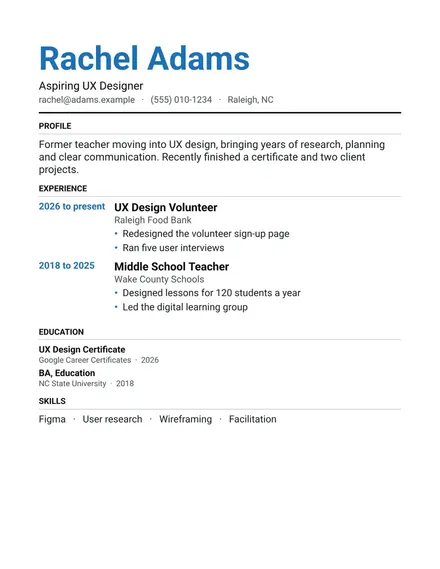
Career Change Resume
Docs + Word1 page
Free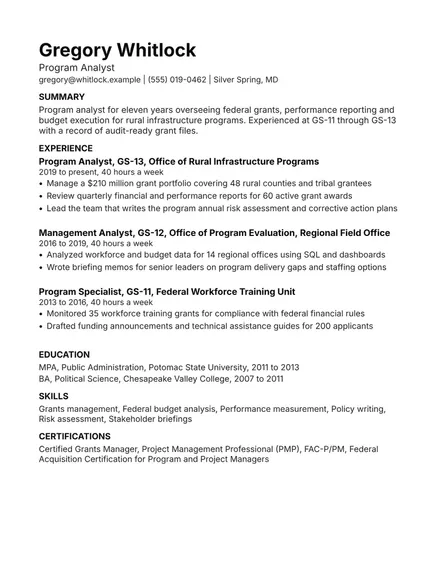
Federal Resume
Docs + Word1 page
Free
A note on Canada
Canadian employers follow nearly the same rules: no photo, no age, Letter paper, reverse chronological order. Two pages are more readily accepted, spelling is Canadian (colour, centre), and you should never include your Social Insurance Number. In Quebec the document is often called a CV and many jobs expect it in French.
Where to start
Pick a plain layout from the full set of resume templates, open it in Google Docs or download it for Word, and replace the sample text using the ten points above. If you would rather fill in a form and get a formatted page, the free resume builder does that in the browser.
FAQ
Is a US resume the same as a CV?
Not in the United States. A resume is a one- or two-page summary tailored to a job, and it is what almost every private employer wants. A CV is a longer record of an academic or medical career, with publications and teaching, and has no page limit.
Should I put a photo on my resume in the USA?
No. Employers avoid information that could suggest bias in hiring, so a photo can hurt your application or get it set aside. Put a professional photo on your LinkedIn profile instead and link to it in your contact line.
How long should a resume be in the US?
One page for students, recent graduates and people with less than about 10 years of experience. Two pages are fine for a longer career when the second page is still relevant. Federal resumes and academic CVs are longer and follow their own rules.